Last updated August 28, 2026
Creating a QR code for a website is a straightforward process that can enhance user experience and streamline access to your online content. QR codes offer a quick way for users to navigate directly to your site without manually entering a URL, making them an excellent tool for marketing materials, business cards, and online content.
Here’s a detailed guide on creating a QR code for your website, along with insights into its benefits and answers to common questions.
Step-by-Step Guide: How to Turn a Link into a QR Code
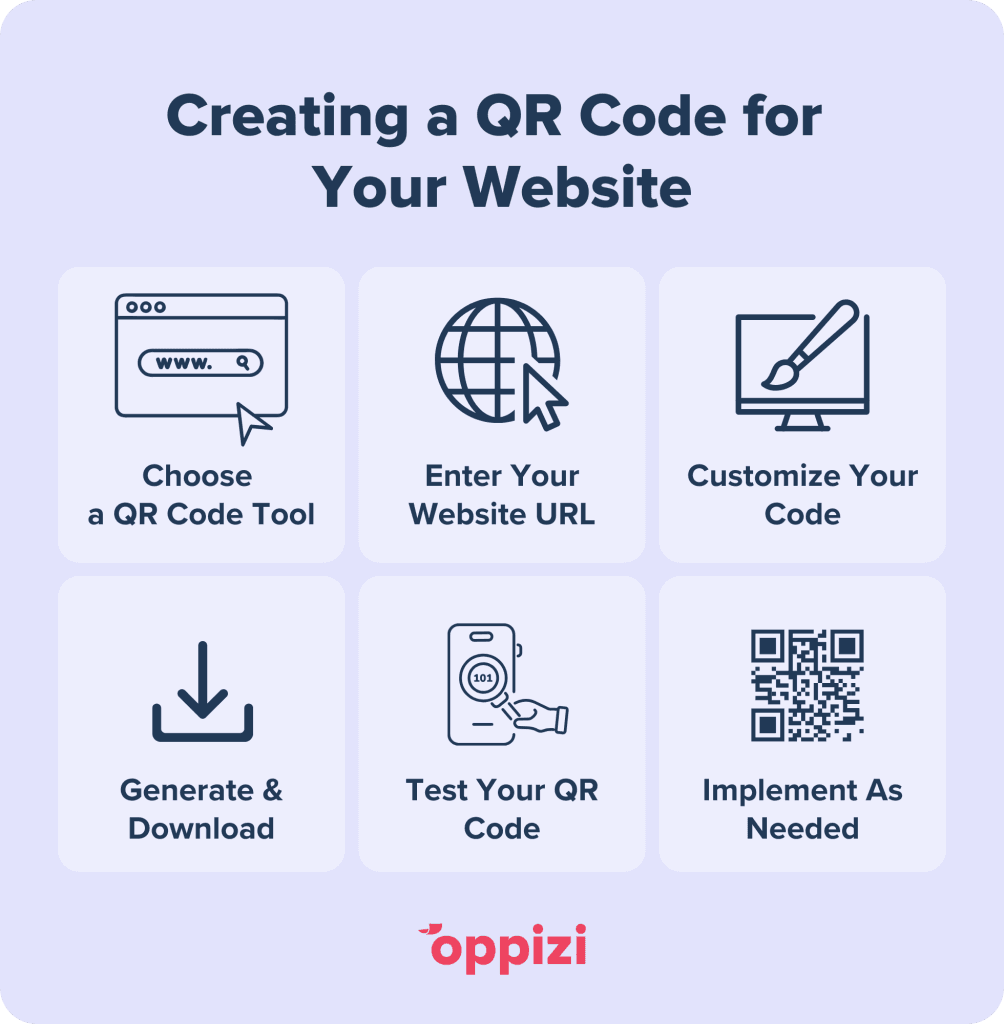
- Choose a QR Code Generator: Start by selecting a free custom QR code generator like Oppizi’s tool, which offers customization and tracking features.
- Enter Your Website URL: Choose the option to create a website QR code and enter the exact URL of your website or the specific page you want to direct users to. Make sure what you’ve entered is correct to avoid broken links.
- Customize Your Code: Customize the design to align with your branding. Keep in mind that highly customized codes with light colors may be harder for some scanners to read.
- Generate and Download the QR Code: After entering the URL and customizing the design, choose how you’d like to download your code. The QR code generator will create an image file in PNG or JPG format. Download the file, and it’s ready for use!
- Test the QR Code: Before sharing your QR code, it’s essential to test it with multiple devices and QR code scanning apps. This ensures that it correctly redirects users to the intended page.
- Use Your QR Code Across Platforms: Now that you have a working QR code, you can integrate it into business cards, flyers, social media profiles, or anywhere else you’d like people to access your website easily.
Benefits of Linking a QR Code to a Website
QR codes are becoming increasingly popular due to their convenience and functionality. Here are some of the main benefits of using a QR code to link to your website:
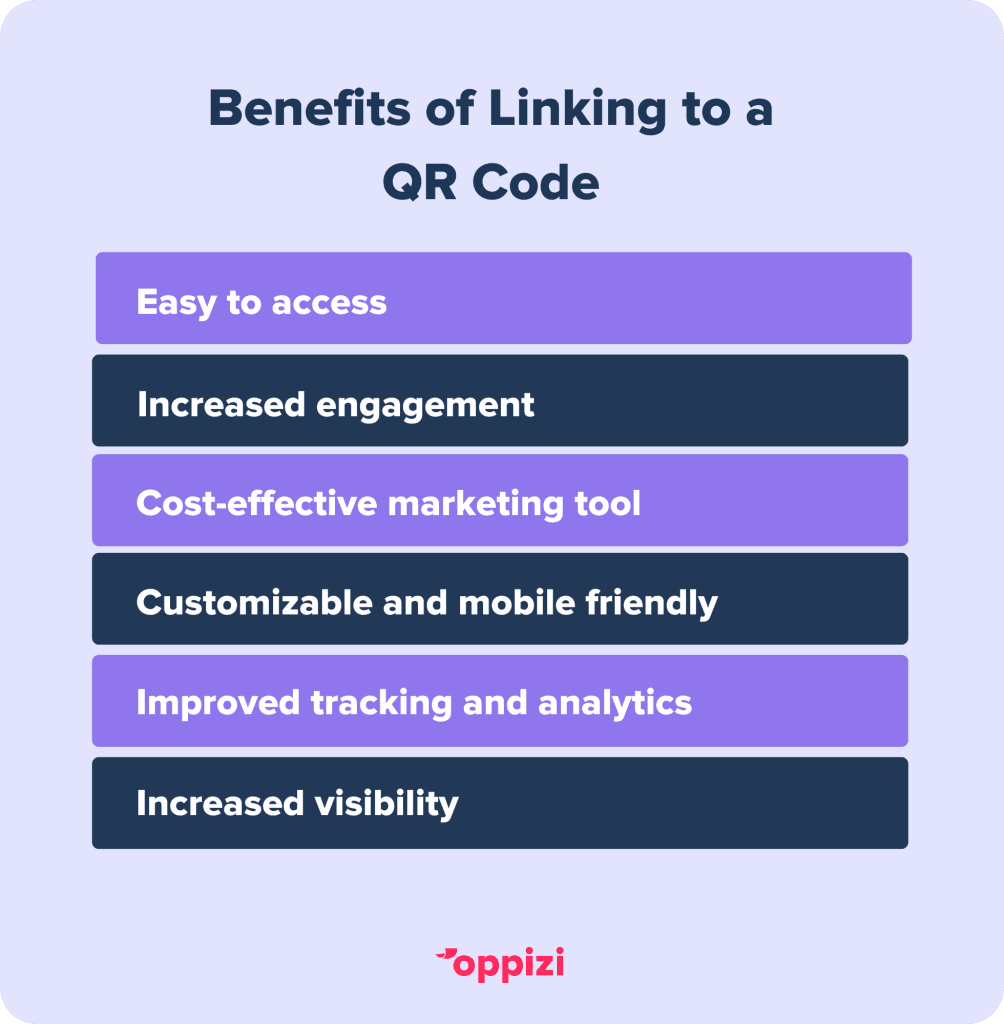
- Ease of Access: Users can simply scan the code with their smartphone to navigate directly to your website, making it easier for potential customers to interact with your brand.
- Improved Engagement: QR codes can encourage engagement by seamlessly bridging offline materials, like brochures or posters, with online content.
- Cost-Effective Marketing Tool: Most QR code generators offer free basic services, making them an affordable addition to your marketing toolkit.
- Data Tracking (on paid plans): Many QR code generators offer tracking options, letting you monitor how many times your QR code is scanned and other valuable insights.
Frequently asked questions
- Are website QR codes free?
Yes, generating a basic QR code for a website is typically free. Most QR code generators offer a free version that includes static QR codes. However, for additional features like customization, data tracking, or high-resolution downloads, some platforms charge a fee. Oppizi’s QR code generator offers access to scan analytics and tracking data free of charge.
- How do I generate a QR code for a website?
To generate a QR code for a website, select a QR code generator like Oppizi’s free tool. input your website URL, customize the design if desired, and click the ‘Generate’ button. Then, download the QR code and test it to ensure it works correctly.
- What is the best QR code generator?
The best QR code generator depends on your needs. There are many free and basic QR code generators out there, Oppizi’s QR code generator offers customization with tracking and can help you meet your marketing goals.
Ready to get started? Try our free QR code generator today and expand your marketing efforts with QR codes today!