Last updated July 23, 2026
In today's competitive environment, where capturing attention is a challenge, marketers are constantly looking for innovative methods to bridge offline interactions with online activities. That’s where QR codes come in. These little black-and-white squares might look simple, but they can be seriously effective, especially when linked to URLs.
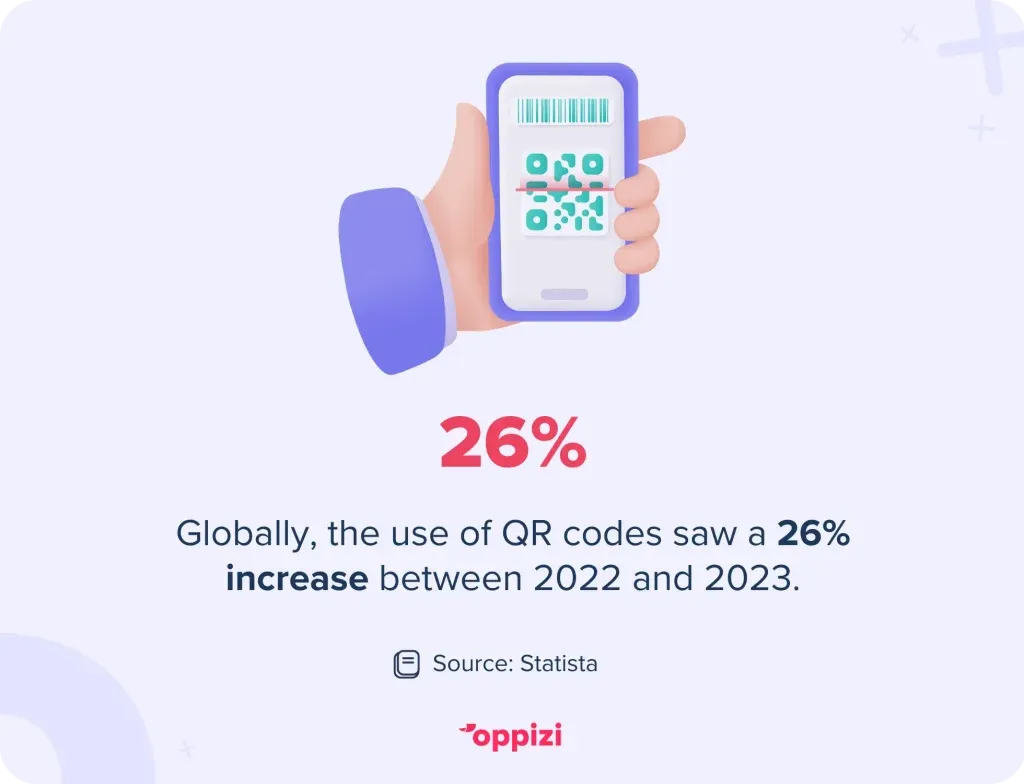
According to Statista, QR code usage increased by 26% globally between 2022 and 2023, and this growth continues as mobile-first experiences dominate.
Whether you're running a flyer campaign, putting up posters, or printing product packaging, QR codes can turn a passive interaction into an active click, visit, or sale. In this article, we’ll explain how and why you should use QR/us/en/resources/blog/qr-code-generator/what-is-a-qr-codecodes for URLs, and offer practical ways to boost engagement using this simple but powerful tool.
What is a QR code for a URL?
A QR (Quick Response) code for a URL is a machine-readable barcode that, when scanned by a smartphone camera, directs users to a specific web address. It acts like a digital shortcut, instantly connecting people to websites, landing pages, forms, videos, or even app downloads - no typing needed. You can also create QR codes for YouTube that link straight to a video.
In marketing, QR codes are a godsend. They’re free to generate, easy to print, and incredibly versatile.
Why use QR codes in your offline marketing?
Here’s why you should include QR codes in your next offline marketing campaign:
1. They drive trackable engagement
You can track every scan with tools like Oppizi or Google Analytics. Want to see how many people scanned your flyer in Barcelona vs. Madrid? No problem.
2. They reduce friction in the customer journey
Forget lengthy, hard-to-remember URLs. QR codes reduce friction and speed up the time it takes for someone to take action, whether it’s booking an appointment or redeeming a promo.
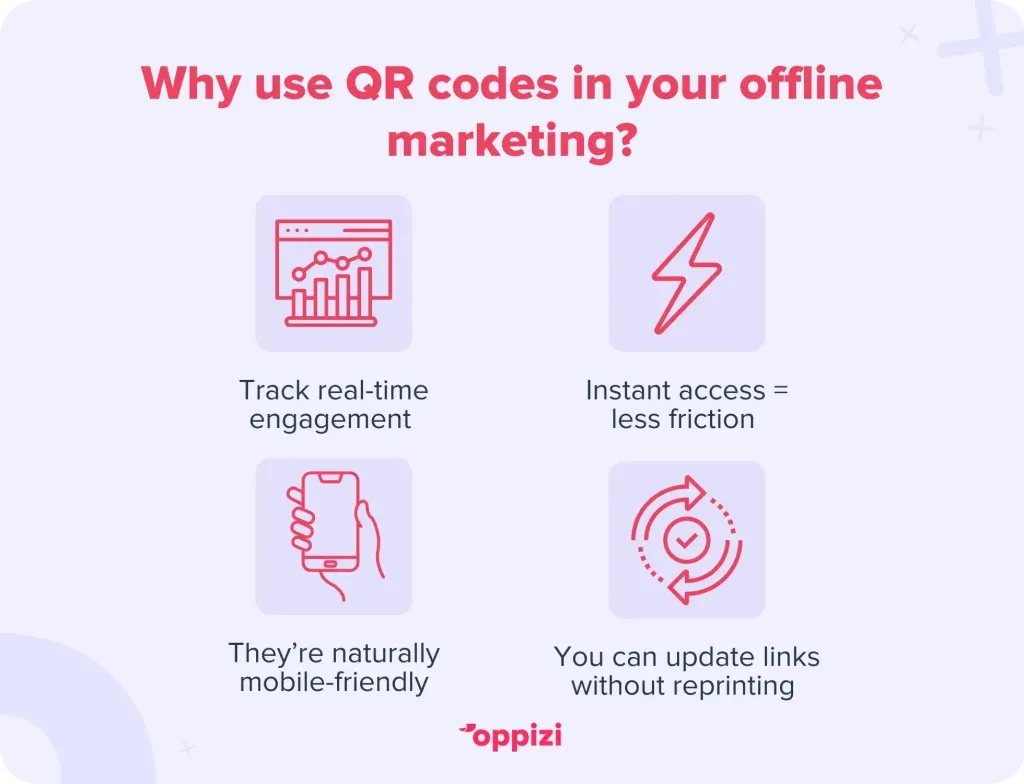
3. They’re mobile-friendly by nature
With over 7.2 billion smartphone users worldwide, QR codes are perfectly placed to meet users where they already are - on their phones.
4. They can be updated dynamically
Dynamic QR codes allow you to change the destination URL without altering the printed code. That means one flyer can remain current, even if your promo page or campaign changes.
Real-world examples of QR codes in action
- Flyer campaigns: A beauty salon can add a QR code to flyers and posters that links directly to their booking page. This can result in more bookings and fewer phone calls.
- Events: Event organizers print QR codes on wristbands or posters, which can lead to a site with event information, or merchandise shops.
- Retail: A fashion brand can include QR codes on in-store posters which lead to styling videos or online stock of limited sizes.
Best practices for using QR codes for URLs
If you use QR codes in marketing, make sure you do it right. Here’s how:
Use a clear call to action
Instead of just placing a code with no instruction, tell people exactly what will happen when they scan. Add copy like “Scan to get 10% off” or “Scan to see our latest collection.”
Ensure the destination is mobile-optimized
Scanning a QR code on a phone should lead to a mobile-friendly experience. Landing on a desktop-only page after scanning is a missed opportunity.
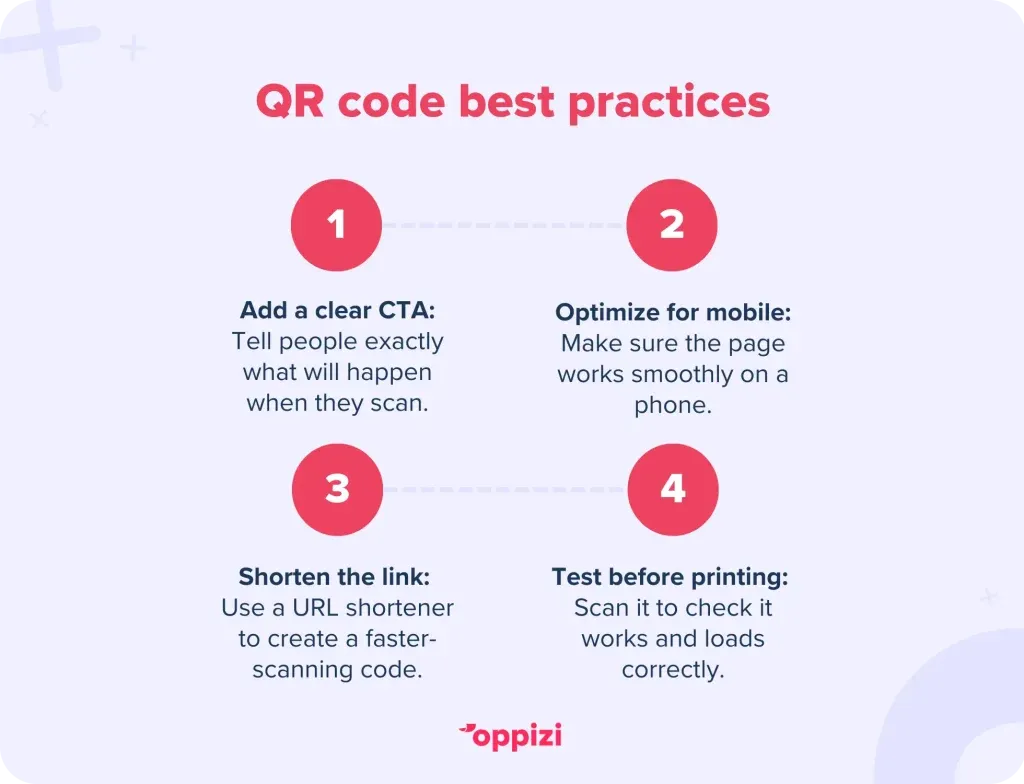
Shorten the URL before generating
Use a URL shortener to create a cleaner code that scans faster and looks neater.
Test it first
Before printing your offline materials, test the QR code yourself. Check that it works, loads quickly, and leads to the right place.
How to create a QR code for a URL
It’s easier than you think. Here's a quick 3-step process:
- Choose a QR code generator: Use a free personalized QR code generator, like Oppizi, that allows you to track performance.
- Paste your URL: Make sure it’s the final version of your landing page or form.
- Download & print: Customize with colors or branding if needed, and embed it into your marketing materials.
Creating a dynamic QR code with Oppizi
If you run a flyer, door hanger, or direct mail campaign with Oppizi, adding a QR code to each piece unlocks a whole new level of customer insight and interaction.
You can:
- Track exactly how many people engage with your campaign
- See geographic hotspots for scan activity
- Drive users straight to your app, website, or booking platform
- Run A/B tests with different landing pages to optimize for conversions
Oppizi leverages technology and physical distribution to enhance offline marketing results. QR codes play a crucial role by converting passive engagements into quantifiable digital results, effectively bridging the gap between the physical and digital.
Frequently asked questions about QR codes for URLs
Can I customize the design of a QR code?
Yes! Custom QR code generators like Oppizi let you add elements like brand colors or your logo. Just make sure the code remains scannable.
Are QR codes secure?
QR codes themselves are safe, but make sure the destination URL is HTTPS and from a trusted source.
Can I print the same QR code on different marketing materials?
Absolutely. One QR code can be used across different flyers, posters, mailers, packaging, and more.

Conclusion
QR codes for URLs are one of the easiest, cheapest, and most effective tools for blending offline and online marketing. With smartphone usage on the rise and consumer expectations higher than ever, adding a QR code to your printed material isn’t just smart - it’s essential.
Want to launch a QR-enabled offline marketing campaign? Oppizi empowers brands to reach their target audience through expertly managed offline marketing campaigns, including flyers and direct mail - now with the added power of digital interaction.
Ready to get started? Generate a free QR code with Oppizi today and make every scan count.