Last updated August 28, 2026
You have seconds to capture attention. Make it effortless. A clunky search or a forgotten link means lost viewers, lost sales, lost opportunities. Give them a direct path—fast, simple, and seamless.
Whether you’re promoting your business, sharing a tutorial, or showcasing a new product, a YouTube QR code can help. It’s a simple way to connect people to your videos right away.
So, what is a YouTube QR code? How do you create one that stands out? This guide will walk you through everything you need to know, step by step. Plus, we'll show you how to use Oppizi’s free QR code generator to create a custom code for your YouTube content.
What is a YouTube QR code?
A YouTube QR code is a scannable code that takes users directly to a specific YouTube video or channel when they scan it with their smartphone. This means no more typing long URLs—viewers can just scan the code and start watching.
Businesses and marketers use YouTube QR codes to:
- Promote videos in print ads, flyers, or on product packaging
- Boost engagement with how-to guides or tutorials
- Share promotional or testimonial videos easily
- Drive traffic from offline materials to digital content
Why use a YouTube QR code?
Using a YouTube QR code in your marketing has many benefits:
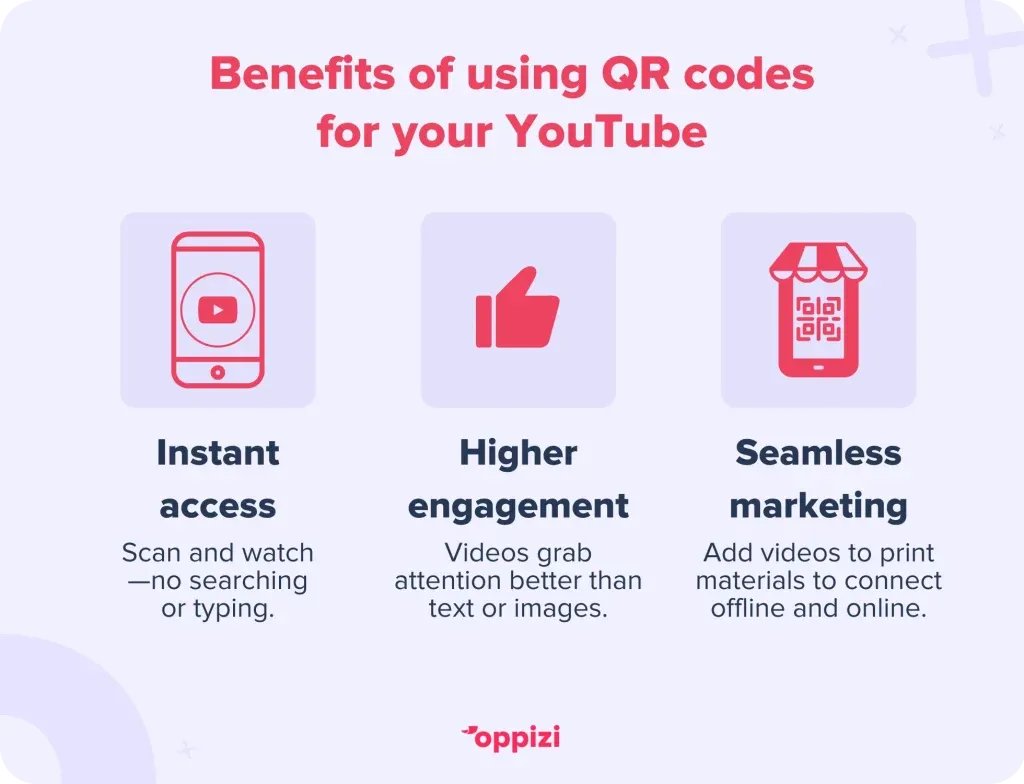
- Instant access: Users can scan the code and watch right away, no typing needed.
- Bridge offline and online marketing: Great for business cards, brochures, posters, and in-store displays.
- Better engagement: Videos grab attention and keep people interested more than static content.
- Easy sharing: Customers can easily scan and share your video with others.
How to make a QR code for a YouTube video
Using Oppizi’s Free QR Code GeneratorCreating a YouTube QR code is easy with Oppizi. Just follow these steps:
- Visit Oppizi’s QR code generator.
- Select ‘Social Media’ and choose YouTube.
- Paste the URL of your video or channel.
- Pick a design that matches your brand. You can customize colors, shapes, and add a logo.
- Generate and download your QR code.
You don’t need any technical skills to create a YouTube QR code. Oppizi’s generator allows you to make a unique QR code that represents your business well. You can even link to your other social media platforms in the same QR code. Since it's dynamic, you can change or update the links anytime, and the code will still work.
How to make a QR Code for your YouTube channel
To create a QR code for your YouTube channel, follow the same steps above. Just paste the URL for your channel instead of a specific video.
You can also use YouTube’s built-in QR code feature, but this option is only for channels, not individual videos. Here’s how:
- Open the YouTube mobile app and go to your channel.
- Tap the Share Channel button.
- Select QR Code.
- Save the QR code to your device or share it directly.
While this method works, the QR code is not customizable. Oppizi’s QR code generator gives you a more professional look and added features that help you stand out. Let’s explore some of those benefits.
Why choose Oppizi’s free QR code generator?
YouTube has a basic QR code feature, but it doesn’t let you customize anything. Oppizi’s free QR code generator offers so much more. Here’s what you can do:
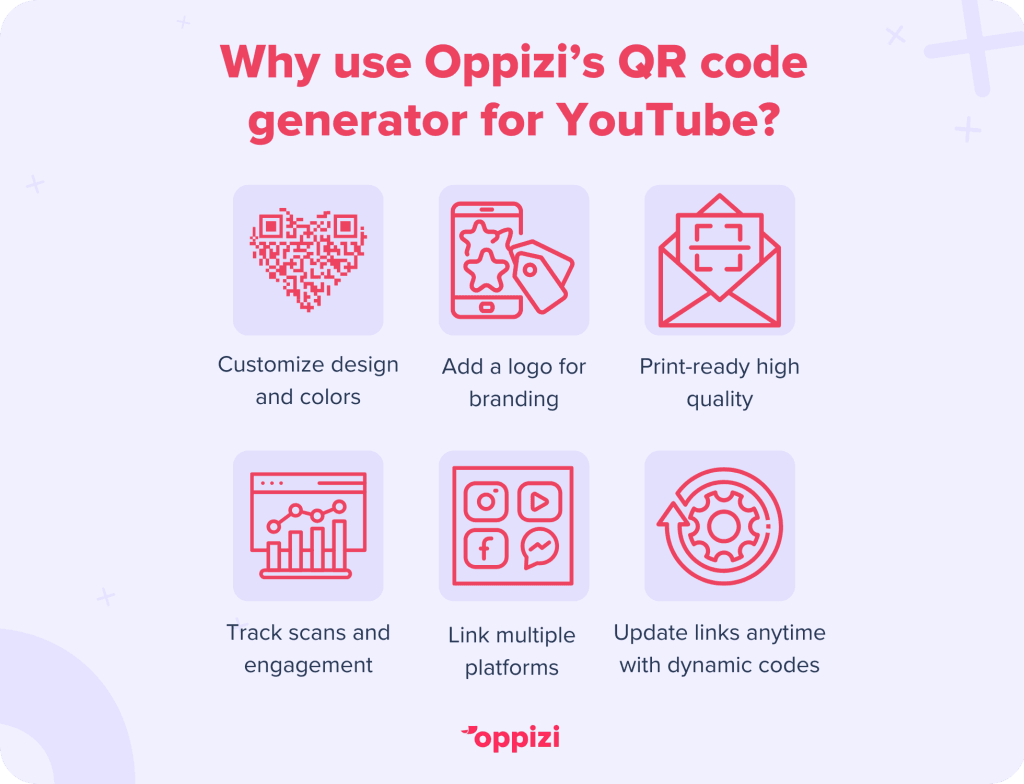
- Customize the shape, color, and style of your QR code.
- Add your logo for better branding.
- Generate high-quality codes that are great for printing.
- Track scans and engagement.
- Use a dynamic QR code, so you can change the URL anytime without needing to reprint.
- Link to multiple social media platforms, not just YouTube.
With Oppizi, you can create a fully customized QR code that matches your brand. You can change the URL anytime to point to a new video or channel, and it still works. Plus, you can link to all your social media, making it versatile.
Best practices for using YouTube QR codes
To make the most of your YouTube QR code, follow these best practices:
- Customize for branding: A plain black-and-white QR code can look boring. Use Oppizi’s free QR code generator to create a unique design that stands out.
- Use a strong call to action: Let people know what to do. Phrases like “Scan to Watch!” or “See It in Action!” work well.
- Ensure mobile-friendliness: Most users will scan from their phones. Make sure your video is easy to view on mobile.
- Place it strategically: Put your QR code where it’s easy to see and access.
- Track performance: Use QR tracking tools to find out how many people are scanning your code.
These tips can help you get the most out of your YouTube QR codes.
Creative ways to use them in Marketing
A YouTube QR code is more than just a link to a video. It can be a great marketing tool when used in creative ways. Here are some ideas for businesses:
- Event Invitations: If you’re hosting a webinar, workshop, or product launch, add a QR code to your invitations. This way, attendees can watch a teaser video before the event.
- Restaurant Menus: Place a QR code on your menu to link to behind-the-scenes kitchen footage or chef interviews. This adds personality to your brand.
- Retail Displays: Clothing stores can use QR codes for styling tips. Tech retailers can link to product demo videos.
- Customer Testimonials: Include a QR code on brochures or packaging that links to customer reviews and testimonials on YouTube.
- Interactive Print Ads: Make magazines, posters, and flyers more engaging. Readers can scan a QR code to watch a video ad or tutorial.
Thinking creatively about how to use QR codes can help you connect better with your audience.
Option 1: Through YouTube
- Open your YouTube channel using the mobile app.
- Tap the Share Channel button.
- Select QR Code.YouTube will generate a basic QR code for your channel.
Option 2: Using Oppizi’s QR code generator
- Visit Oppizi’s free QR code generator.
- Paste the URL of your channel or individual video.
- Customize your QR code with your branding, colors, and logo.
This option allows you to create QR codes for both your channel and individual videos.
Can I scan a QR code on YouTube?
Yes! If a video or channel has a QR code, you can scan it with your smartphone’s camera or a QR code scanning app. Just point your camera at the code, and it will link you directly to the video or channel.
How do I log in to YouTube using a QR code?
YouTube doesn’t offer a QR code login option right now. However, some third-party platforms might use QR codes for logging in. Make sure to use trusted sources for account access.
How can I get the QR code?
To get a YouTube QR code:
- For a YouTube channel: Open the YouTube mobile app, tap Share Channel, and select QR Code in the YouTube app.
- For a customized QR code: Use Oppizi’s free QR code generator to create a branded and dynamic QR code that links to your YouTube content.
Where is my QR code?
If you created one with Oppizi, you can download it from the QR code generator and save it for your marketing materials.
Conclusion
A YouTube QR code is a simple yet powerful way to connect offline audiences with your video content. Whether you’re promoting a product, sharing an instructional video, or building your brand, a QR code makes it effortless for viewers to engage with your content.
With Oppizi’s free QR code generator, you can create a unique and branded QR code that stands out and delivers results. Plus, since it's dynamic, you can update the link anytime without needing a new QR code.
If you want more people to hear your message, put it where they can’t ignore it—right in their hands. Oppizi delivers your brand directly to customers with precision and impact. No distractions. No guesswork. Just results. Get started for free and watch your business grow.
Frequently asked questions
- How do I get a YouTube QR code?
If you want a QR code for your YouTube channel, you have two options. However, if you need a QR code for an individual YouTube video, you will need to use an external QR code generator like Oppizi.