Ease of use
Intuitive and easy to use interface for quick creation.
Register for a free account to create unlimited QR codes for your marketing materials and easily track performance on our dashboard!
83.4M
US adults scanned a QR code in 2022
37.5% of all smartphone users, per eMarketer
57%
increase in QR code scans between 2022 and 2023
80%
more effective when QR codes include brand logos and colors
36%
of QR code scans are done to redeem a coupon
Our QR code maker stands out with unmatched customization and detailed scan tracking. Link to your website, WiFi, video, socials, or a PDF — then see exactly how every code performs.
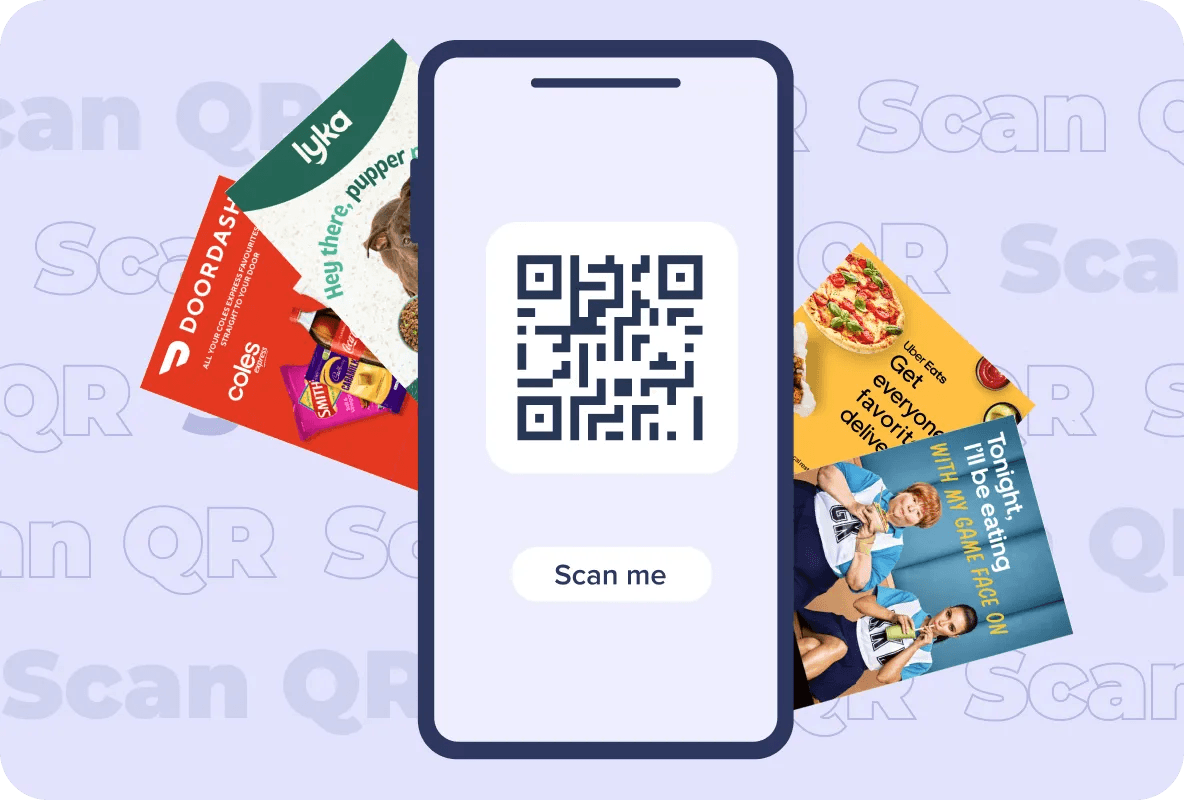
Customize, track, and optimize your QR codes effortlessly.
Intuitive and easy to use interface for quick creation.
Easily link to anything from your website to your WiFi network.
Access to detailed scan data and analytics.
A QR code that aligns with your brand, attracts more scans and builds connections.
Customize your code with your logo, brand colors, unique patterns, frames.
Useable anywhere — on flyers, billboards, digital posters, and more.
How it works
Creating your first QR code is easy with our custom QR code generator. Follow these steps to get started.
Unlock additional features and maximize the potential of your QR codes by creating a free account. Here are four key benefits you'll receive:
Monitor the performance of your QR codes with detailed analytics, giving you insights into scan rates, locations, and user behavior.
Use a single, easy-to-navigate dashboard to track the performance of all your QR codes, simplifying management and oversight.
Easily edit and change the existing QR codes, ensuring they remain up-to-date and effective without the need to generate new codes.
Organize your QR codes into folders for better structure and quick access, making it easier to manage multiple campaigns or projects.
When it comes to QR code generators, not all tools are created equal. Here's why you should choose our comprehensive free tool over other options.
Everything below is included, free.
Typical generators stop here.
Industries
Here are some innovative uses of QR codes across different industries.
A QR code, or Quick Response code, is a type of two-dimensional barcode that can store a significant amount of data and can be easily scanned using a smartphone or QR code reader. Unlike traditional barcodes, which are linear and store data in a horizontal direction, QR codes consist of black squares arranged on a white background in a square grid, allowing data to be stored both horizontally and vertically. This structure enables QR codes to store a variety of information, including URLs, contact details, text, and more. When scanned, the QR code can instantly direct users to websites, provide product information, enable mobile payments, or display multimedia content, among other functions. QR codes are widely used in marketing, retail, logistics, hospitality, and many other industries due to their versatility and the convenience they offer in quickly and efficiently conveying information.
A QR code generator is a valuable tool for businesses, marketers, and individuals, allowing you to easily create QR codes for various applications, such as promoting your business, sharing contact information, or tracking engagement. Your QR code should do more than just redirect. It should be an extension of your brand's identity, capturing attention and making a memorable impression. Our QR code generator enables the creation of personalized QR codes, featuring a simple interface to input a URL and tailor the QR code's look with options like incorporating a company logo, custom templates, unique colors, and personalized frames. Using a custom QR code generator brings many benefits for businesses: with numerous design options, you can make your QR codes fit your brand's look — visually appealing and memorable. Custom QR codes are versatile and can be used in lots of different ways, like in ads or on product packaging. And when you create your QR codes using a custom generator, errors are automatically corrected — even if part of the QR is hard to read, users won't have trouble scanning them.
Here's how our custom QR code maker can transform your brand communication: Customization options: a range of options such as the ability to add logos, change colors and patterns, and select different shapes and sizes for your QR codes. Ease of use: user-friendly and easy to navigate, with a clear interface that allows you to input your information and customize your QR codes quickly and effortlessly. Brand alignment: customize your QR code to reflect your brand's ethos, using specific colors, shapes, and logos to enhance brand recognition. Enhanced engagement: a QR code that aligns with your brand not only attracts more scans but also fosters a stronger connection with your audience. Analytics and tracking: monitor the performance of your QR codes, track scans, and gather valuable data to improve your marketing campaigns. Versatile application: whether for marketing materials, product packaging, or digital platforms, your custom QR code works seamlessly across various mediums.
When you're making your QR code, it's a chance to really show off what your brand is all about. With the help of a QR code generator, there are lots of design options and templates at your fingertips. You can pick different colors and shapes, or even throw in your company logo right into the QR code itself. By tailoring your QR code design to match your brand's look and feel, you end up with something that's not just easy on the eyes, but also grabs people's attention.
To maximize the visibility and effectiveness of your QR codes, consider placing them in the following locations: Brochures and flyers: include QR codes on printed marketing materials such as brochures and flyers. This allows potential customers to easily access additional information or special offers. Product packaging: add QR codes to product packaging to provide customers with product details, instructions, or access to additional content. Point of sale displays: place QR codes on point of sale displays, such as posters or signs, to provide customers with quick access to promotions or discounts. Remember to ensure that the QR codes are easily scannable and provide clear instructions or incentives for users to scan them.
When you're using QR codes, it's important to make sure you put the QR code in a place where people can see and scan it easily. To ensure the best user experience and maximize the effectiveness of your QR codes, consider the following best practices: Mobile-friendly landing pages: make sure the destination URL or landing page of your QR code is mobile-friendly and optimized for different devices and screen sizes. Share links: consider adding social media sharing buttons or options on your landing page to encourage users to share the QR code and its content with others. Test on different devices: ensure that your QR codes are scannable and readable on different smartphones and tablets to verify cross-platform functionality. Provide clear instructions: include clear and concise instructions next to your QR codes to guide users on how to scan them and what to expect. By sticking to these tips, your QR codes will be easy for everyone to use and help get your message out there more effectively.
Tracking and analyzing the performance of your QR codes is essential to measure their effectiveness and optimize your campaigns. Here's how tracking and analytics can help you: Scan data: track the number of QR code scans to gauge the engagement and interest of your audience. Location, time and date: analyze the location and time of QR code scans to understand when and where your audience is engaging with your QR codes. Device and browser: gather data on the devices and browsers used to scan your QR codes to optimize your content and ensure compatibility.
Understanding the scans and engagement of your QR codes is crucial to measuring their effectiveness and optimizing your campaigns. Here are the key metrics to consider: Total scans: the total number of scans your QR codes have received. Unique scans: the number of unique individuals who have scanned your QR codes. Scan location: the physical location where your QR codes were scanned. Scan time: the time and date when your QR codes were scanned. Device and browser: the type of device (mobile, tablet, etc.) and browser used for scanning.
More tools
Can't find what you're looking for? Our team is happy to help.
Users can modify shapes, select color schemes, incorporate logos, and choose from various frames to create a QR code that aligns with their branding.
Yes, the QR codes generated are universally compatible with all standard QR code scanners, ensuring your content is accessible to everyone.
Our tool offers an intuitive interface where you can upload and position your logo within the QR code, ensuring it complements the design while maintaining scanability.
Users who create a QR code post signup will have the ability to monitor and track the performance of their QR code. This tracking feature provides valuable insights such as the number of scans, time and location of scans, and overall engagement with the QR code.
Yes, you can create a QR code for free using our online QR code generator. Just input your desired URL, customize this as per your brand guidelines, and generate a QR code that you can download and use.
QR codes can last indefinitely. Static QR codes contain fixed information and will last as long as the content remains valid.
Custom QR codes, with logos or unique designs, can be more visually appealing and recognizable to users. This enhanced visual appeal can increase engagement and make custom QR codes more effective in capturing audience attention.
Generate unlimited branded QR codes, track every scan, and turn offline touchpoints into measurable engagement.