Last updated August 28, 2026
Utilizing QR codes for videos is an innovative way to make your video content easily accessible to almost anyone. By simply scanning a QR code with a smartphone, QR codes provide instant access to videos, making them a powerful tool for marketers, educators, and even entertainers.
Whether you’re showcasing product demos, tutorials, or promotional videos, QR codes help streamline access to dynamic content. This article explores how to create QR codes for videos, their benefits, and answers common questions about their use.

How to Link a QR Code to a Video for Free
Here’s a step by step guide to creating a QR code for a video:
1. Choose a QR Code Generator
Select a reputable QR code generator that you trust, like Oppizi’s free QR code generator that includes free design customization and tracking.
2. Upload or Link Your Video
If your video is hosted on a platform like YouTube, Vimeo, or Google Drive, copy and paste the URL you want to link to your QR code. If it’s a local file, some QR code tools allow direct uploads to generate a hosted link.
3. Customize the QR Code
Adjust the design by adding colors, logos, or frames to align with your branding. Ensure the QR code contrasts with the background for better scannability.
4. Generate the Code
Click the "Generate" button to create your QR code. If using Oppizi’s free tool, create a free account when generating your code to access tracking and scan data.
5. Download and Test
Save the QR code in a high-resolution format like PNG or SVG. Test the code to ensure it links correctly to the video.
Benefits of QR Codes for Videos
Wondering why you should consider linking videos to QR codes? Here are some compelling benefits that make this strategy a smart choice for engaging your audience:
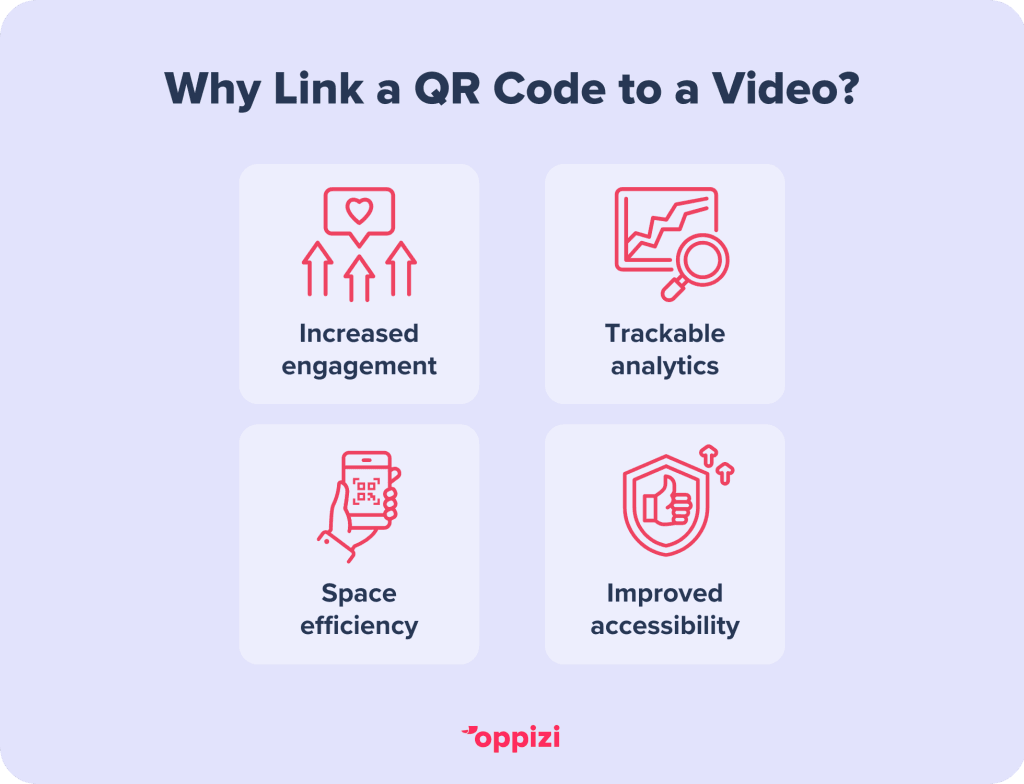
- Increased Engagement: Videos are highly engaging, and QR codes make accessing them quick and effortless.
- Trackable Analytics: Dynamic QR codes let you track scans, offering insights into audience behavior.
- Space Efficiency: Instead of cluttering materials with long links, QR codes provide a clean, professional look that can easily be included in any marketing materials or campaigns.
- Improved Accessibility: QR codes ensure users can access video content on the go without having to manually enter a link.

Final Thoughts
QR codes for videos are a simple yet powerful tool for enhancing user engagement and delivering impactful content. By following the steps above, you can easily create and implement them in your marketing and communication strategies.Want to elevate your marketing strategies? Use our free QR code generator today!
Frequently asked questions
- Do QR Codes Work in Videos?
Yes, QR codes can be integrated into videos. However, the QR code size must be big enough to scan, and it should remain visible long enough for viewers to scan it. Use high contrast and ensure the QR code is large enough to be scannable.
- What Size Should a QR Code Be for Video?
The ideal size depends on the distance from which it will be scanned. For most applications, a minimum of 1 x 1 inch (2.5 x 2.5 cm) works well, ensuring clarity and scannability.
- How Can I Convert a Video to a QR Code for Free?
To create a free QR code for a video:
- Upload the video to a platform like YouTube or Google Drive.
- Copy the video’s URL.
- Use a free tool like Oppizi’s QR code generator to create and download your code.