Last updated July 23, 2026
A QR code is a handy tool that can make it easier to quickly access websites, videos, forms, coupons, or even contact details. But if you’re planning to use a QR code for any of these purposes, it’s important to remember that the effectiveness of a QR code depends on its size and scannability.
Knowing how small a QR code can be while remaining functional is essential, especially if you plan to use it on smaller items such as business cards, product packaging, or other compact spaces.
This article will guide you through choosing the right size for your QR code and offer tips for creating effective QR codes to make sure they’re easily scannable every time.
Does QR Code Size Matter?
When it comes to the physical size of a QR code, there’s no strict maximum or minimum limit. While QR codes can be as large as a billboard or as tiny as a postage stamp, what matters is maintaining the proper scanning ratio.
If you’re making a QR code, keep in mind that it needs to be large enough that a scanner can read each individual module (those small black and white squares), but not so huge that a phone camera can't capture the entire code at once. The key is ensuring that the distinctive squares on the QR code remain clear and scannable from your intended scanning distance.
How Small Can a QR Code Be?
The smallest practical size for a QR code depends on its content and intended scanning distance. Generally, the more data a QR code contains, like URLs or large text blocks, the larger it needs to be to ensure readability.
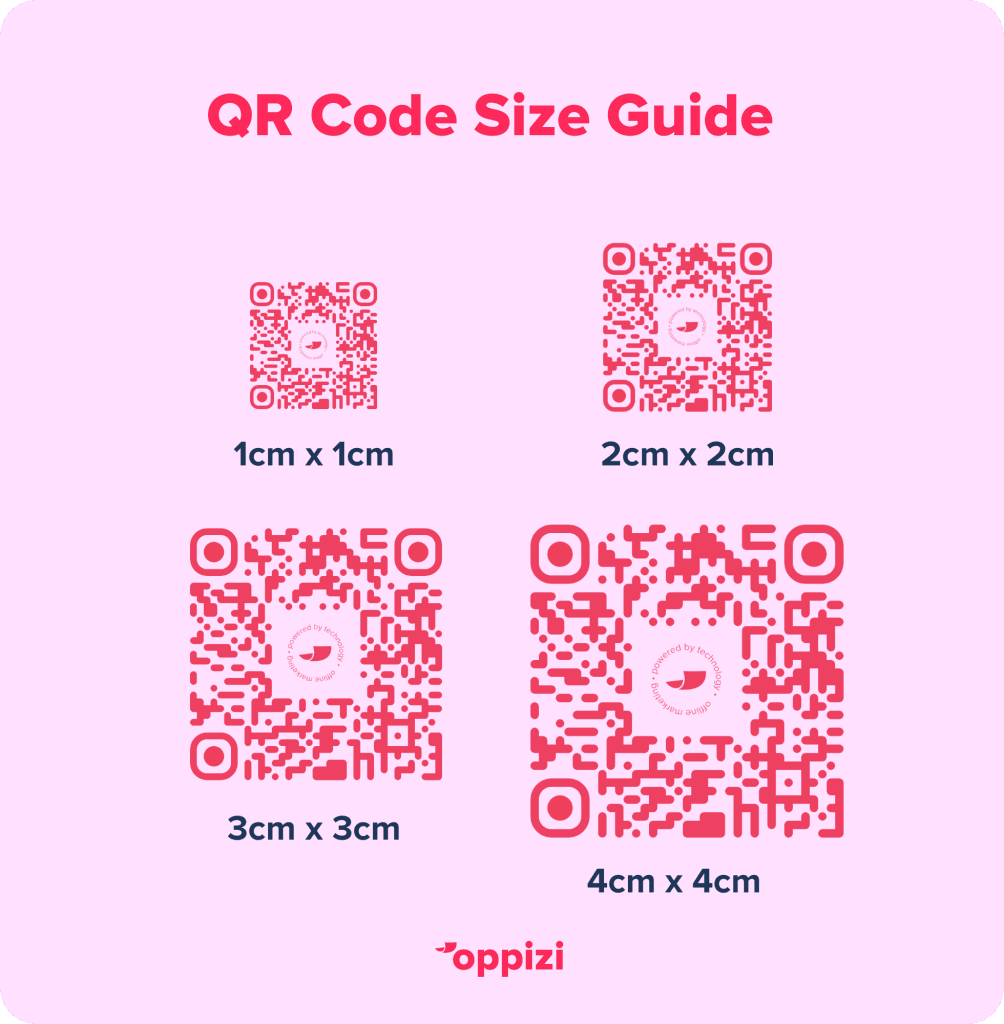
Here’s a what you’ll need to consider when designing or printing your QR code:
1. Minimum Size Recommendation
For a basic URL, the minimum size recommended is 2 x 2 cm, or about 0.8 x 0.8 inches. This size is effective when scanned up close, like on a business card or a small product label.
2. Consider Scanning Distance
A good rule of thumb is that the QR code should be at least 10 times the distance from which it will be scanned. For example, if a QR code will be scanned from 10 cm away, it should be around 1 cm wide. For longer distances, increase the QR code size accordingly so it can be scanned properly.
3. Test Before Printing
Once you’ve decided on a QR code size, test it by printing a sample and scanning it with multiple devices. Testing your code helps guarantee that it’s reliable and can be scanned well in various settings.
Tips for Sizing and Designing QR Codes
When working with QR codes, these specific best practices can improve both their effectiveness and appearance:
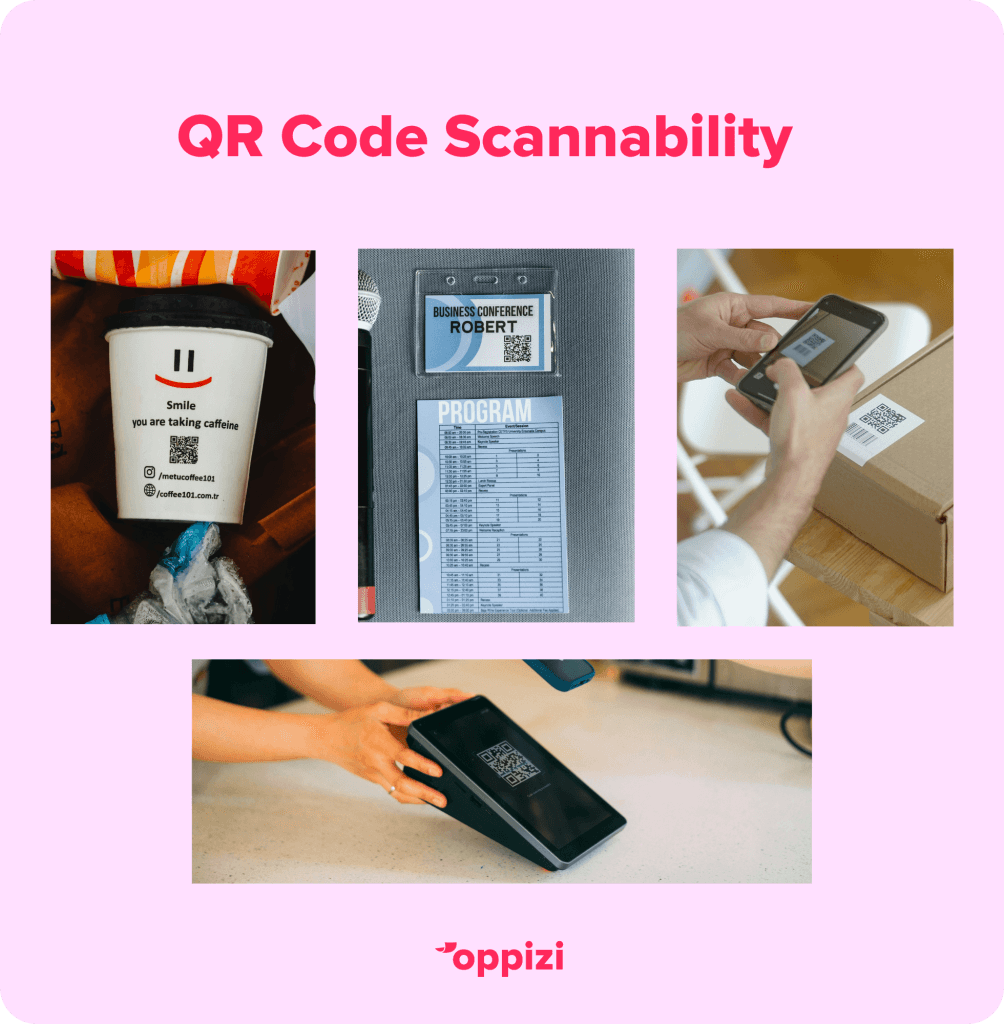
- Keep It Simple: If your QR code contains a URL or minimal data, aim for a compact design. Too much information makes the code more complex, requiring a larger size to scan correctly.
- Optimize for Scanning Conditions: Here’s a QR code tip—if your code will be in a low-light or low-contrast area, like on a dark background, make it larger to ensure readability. High-contrast colors, like black and white, help make smaller codes more scannable.
- Avoid Over-Customization: While you can absolutely add colors or logos, excessive customization can interfere with the code’s readability, especially in smaller sizes. Stick to minor customizations and keep the central QR code structure intact for reliable scanning.
FAQ Section
1. What is the minimum pixel size of a QR code?
The smallest effective pixel size for a QR code is 38 x 38 pixels, which equates to about 1 cm x 1 cm.. However, experts recommend sticking to a minimum size of 2 cm x 2 cm to ensure readability, which is equal to 76 x 76 pixels.
For mobile or desktop screens, it’s recommended for QR codes to be at least 150x150 pixels.
2. How does scanning distance affect QR code size?
Any type of QR code should generally be sized at 10 times the intended scanning distance. For example, if a user will scan it from 10 cm away, the QR code should be at least 1 cm in size for reliable scanning.
3. Does the amount of data in a QR code affect its size?
Yes, the more data a QR code contains, the more complex its design becomes. More complex QR codes require a larger size for accurate scanning. Simple URLs can remain small, but codes with text or vCards need to be larger to ensure readability.
4. What’s the maximum size of a QR code?
The maximum size of a QR code is 177x177 modules, and can store up to 7,089 numeric characters, 4,296 alphanumeric characters, or 2,953 binary bytes depending on the encoding.
There is no limit for the maximum physical size of a QR code, as long as it is scannable from the intended scanning distance and maintains a clear printing resolution.
Final Thoughts
Getting the right size for your QR code is essential to ensure it can be scanned easily and reliably. While QR codes can be quite small, factors like data content, scanning distance, and contrast all influence the minimum size needed.
Want to get started with QR codes for your business? Use our free QR code generator to make trackable custom QR code for all your marketing needs!