Last updated August 28, 2026
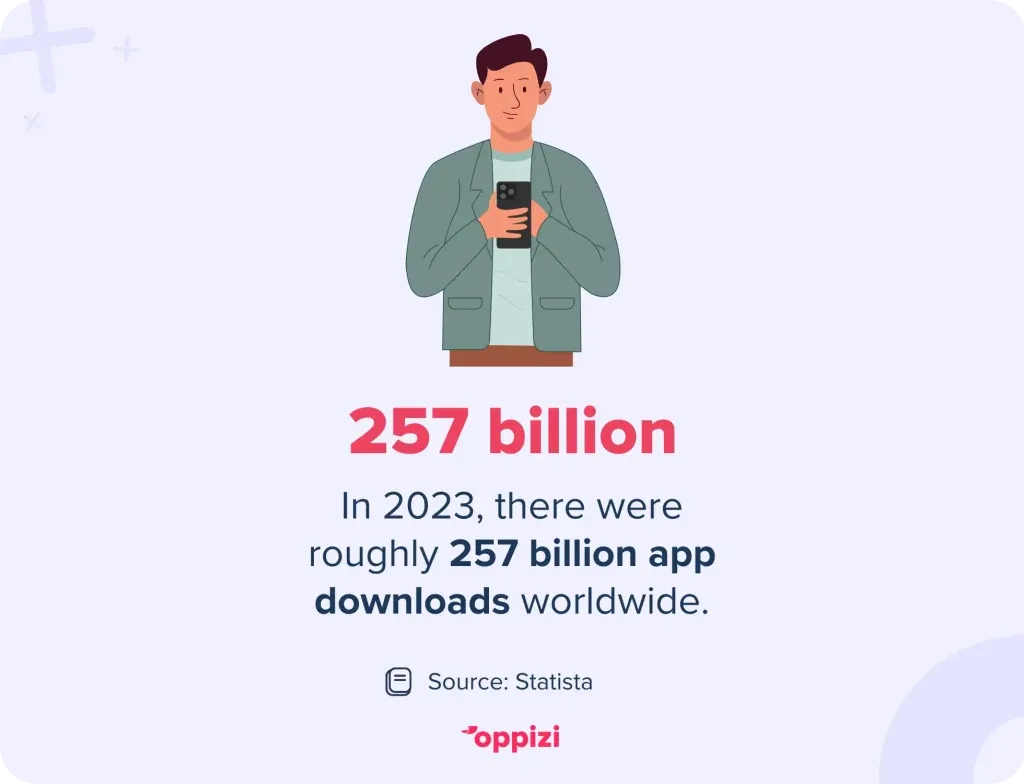
More than 2 million apps are available on both Google Play and the Apple Store, and in 2023, there were around 257 billion app downloads, making it increasingly challenging for developers to drive downloads amid such competition.
QR codes offer a straightforward yet highly effective solution. They direct users to app store listings, eliminating the hassle of manually searching. This article explores the rising importance of QR codes and how to create one that boosts downloads of your app.
Understanding QR codes for app stores
A QR (Quick Response) code is a two-dimensional barcode that, when scanned, directs users to specific digital content. Since 2020, the use of QR codes has grown significantly, and the number of QR code scans is expected to surpass 100 million in 2025. In the context of app stores, certain QR codes, like those created on Oppizi’s free QR code generator, can intelligently detect a user's device type and redirect them to the appropriate platform, whether it’s the Apple App Store or Google Play Store. This seamless redirection significantly enhances user experience and increases the likelihood of downloading the app.
The benefits of using QR codes for app downloads
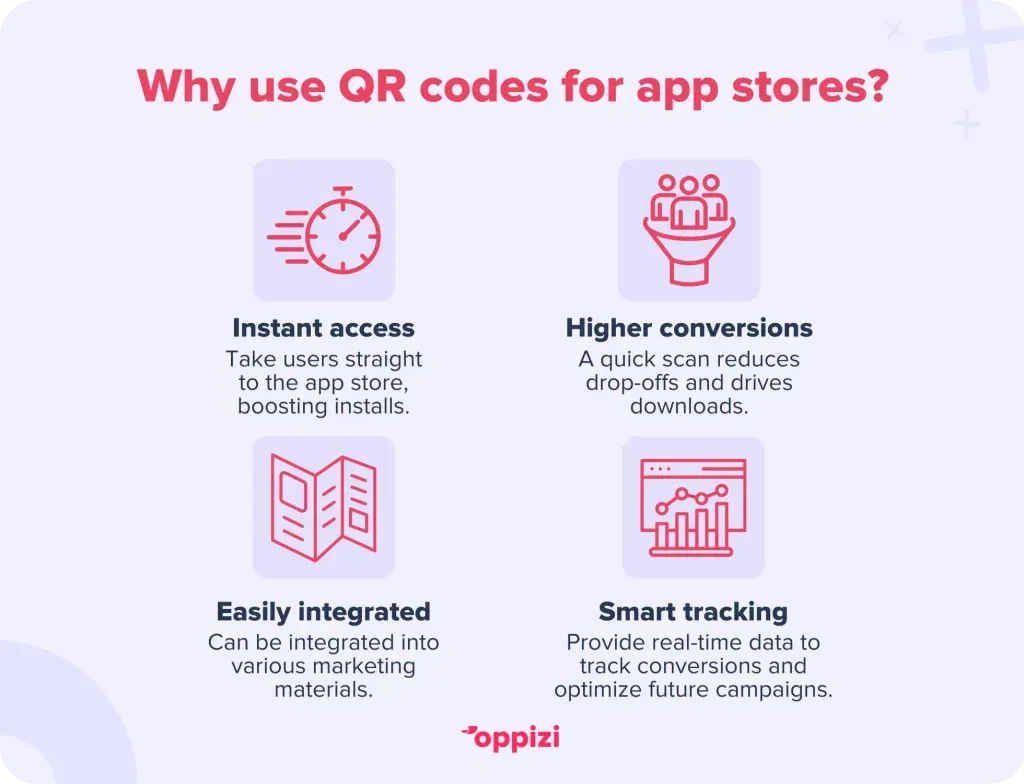
1. Simplifying the user experience
QR codes eliminate the need for users to manually search for an app, saving them time and improving the chances of installation. A simple scan can take users directly to the download page, making the process effortless.
2. Boosting conversion rates
QR codes provide a direct path to the app store, reducing drop-offs that often occur when users struggle to find the right app. This streamlined approach often converts to higher conversion rates.

3. Seamless integration across marketing channels
QR codes can be included on posters, flyers, product packaging, websites, emails, and social media campaigns, creating an integrated and interactive marketing strategy. In fact, as much as 40% of global QR code scans are attributed to marketing campaigns, highlighting their effectiveness in driving engagement. By strategically placing QR codes across multiple touchpoints, businesses can significantly increase the likelihood of conversions.
4. Actionable analytics and tracking
Dynamic QR codes allow businesses to track scans, monitor user engagement, and analyze geographic data. This data provides valuable insights into marketing performance and helps optimize future campaigns.
How to create a QR code for your app
To create a QR code that leads directly to your app download page, follow these tips:
1. Choose a reliable QR code generator
Select a platform that offers dynamic QR codes, customization options, and analytics tracking to measure performance. Oppizi's free QR code generator is an excellent option. It provides a user-friendly interface and strong features that allow you to create a personalized QR code that attracts attention.
2. Generate your QR code
- Input the URLs of your app’s Apple App Store and Google Play Store pages.
- Customize the design to match your branding by adjusting colors and adding logos.
- Ensure the color contrast is sufficient to make scanning quick and easy.
- Generate and download a high-resolution QR code suitable for various media.
3. Test your QR code
Before sharing your QR code, test it on multiple devices to ensure it works correctly and redirects users to the right app store based on their operating system.
4. Distribute your QR code strategically
Place your QR code on:
- Print materials like flyers, business cards, posters, and packaging.
- Digital platforms such as social media posts, websites, and email campaigns.
- Public spaces, including retail stores, restaurant tables, or event banners.
Depending on where you place your QR code, ensure that it is sufficiently sized so that it is easily seen and scanned. You should also ensure that the QR code has a clear call to action (CTA) so that users know exactly what will happen when they scan it. For example, “Scan to download our app!”
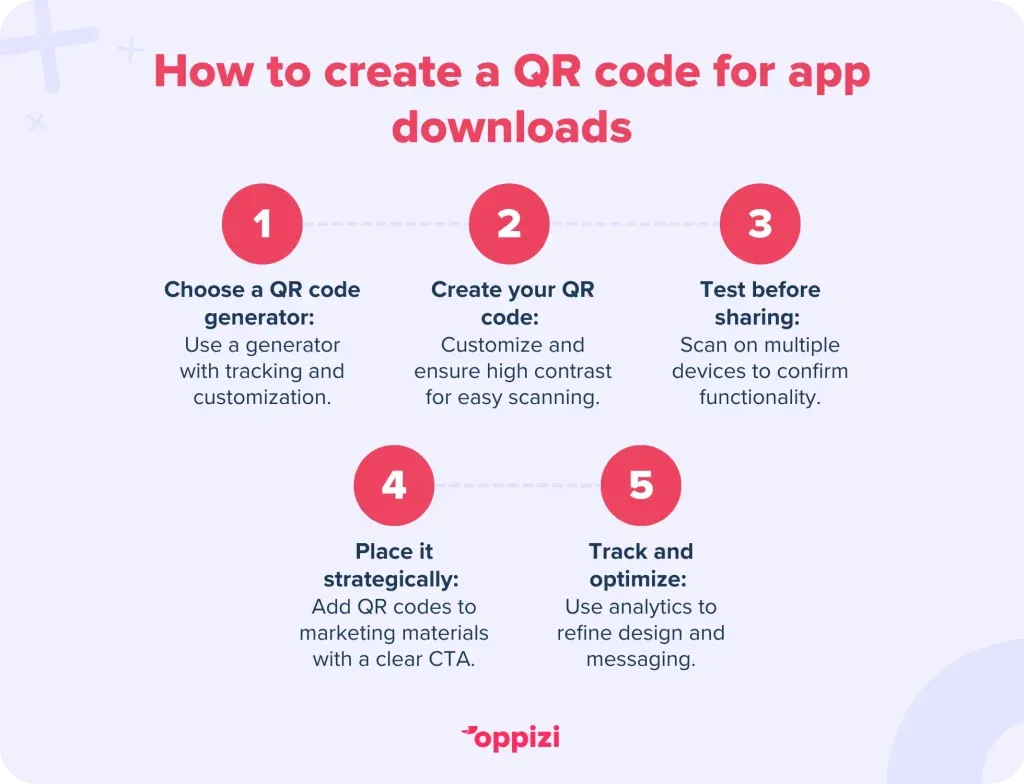
5. Track and optimize performance
Leverage analytics tools to monitor scan rates, geographic data, and user interactions. Analyzing these insights allows you to refine future strategies to improve your scan rate. For example, you might choose to change the QR code design, placement, or CTA, to see what works best for you.
Conclusion
QR codes have become indispensable for businesses aiming to boost app downloads and engagement. Their ease of use, trackability, and seamless integration into both online and offline marketing strategies make them a must-have tool in today’s mobile-first world.
Ready to create a QR code for your app? UseOppizi's free QR code generator to streamline downloads and grow your user base today!
Frequently asked questions
- What is an App Store QR Code?
An App Store QR Code is a scannable code that redirects users to the correct app store based on their device, eliminating the need for manual searching.
- How do QR codes enhance app downloads?
QR codes simplify the process by providing a direct link to the app store, reducing user effort and increasing conversion rates.
- Can I customize my QR code’s appearance?
Yes, most QR code generators, such as Oppizi, allow for customization, including the use of colors and logos to match your branding.