Last updated August 28, 2026
QR codes aren’t just a recent trend - they’re here to stay, and consumers now expect them as a seamless part of their daily interactions. In fact, a June 2021 survey found that 59% of U.S. shoppers believe QR codes will remain a permanent fixture in mobile usage. Businesses, marketers, and advertisers harness the power of QR codes to boost customer engagement, share valuable content, and bridge the gap between offline and digital experiences. But simply putting a QR code on an ad or product isn’t enough. To maximize impact, it needs to be eye-catching, easy to scan, and strategically placed where people can’t miss it.
In this guide, we’ll explore tips for improving your QR code scan rate and ensuring it delivers optimum results.
Why QR code scan rates matter
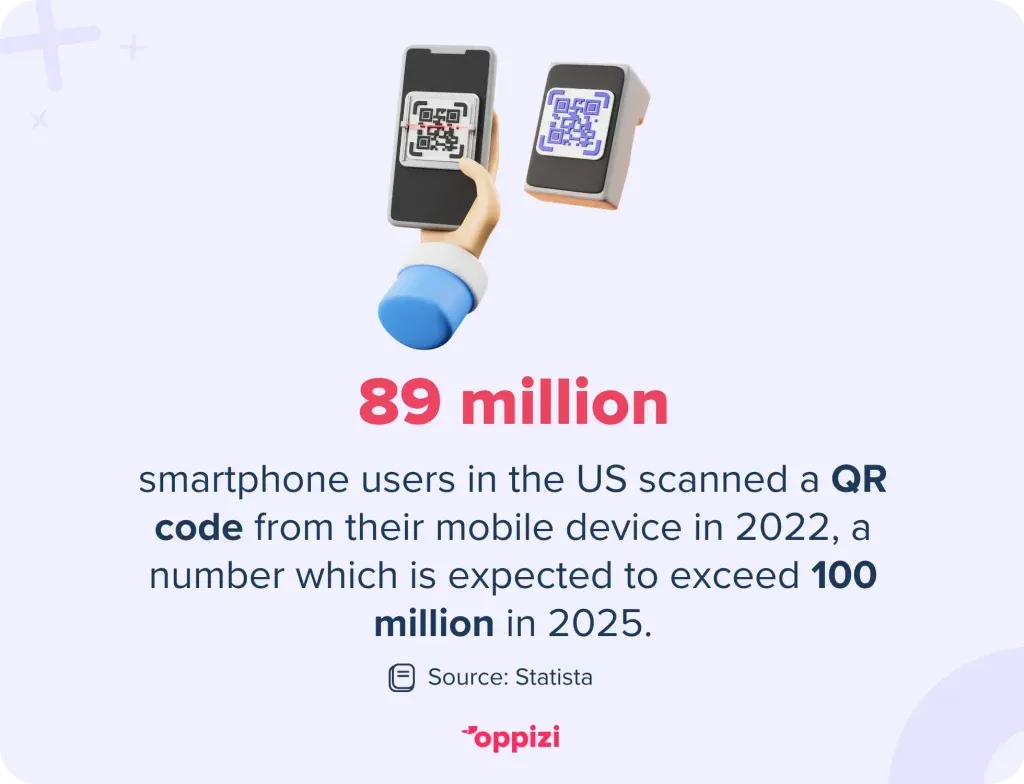
A QR code’s scan rate directly affects its effectiveness in driving user engagement. According to Statista, 89 million smartphone users in the US scanned a QR code in 2022, and the number is expected to surpass 100 million in 2025.
If your QR code isn’t achieving the number of scans you expected, it may be due to poor visibility, weak calls to action, or design flaws. Let’s explore how you can improve your QR code’s scan rate.

1. Optimize QR code placement
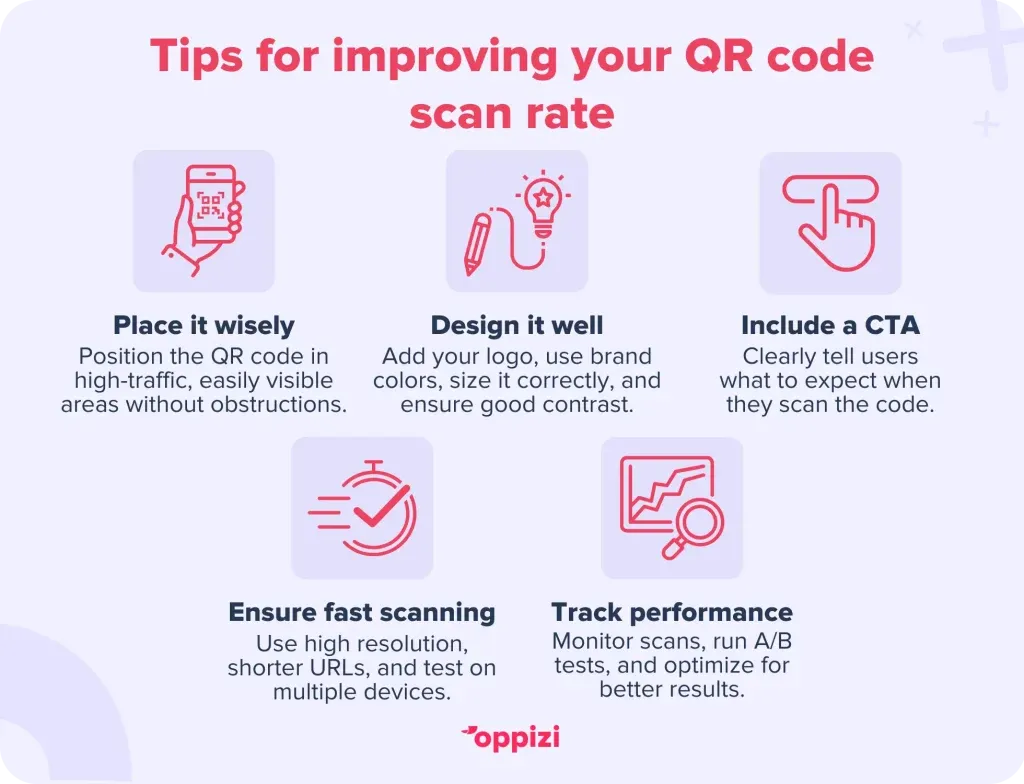
Where you place your QR code plays a crucial role in how many people scan it. Here are some best practices:
High-traffic locations
Ensure your QR code is placed in areas where your target audience is most likely to notice and engage with it. Ideal locations include:
- Storefront windows
- Restaurant menus and tables
- Product packaging
- Event posters and banners
- Business cards
Eye-level positioning
Position the QR code at eye level or where it is easily noticed. If it’s too high or too low, people may not notice or find it inconvenient to scan.
Avoid obstructions
Make sure the QR code isn’t hidden behind objects, located on package folds, or covered by glare from lights or reflections.
2. Improve QR code design
A well-designed and attractive QR code is more likely to get scanned than a generic, black-and-white one. Consider the following when making your QR code:
Use custom branding
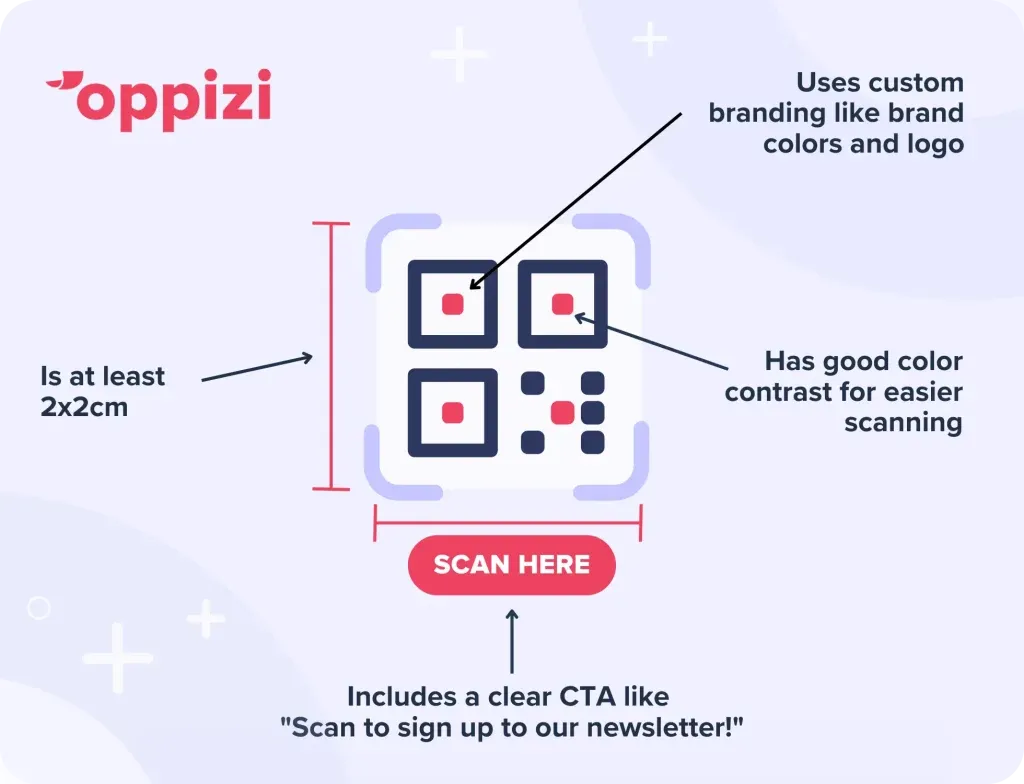
- Add your brand colors to make the QR code visually appealing and to stay consistent with your existing branding.
- Incorporate a logo inside the QR code to build trust and recognition.
Choose the right size
- Ensure the QR code is at least 2 x 2 cm (0.8 x 0.8 inches) so that it can be scanned easily.
- If the QR code is on a billboard or large sign, increase the size proportionally.
Increase contrast for easier scanning
- Use a dark QR code on a light background for maximum readability.
- Avoid color combinations that make scanning difficult, such as red on black.
3. Add a clear Call to Action (CTA)
A QR code alone may not be enough - people need to know why they should scan it. Use actionable CTAs like:
- "Scan for 20% off!"
- "Scan now to access exclusive content!”
- "Scan to enter the giveaway!"
A strong CTA that indicates exactly what action the person scanning should take can significantly increase your scan rate and conversions.
4. Ensure fast and reliable scanning
Use a high-resolution QR code
- Avoid pixelated or blurry QR codes by generating them in high resolution (SVG or PNG format).
Test the functionality across different devices
- Ensure your QR code works well on both iOS and Android devices.
- Test with different scanning apps to confirm compatibility.
Shorten URLs for faster loading
- Use a URL shortener to reduce the amount of data encoded in the QR code.
- Shortened URLs result in faster scans and quicker redirections.
5. Track and analyze performance
Monitoring your QR code’s performance helps refine your strategy. A/B testing different designs or placements can reveal what works best. Use tracking tools to:
- Measure the number of scans over time.
- Analyze peak scanning hours.
- Track user demographics to optimize targeting.
By consistently analyzing data, you can fine-tune placement, design, and messaging to maximize results.
How Oppizi can help you design an effective QR code
If you want to create a QR code that stands out, Oppizi can help. With our free QR code generator, you can generate QR codes that are easy to scan, visually appealing, and aligned with your brand. We make sure they have the right size, color contrast, and destination - whether it’s a website, discount offer, or sign-up page. Plus, with our tracking tools, you can see how many people scan your code and adjust your strategy for better results.

Conclusion
QR codes are a powerful marketing tool, but maximizing their scan rate requires strategic placement, smart design, and compelling CTAs. By following the best practices outlined in this guide, you can significantly boost engagement and conversion rates.
Ready to create high-performing QR codes? Try Oppizi’s free QR code generator today and start connecting with your clients!
Frequently asked questions
- What is the ideal size for a QR code?
The size of a QR code should be at least 2 x 2 cm (0.8 x 0.8 inches) but should be scaled up proportionally for larger displays, such as posters or billboards.
- Can I change the color of my QR code?
Yes! Using your brand colors can improve brand recognition and trust, but make sure there is enough contrast for easy scanning (e.g., a dark QR code on a light background).
- Why isn’t my QR code getting scanned?
There are several reasons why your QR code may be ignored. It may be too small, poorly placed, or lacking a clear CTA. Testing across devices, optimizing design, and incorporating a clear CTA can help improve scans.
- How do I track QR code scans?
Use QR code generators that offer analytics, such as Oppizi’s free QR code generator, to track scans, locations, and user engagement.
- Do QR codes work without the internet?
Yes, if they link to static information like a business card. However, QR codes leading to websites, social media pages, or online forms require an internet connection.