Last updated July 23, 2026
You see them everywhere—on menus, flyers, packaging, and billboards. A quick scan takes people to your website, a special offer, or your contact details. But are they actually scanning?
Most businesses throw QR codes on their materials and hope for the best. That’s not marketing—it’s guessing. Smart marketers track every scan. They know how many people engage, where they scan, and what devices they use. This data lets you refine your strategy, cut waste, and get better results.
If you don’t measure it, you can’t improve it. Let’s break down how QR code tracking turns data into success.
What is QR code tracking?
QR code tracking collects data when someone scans a code. Instead of guessing if your QR codes work, you get real numbers in real time. With the right tools, you can measure engagement and make smarter decisions.
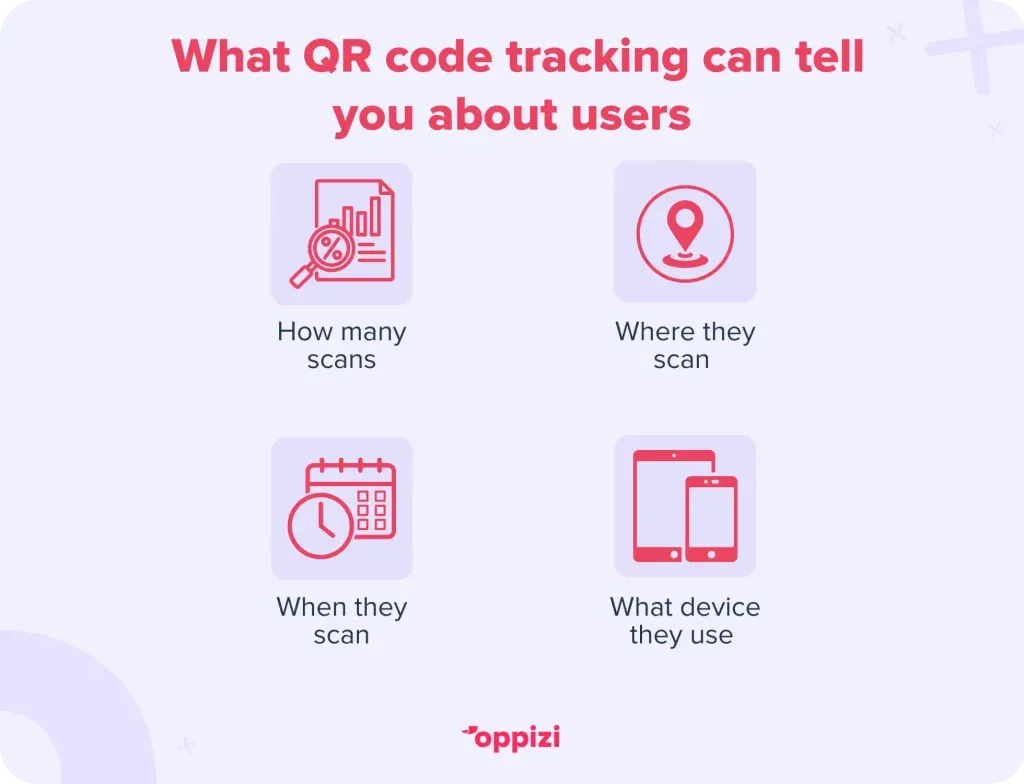
Here’s what you can track:
- How many times people scan your code
- Where they scan it
- When they scan it
- What device and system they use
Looking at this data shows you what’s working and what needs to change.
How to track QR code scans
To track QR code scans, you need a dynamic QR code. Unlike a static QR code, which stays the same, a dynamic QR code lets you change the link and track how people use it.
Here’s how to do it:
1. Use a trackable QR code
Not all QR codes work the same way. A trackable QR code gives you real-time data and lets you update the link without reprinting anything. Oppizi’s QR code generator makes it easy to create a custom, dynamic QR code that tracks important details from the start. Plus, it’s free.
2. Add a UTM tag
A UTM tag is a small piece of text added to a URL. It helps you see where visitors come from in tools like Google Analytics. For example, it can show if someone scanned your code from a flyer, a poster, or a social media ad.
To set it up:
- Use Google’s Campaign URL Builder to create a UTM link.
- Add that link to your dynamic QR code.
- Track the data in Google Analytics.
3. Check your QR code dashboard
A good QR code tool gives you a dashboard with live tracking. You can see daily scans, heatmaps of where people scan, and what devices they use. If a code isn’t getting many scans, you’ll know right away and can adjust your marketing.
Key metrics to track
Once your QR codes are out in the world, keep an eye on these numbers:
Total scans
This shows how many times your QR code has been scanned. If the number is low, you might need to move it to a better spot or give people a stronger reason to scan.
Unique scans
This tells you how many different people scanned your QR code. If the same person scans it multiple times, it won’t count each time.
Scan location
See where people are scanning your code. If one spot gets more scans than another, you might want to place more codes there.
Time and date
Find out when people scan the most. If weekends get the most scans, that’s a good time to run promotions.
Device and operating system
See what devices people use—iPhones, Androids, or tablets. This helps make sure your landing page works well for everyone.

How to get more QR code scans
Not getting enough scans? Try these simple fixes:
1. Make your QR code stand out
A tiny black-and-white QR code in the corner won’t catch anyone’s eye. Use colors that match your brand, and add a clear message like “Scan to get 20% off!”
2. Put it in the right place
Make sure people see it when they’re most likely to scan. Good spots include:
- Store windows
- Product packaging
- Business cards
- Flyers and posters in busy areas
3. Give people a reason to scan
People need a reason to take action. Try offering:
- Discounts or coupons
- Exclusive content
- A chance to win something
4. Make sure the landing page works
Once they scan, the page should load fast and look good on mobile. Keep it simple, clear, and directly related to what you promised.
How businesses use QR code tracking
Retail stores
Stores use QR codes for discounts and to see which locations get the most scans. This helps them decide where to place ads and signs.
Restaurants
Restaurants use QR codes for digital menus and promotions. Tracking scans shows which menu items people check out the most.
Events and conferences
Event organizers use QR codes for tickets and engagement. Scan data helps them see when and where people interact the most.
E-commerce businesses
Online stores add QR codes to packaging inserts to encourage repeat purchases and get customer feedback.

Why track QR code scans?
Tracking scans isn’t just about numbers. It helps you make smarter marketing decisions. Here’s how:
1. See what customers do
Find out where, when, and how people scan your codes. This shows what works and what doesn’t.
2. Measure marketing success
Are your flyers, posters, or product packaging getting attention? Scan data helps you see which ones bring the most engagement.
3. Improve placement and design
If a QR code isn’t getting scans, it might need a better spot or a clearer message. Tracking helps you test different locations, sizes, and call-to-actions.
4. Make the experience better
See what devices people use so your landing page works smoothly for everyone. A fast, mobile-friendly page keeps people engaged.
5. Know if your campaign is worth it
Stop guessing. Scan data shows if your marketing efforts are paying off, so you can spend money where it matters.
6. Update links anytime
Dynamic QR codes let you change the link even after printing. You can adjust offers or personalize the experience based on past scans.
7. Stay ahead of the competition
Most businesses use QR codes but don’t track them. If you do, you’ll have an edge while others rely on guesswork.

Smart ways to use QR code tracking for better marketing
QR codes don’t just track scans—they help you improve your marketing. Here are some creative ways to use them:
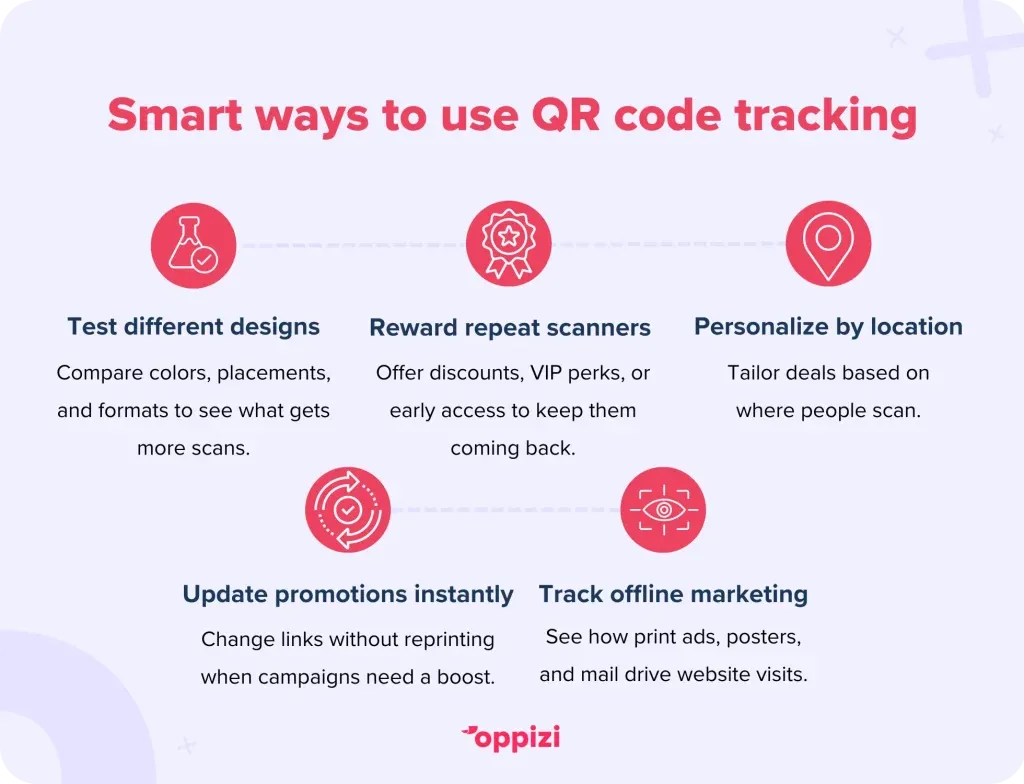
1. Test different designs
Not sure if a red flyer works better than a blue one? Or if a poster gets more scans than a receipt? Use QR code tracking to compare and see what grabs attention.
2. Reward repeat scanners
If some customers scan your codes often, turn them into loyal fans. Give them discounts, VIP perks, or early access to new products.
3. Make offers location-specific
See where people scan your codes and tailor deals for different places. A coffee shop, for example, could offer seasonal drinks based on what customers in each city like.
4. Change promotions anytime
If a campaign isn’t working, don’t waste time. With dynamic QR codes, you can update the link instantly—switching to a better offer without reprinting anything.
5. Measure offline marketing
Running print ads, posters, or direct mail? QR code tracking shows how many people go from offline materials to your website, helping you see what’s worth the investment.
FAQs: QR code tracking
Can you track QR code scans?
Yes! With the right tools, you can see how many people scan your code, where they are, what device they use, and when they scan. This helps you understand what’s working in your marketing.
How do you analyze QR code data?
Use a QR code tracking platform. Look at total scans, unique scans, locations, and time of day. You can also add UTM tags to see how QR codes drive website visits and sales in Google Analytics.
Can you see who scans a QR code?
Not directly. QR codes don’t collect names or emails. But you can ask people to enter their details on the page they land on. Some QR code tools connect with CRM systems for more insights.
What’s the best QR code generator for tracking?
A good QR code tool should let you create dynamic codes, track scans in real time, and have an easy-to-use dashboard. Oppizi’s QR code generator does all of this, making it simple to manage your campaigns.
How much do QR codes cost?
Static QR codes are free. Dynamic ones, which let you track scans and update links, may cost money. Pricing depends on the provider. Oppizi offers scalable options, including free plans.
Wrap-up
QR code tracking tells you what works. You’ll know how many people scan, where they are, and when they take action. Armed with this data, you can refine your marketing, reach more customers, and drive better results.
With Oppizi’s QR code generator, you can create trackable codes in seconds—whether you run a store, a restaurant, or an online business. No guesswork. Just clear, actionable insights.
See for yourself. Create your QR code today.