Last updated August 28, 2026
If you haven’t yet embraced QR codes for emails, now is the moment to seize the opportunity. QR codes give your customers an easier way to contact you, eliminating the need to type in an email address. Plus, creating a QR code for your email is incredibly simple.
Making life easier for customers also benefits businesses. Why ask customers to write out an email address when they can easily scan a code to connect with you? This modern communication method is gaining traction, and if you don’t adopt it soon, your competitors will.
Join us as we explore how to create QR codes for email. Our guide includes top tips, access to our free QR code generator, and answers to common FAQs on the topic.
Why use a QR code for email?
In the busy lives we live, convenience matters. QR codes make it easy for customers to contact you by email. Instead of typing an email address, they can scan the code and open a ready-to-send email.
Here are some examples of the ways they can help with email:
- Real estate inquiries: Agents can add QR codes to flyers so buyers can email questions easily.
- Event RSVPs: Invitations with QR codes make it simple for guests to confirm attendance.
- Customer support: Businesses can put QR codes on packaging or manuals to offer quick access to help.
By making it easier for customers to contact your business, you encourage them to take action immediately. By 2025, it is estimated that 99.5 million smartphone users in the USA will be scanning QR codes.
How to create a QR code for an email address
- Pick a QR code generator: Choose the Oppizi QR code generator for our free and easy-to use tool.
- Select email: Select the QR type ‘email’
- Pre-fill details: Fill in the information boxes for ‘name of your QR code’ and ‘email content’.
- Customize the look: Click on ‘design your QR code’ and use our simple tool to give it your own style.
- Test it: Scan the QR code with your phone to make sure it works.
- Save and use: Download without signing up or sign up for free and download. Signing up will allow you to keep your QR code saved and available to edit it at any time.
Free QR code generator for email: what to look for
If you’re using any other free QR code generator, make sure it has the features you need. Here’s what to look for.
- Simple to use: It should be easy, even if it’s your first time.
- Email options: Look for pre-filled subject lines or messages.
- Basic design: Choose tools that let you tweak colors or add a logo.
- Clear downloads: Make sure you can save the QR code in high quality.
Luckily, Oppizi’s QR code generator has all of these features, so you can get started as soon as you want.
How to scan a QR code to send an email
Scanning a QR code to send an email is quick and easy. Here’s how it works:
- You scan the code with a QR code scanner or camera on your mobile phone.
- It opens your email app with a draft already filled out.
- You can review or edit the message, then press "Send."
Tips for a smooth experience
- Make it mobile-friendly: Use templates that look good on any phone.
- Add clear instructions: Write something simple like ‘Scan to email us’ next to the QR code.
- Test it first: Check the QR code on different phones and email apps to make sure it works.
Using email QR codes in your business
Now that you've created your QR code to provide customers with an easy way to reach you by email, the next question is: where should you place the code? Truth is, you can put is however you want, but here are some popular options:
- Printed materials: Add them to business cards, brochures, or posters so people can email you instantly.
- Product packaging: Include them for quick product questions or customer support.
- Event promotions: Use them on banners or flyers to make RSVPs easy.
Using QR codes in digital marketing
QR codes aren’t just for print—they work great online too. Adding email QR codes to your digital campaigns can help you reach more people and make it easier for them to connect with you.
Here’s where to use them:
- Social media:Share QR codes in posts or stories to encourage interaction.
- Email signatures: Add a QR code to your email signature for quick replies.
- Landing pages: Use QR codes for people who’d rather email you than fill out a form.
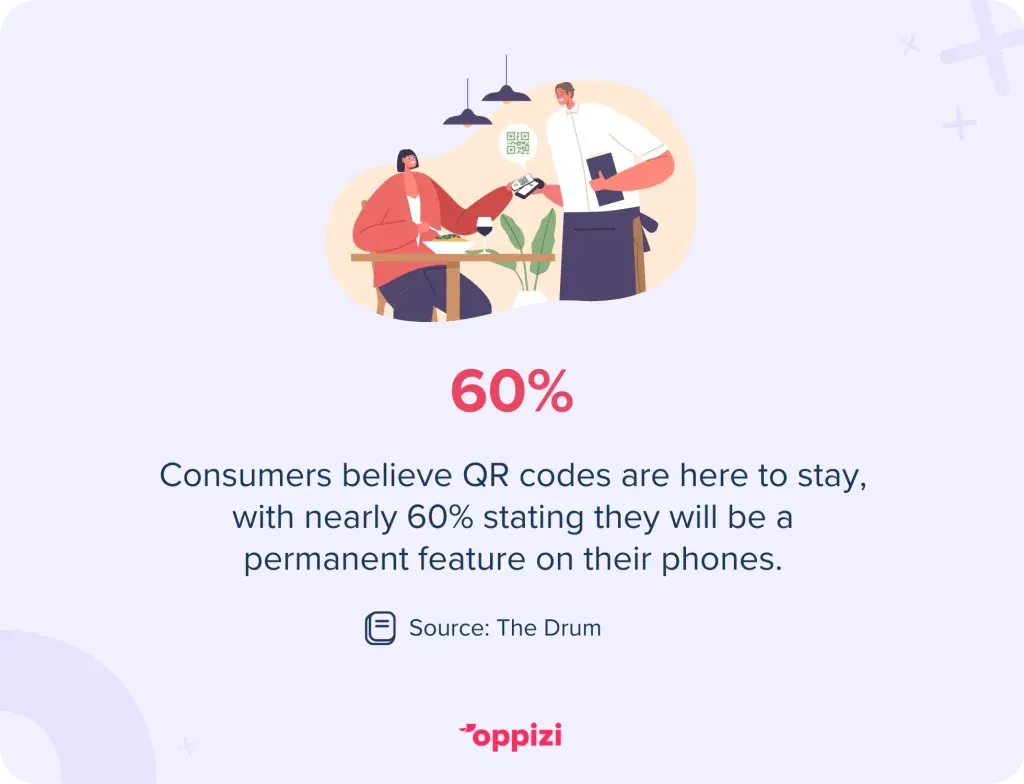
In future, you may find yourself placing QR codes in multiple places. Consumers themselves believe QR codes are here to stay, with nearly 60% stating they will be a permanent feature on their phones in the future.
Best practices for QR code placement and design
To help people use your QR codes, placement and design are key.
Placement tips:
- Be visible: Put QR codes in clear spots, like the top-right corner of printed materials.
- Leave space: Avoid clutter around the QR code. This makes it easier to scan.
- Use a call-to-action: Add a simple note like ‘Scan here to email us’ to tell users what to do.
Design tips:
- Create contrast: Use colors that stand out against the background.
- Choose the right size: Make sure the QR code is big enough to scan easily but not too large.
- Test often: Regularly check how the QR code scans in different places, like low light or on various smartphones.
Conclusion
QR codes for email are a great way to improve communication and engagement in your business. They make it easier for customers to contact you, helping to build trust and stronger connections. Whether you choose a free QR code generator or a paid option, the benefits are clear: smoother processes, better experiences for users, and more efficiency.
Ready to modernize and improve your business communication? Try out our QR code generator today and start your path to growth.
Frequently asked questions
- What is a QR code for email?
A QR code for email is a code you can scan. When you scan it, it opens your email app and fills in details like the recipient's address and subject line. It makes it easy for you and your audience to connect.
- How can I create a QR code for an email address?
You can create a QR code for an email address using a free or paid QR code generator. Just enter the email address, a subject line, and an optional message. The tool will create the QR code for you. You can try Oppizi’s free QR code generator to get started today.
- Is creating a QR code for email free?
Yes, you can find free QR code generators online. Some websites offer extra features, like branded QR codes or detailed analytics, but these might need a subscription.
- How do I use a QR code to send an email?
When you see the QR code that gives you this option, you scan it with your smartphone, and it opens your email app. Part of the message will already be filled in. You just need to add what you want, and hit ‘Send’.
- Are QR codes for email secure?
Yes, QR codes for email are generally secure. They just encode the information you put in, like an email address. But it's important to use a trusted QR code generator to keep things safe.
- Where can I use a QR code for email?
You can add a QR code for email to:
- Business cards
- Flyers or brochures
- Event invitations
- Real estate signs
- Packaging or product labels
This way, customers can easily contact you without having to type your email address.
- Do QR codes for email work on all devices?
Yes, QR codes work on most smartphones and tablets that have a camera. Many devices even have a QR code reader built into the camera app.
- How can I track the performance of a QR code for email?
Some QR code generators provide analytics to track how many times your code is scanned. They can show details like the location, device type, and time of the scans. This information helps you understand how engaged your audience is and improve your campaigns.
- Can I edit the QR code after it’s created?
If you use a dynamic QR code generator, you can change the details like the email address or subject without changing the QR code itself. But if you have a static QR code, you can’t edit it once it’s created.
- Are QR codes for email suitable for businesses of all sizes?
Yes! QR codes for email are great for any business, big or small. They make it easy for customers to reach out, improving communication and accessibility. That’s why they can be a valuable part of any marketing strategy.