Last updated July 23, 2026
You’ve probably heard of QR codes and even used them, but have you ever made one for WhatsApp? The truth is, creating a WhatsApp QR code is incredibly easy once you know how.
So, why create a WhatsApp QR code? Because it makes connecting with people instant and effortless—no typing, no fuss. Just scan and connect.
Whether you’re running a business, working in marketing, or simply looking for a faster way to share your contact, a WhatsApp QR code is the perfect tool. Join us as we guide you through the steps to create and use a QR code for WhatsApp, making the process as easy as possible.
What is a WhatsApp QR code?
A WhatsApp QR code is a scannable code that allows users to connect with you on WhatsApp instantly. By scanning this code, people can directly open a chat with you or join a group without having to type a phone number or use a link.
Benefits of using WhatsApp QR codes:
- Makes connecting easier: No need to exchange phone numbers. Just send the scannable code.
- Professional touch: Beneficial and convenient for business cards, flyers, and marketing campaigns.
- Quick access: A single scan removes all barriers to communication and takes the user to the desired place in an instance
- Enhanced user experience: Makes joining WhatsApp groups or initiating chats quick and easy.
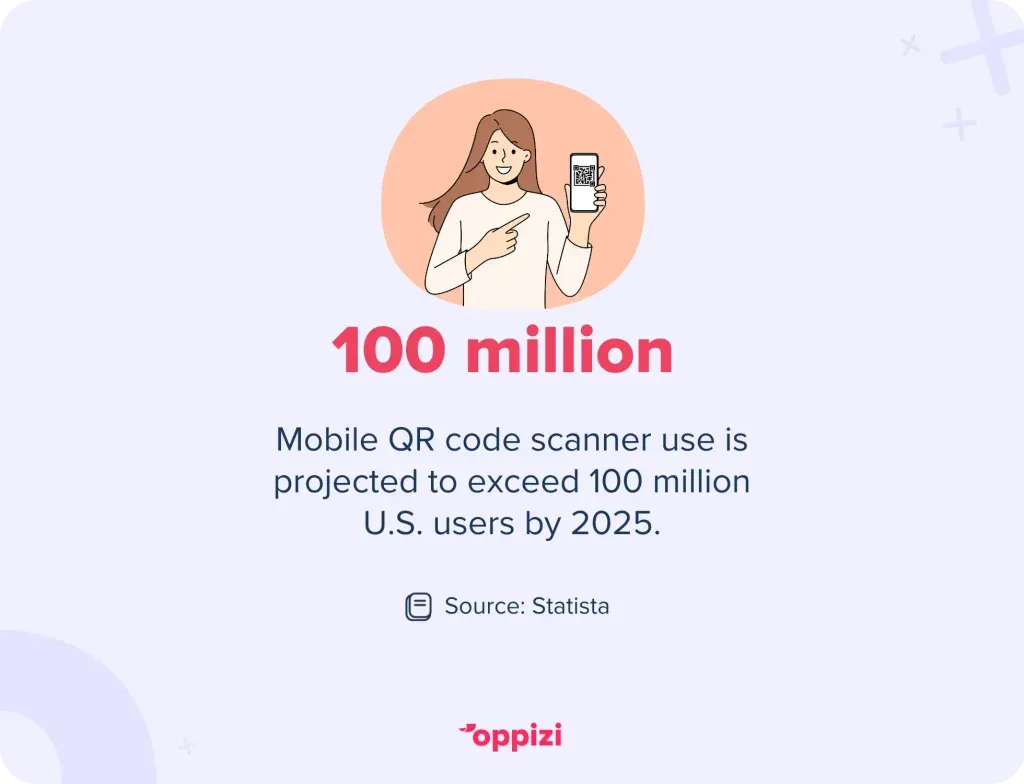
The use of mobile QR code scanners is expected to grow steadily, surpassing 100 million users in the U.S. by 2025. This growing trend highlights the increasing importance of integrating QR codes into both personal and business communication strategies to ensure you are staying relevant and accessible.
How to create a QR code for WhatsApp
Did you know your WhatsApp profile already comes with its own QR code? Before creating a custom one, let’s take a look at the one you already have. It’s easy to find in just a few simple steps within the app.
How to find WhatsApp QR code
- Open WhatsApp on your phone.
- Go to Settings (iPhone) or the three-dot menu (Android).
- Tap on your profile name or icon.
- Look for the QR Code icon next to your name. This is your ownWhatsApp QR code that you can share directly.
- To share your QR code, tap on the small QR Code icon next to your name. When it opens, click the share button.
That’s it. Simple, right? Share it, and anyone can reach you with a quick scan. No need for anyone to type in a number, save it, or fumble with their phone and get frustrated. Connecting on WhatsApp has never been easier.
Alternatively, if you want to access WhatsApp Web, you don’t need to create a new QR code. WhatsApp generates one for you on web.whatsapp.com that you can scan with your phone to access and log into your account.
Create a WhatsApp QR code with Oppizi for extra benefits
Sure, WhatsApp provides a basic QR code for your profile, but it has limitations. With Oppizi’s free and easy-to-use QR code generator, you can create a more powerful and flexible QR code that offers extra benefits and avoids potential issues down the line. Here’s why it’s worth considering:
Why create a WhatsApp QR code with Oppizi?
- Customizable and reusable: If you change your phone number, simply update it in the custom QR code saved in your Oppizi account. The code will automatically update and continue working—no need to create a new one.
- Unique and professional design: Oppizi’s user-friendly design tools let you create a QR code that stands out, unlike the plain, generic ones tied to WhatsApp profiles.
- Tracking features: Gain insights with tracking data, including location and device type, so you know exactly how and where people are connecting with you.
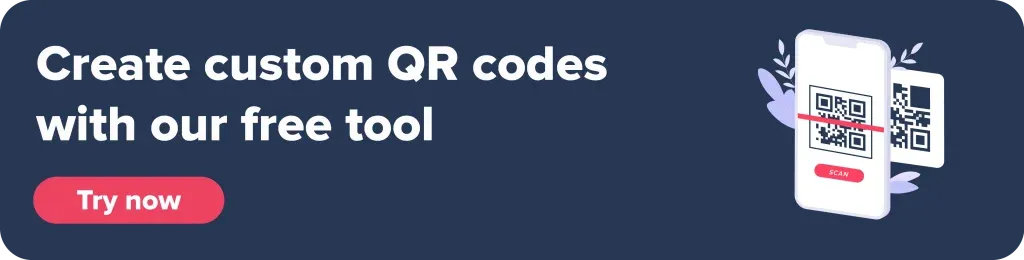
These features are incredibly useful if you use your WhatsApp account for business purposes. Share it, print it, or save it as a PDF to easily distribute. QR codes aren’t just a passing trend—they’re here to stay and grow. Juniper Research predicts their usage will surpass 2.2 billion users across the globe by 2025.
How to create your WhatsApp QR code with Oppizi
- Open the Oppizi QR code generator online.
- Select QR type—in this case, WhatsApp.
- Fill in the details: Enter your name, phone number, and an optional message.
- Design your QR code: Use the customization tools to make it visually appealing.
- Download and share: You can download your QR code instantly without signing up or create a free account to unlock advanced features like tracking and scan analytics.
Creating a WhatsApp QR code with Oppizi is fast, simple, and packed with valuable features to enhance both your professional and personal needs.
Generate a QR code for a WhatsApp group
So, what about making a QR code for a WhatsApp group? That’s just as simple. You can do it by following these simple steps:
- Open the group you want to share in WhatsApp.
- Tap the three dots at the top and go to group info.
- Scroll down to the Invite via Link option.
- Choose QR Code from the available sharing options.
- Save or share the QR code directly.
How to join a WhatsApp group with a QR code
Joining a WhatsApp group through a QR code is easy. Once someone shares the code with you, just scan it, and you're in! Not sure how to scan it? Don’t worry—we’ll explain below.
How to scan a WhatsApp QR code
- Open WhatsApp on your phone.
- Navigate to Settings or the three-dot menu.
- Tap the QR Code icon.
- Choose Scan Code.
- Align the QR code within the frame to scan it.
You can now access the WhatsApp profile or group associated with that QR code.
Best reasons to use WhatsApp QR codes
For personal use
- Sharing contact details: Easily share your WhatsApp number with new acquaintances.
- Group invites: Simplify how friends and family join WhatsApp groups.
For businesses
- Customer support: Direct customers to your WhatsApp chat with a WhatsApp business web QR code.
- Marketing campaigns: Add QR codes to flyers, posters, or digital ads to encourage customer interaction.
- Networking: Use a QR code on business cards to make sharing contact details seamless.
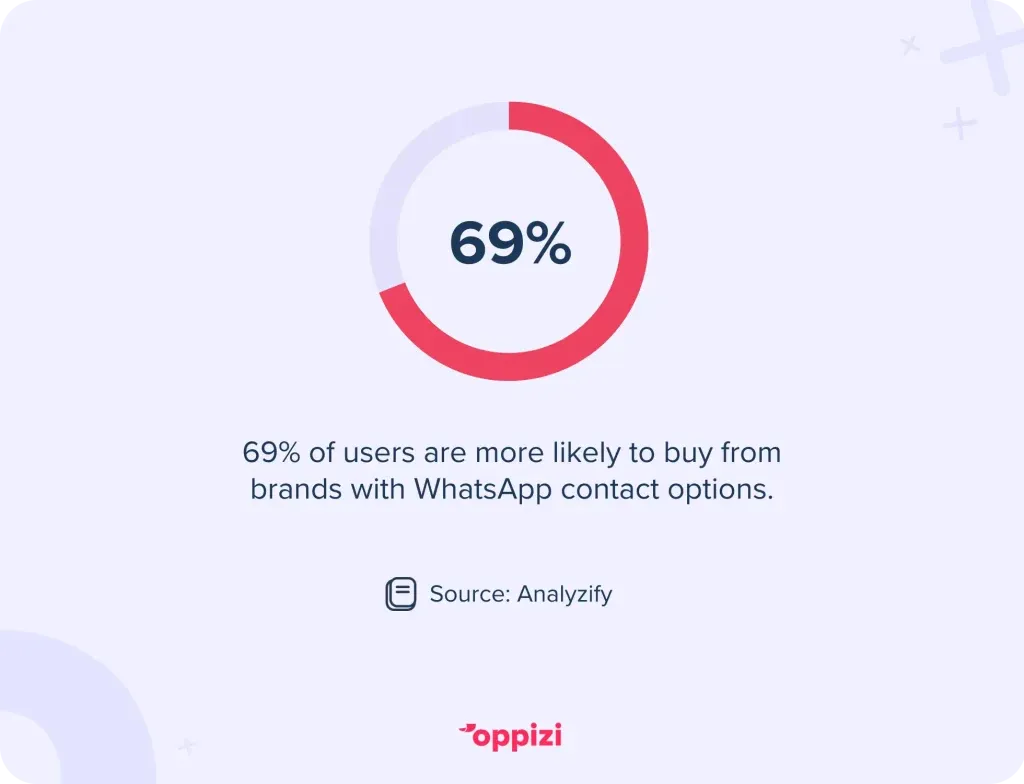
Did you know?69% of users are more likely to buy from a brand that offers a WhatsApp contact option.
Business QR Code
Business owners can create QR codes for a variety of purposes, such as directing customers to their catalogs or initiating pre-filled messages. These features are especially beneficial for small businesses looking to enhance customer interactions.
With a business QR code from Oppizi, you can share essential information about your business quickly and easily. Just share the QR code on WhatsApp or other platforms, and when customers scan it, they will immediately see:
- Business details: Your name and description.
- Opening hours: When you’re available.
- Facilities: Any special features or services offered.
- Location: Directions to your business.
- Contact details: A direct way to reach you.
- Social media links: Easy access to your online presence.
Also, Oppizi’s advanced tracking features allow you to see where your customers are accessing your information. All of this is available with just one scan—convenient and efficient, right?
Troubleshooting common issues
- QR code not working: Ensure the code links to an active WhatsApp number or group.
- Scanning issues: Check lighting and camera focus when scanning.
- Expired links: Regenerate a new QR code if the link is no longer valid.
Whatever the problem may be, rest assured, you can find a solution with this troubleshooting QR codes guide.
Why use Oppizi to create your QR codes?
Here’s why you should give it a try:
- Free and simple: Design and generate QR codes for any purpose in just a few steps—no sign-up required, no hassle, and it’s free.
- Advanced features: Want more? Sign up for free to unlock powerful tracking tools, giving you insights such as location and device type for each scan.
- Fast and user-friendly: Create your personalized QR codes and design in just a few clicks. No need to be an expert!
Simplify your WhatsApp connections today
Creating and using QR codes for WhatsApp is a straightforward yet powerful way to enhance communication. Whether for personal or business use, they offer convenience and professionalism.
Get your own QR code—free, no sign-up needed. Create a QR code today and get connected instantly.