Last updated July 23, 2026
Whether it’s a product brochure, a restaurant menu, or a white paper, PDFs remain a popular format for sharing information. But how do you bridge the gap between your offline and online audience? The answer is simple: QR codes.
QR codes have become an innovative solution for sharing digital resources. With just one scan, you can instantly link users to your PDF, making it easier for them to view and download your content. In this blog, we’ll explore how you can create a QR code for your PDF, why it’s a game-changer for user experience, and tips to ensure your QR code stands out and works seamlessly.
How to Create a QR Code Linked to a PDF
Creating a QR code linked to a PDF is a straightforward process with Oppizi’s QR code generator tool. Here’s a step-by-step guide to help you get started.
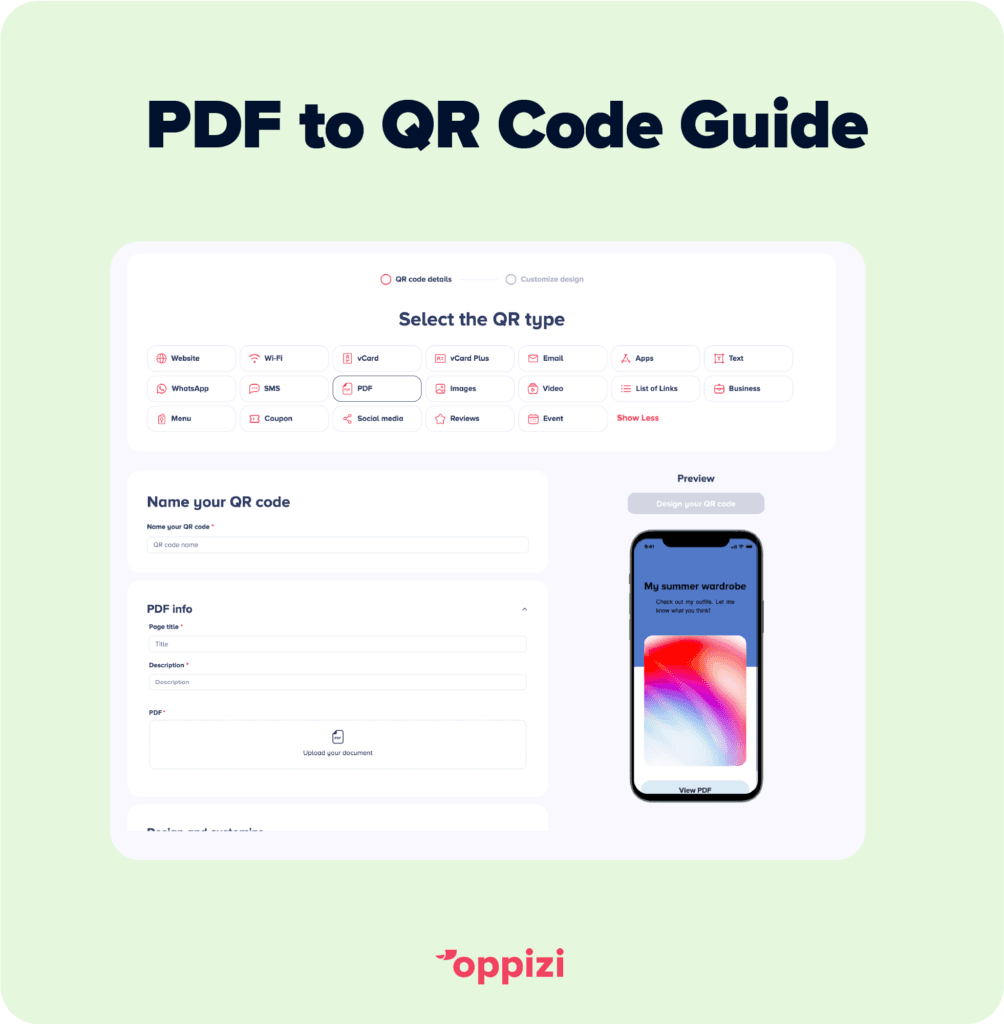
- Go to Oppizi’s QR code generator: Navigate to our free QR code generator tool to start the process.
- Select the PDF option: This setting will allow you to directly link a PDF document to your QR code.
- Upload your PDF document: Make sure your PDF is finalized, as this will be the document users see when they scan the code.
- Customize your QR code design: Tailor the QR code to match your brand’s colors or style.
- Generate and download the QR code: After finalizing your PDF link and customizations, click to generate your code!
- Test your final product: Before you distribute or print your QR code, scan your code to run a test and help prevent potential issues for end users.
- Implement across your marketing materials: Once you’ve verified that the QR code works properly, it’s time to print or digitally display it.
Benefits of Using QR Codes Linked to PDFs
QR codes linked to PDFs are gaining traction because they make it much easier to have access to content, reduce costs, and streamline communication. Here are the top benefits of incorporating QR codes linked to PDFs into your business strategy:
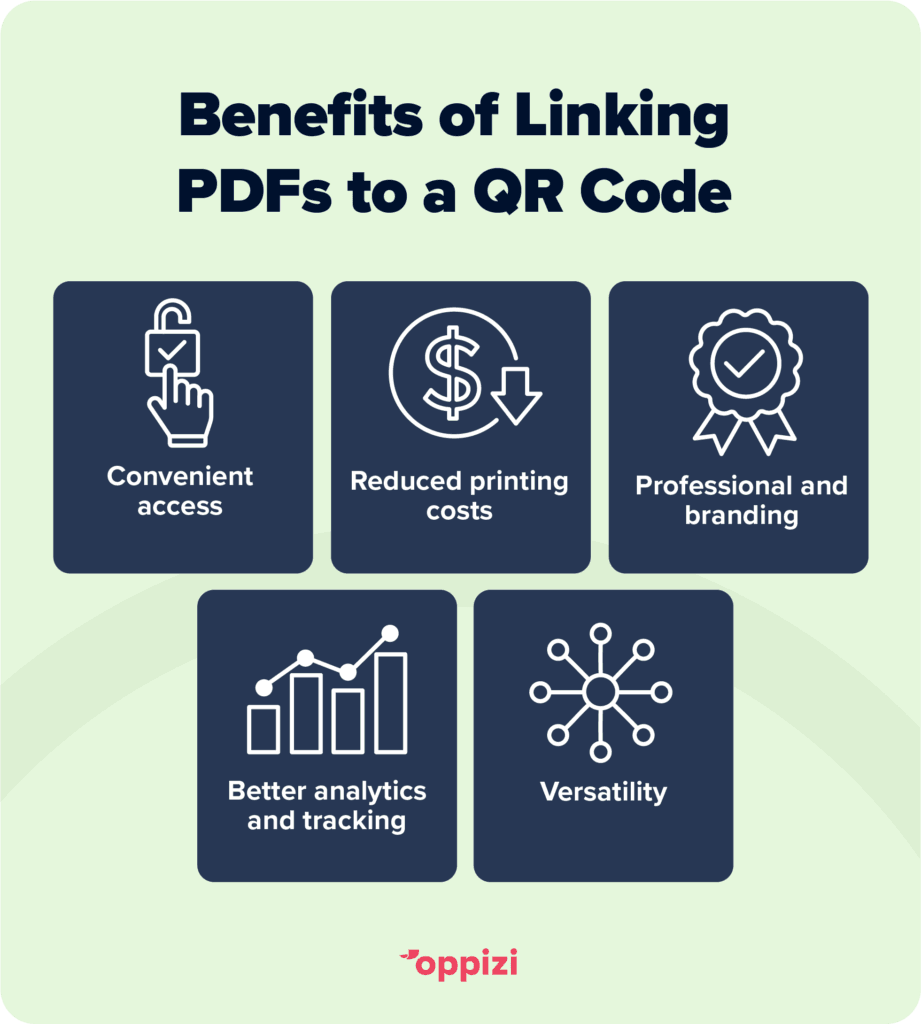
1. Convenience for Users
- By scanning a QR code, users can access PDFs on their smartphones or tablets instantly. This eliminates the need to type in URLs or download apps, providing a seamless experience.
- This is particularly useful for documents that may be lengthy or complex, as users can save and view the PDF at their convenience.
2. Reduced Printing Costs
- By offering digital access to PDFs through QR codes, businesses can reduce the need for printed materials, ultimately saving on printing and distribution costs.
- For companies aiming to adopt more eco-friendly practices, QR codes provide a green alternative to printing physical documents.
3. Improved Content Accessibility
- Users can access content at any time, from any place, as long as they have their device. This provides greater flexibility, especially for businesses with remote or global audiences.
- Digital PDFs linked to QR codes can be updated or revised without reprinting materials, ensuring users always have the latest version.

4. Professional Branding
- Placing QR codes on business cards, brochures, and product packaging adds a professional touch and demonstrates tech expertise, which appeals to today’s digitally-minded customers.
- Companies can further brand these QR codes to match their visual identity, making them an extension of their branding efforts.
5. Better Analytics and Tracking
- QR codes can be tracked to measure engagement. Many QR code generators provide data on the number of scans and user locations, helping businesses understand how and where their information is being accessed.
- This data can be invaluable for marketing efforts, enabling businesses to see what content resonates most with their audience.
When to Use QR Codes to Link to PDFs
QR codes are a versatile tool that can fit into virtually any business setting. Let’s take a closer look at some specific ways businesses across various industries can leverage QR codes linked to PDFs.
Product Manuals and Instruction Guides
For product-based businesses, adding a QR code to packaging that links to a PDF manual or guide allows customers to access instructions without needing a physical booklet.
This can reduce printing costs and enhance the user experience, as customers can easily zoom in or search within the PDF.
Restaurant Menus and Order Forms
Restaurants can place QR codes on tables or displays, linking to digital menus in PDF format. This allows for easy menu updates, as changes only need to be made to the PDF file rather than reprinting new menus.
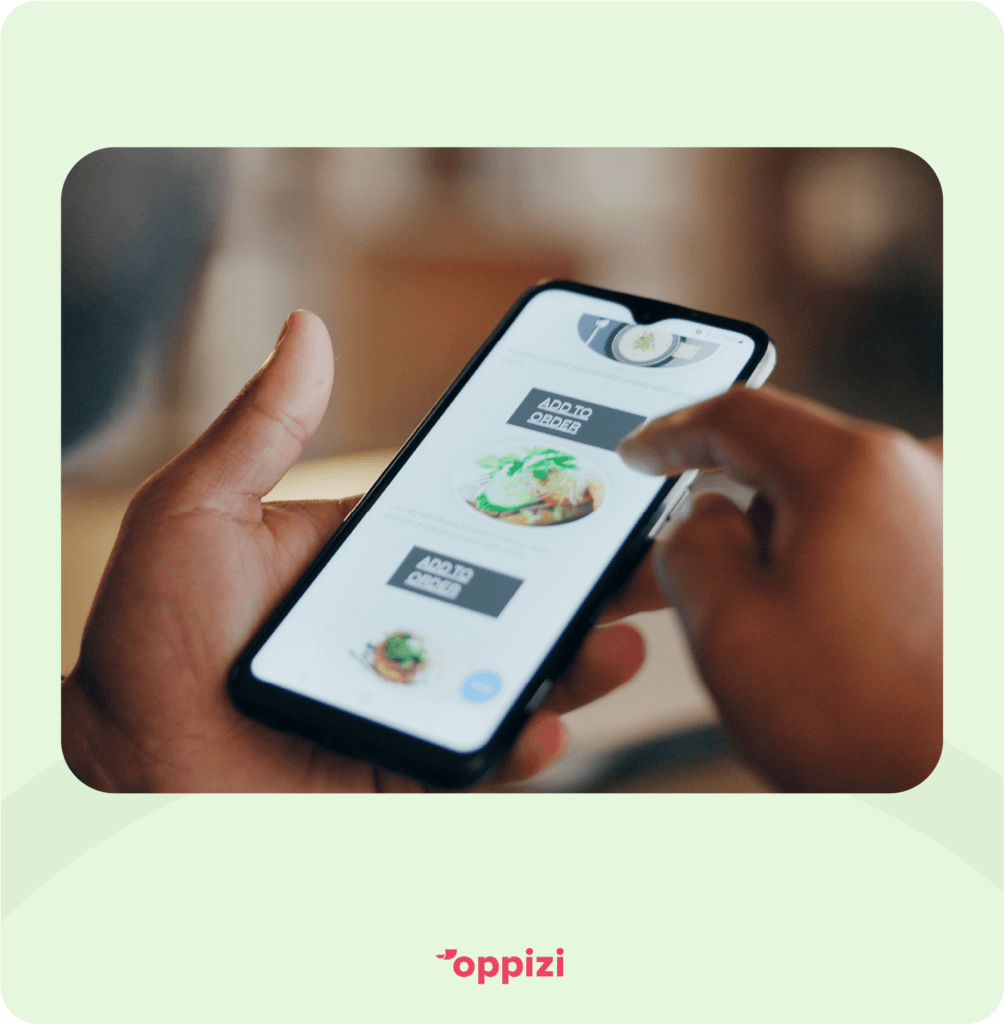
Digital menus are also more hygienic and convenient for customers, especially in high-traffic dining areas.
Event Programs and Schedules
Events and conferences can distribute programs and schedules via QR codes on posters, lanyards, or welcome kits. This makes it easy for attendees to keep track of sessions and speakers without carrying paper handouts.
QR codes provide flexibility for last-minute changes since organizers can update the PDF without reprinting materials.
Real Estate Listings
Real estate agents can use QR codes to link potential buyers or renters to property listings and brochures in PDF format. By placing QR codes on “For Sale” signs or business cards, agents make it easy for prospects to view property details and photos.
This approach also adds a professional touch, making it simple for clients to access comprehensive information on their own time.
Best Practices for Using QR Codes Linked to PDFs
To get the most out of your PDF-linked QR codes, keep these best practices in mind:
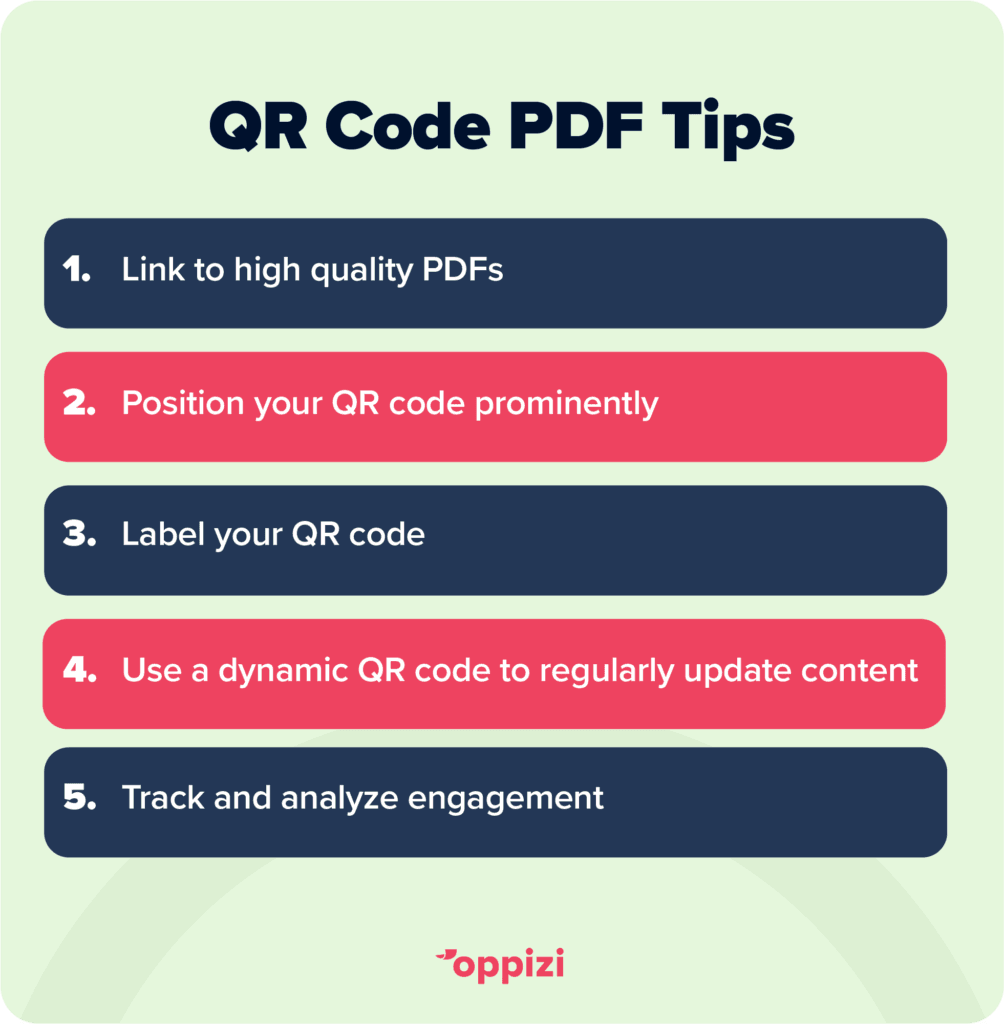
- Use high-quality PDFs: Ensure that the PDF is clear, formatted for mobile viewing, and informative. Low-quality or poorly formatted documents can negatively impact the user experience.
- Position QR codes prominently: Place QR codes in locations where they’re easy to find and scan. For printed materials, ensure the QR code is large enough for a quick scan.
- Label and instruct: Adding a short label like “Scan for Product Info” or “View Our Menu” can encourage users to scan the code. This is particularly helpful for users who may be unfamiliar with QR codes.
- Regularly update the PDF content: If your PDF contains time-sensitive or seasonal information, update it regularly to ensure users always have access to current content.
- Track and analyze engagement: Oppizi’s QR code generator may offer tracking data, allowing you to measure scan rates and other useful engagement metrics. This data can provide insights into how effectively your QR code strategy is performing.
Final Thoughts
By embracing QR codes for PDF access, businesses not only enhance the user experience but also position themselves as forward-thinking, digitally savvy, and environmentally conscious.
Take advantage of this innovative tool today to connect more effectively with your audience, drive engagement, and deliver the information that matters most—faster and more conveniently than ever.
Ready to create your own QR code? Try our free QR code generator now to elevate your marketing strategy!