Last updated August 28, 2026
Creating a QR code for a Google Form is a great way to make your form easily accessible to users, allowing them to open the form instantly by scanning the QR code with their mobile device. Whether for surveys, registrations, or feedback forms, any type of QR code can make it easy for people to access your content and boost interaction.
This guide will take you through the steps to generate a QR code for a Google Form, highlight the benefits of using QR codes, and answer some frequently asked questions.
How to Create your QR Code for a Google Form
- Create or Open Your Google Form: Start by creating a Google Form, if you haven’t done so already. Go to Google Forms, select the template you need, and design your form with the necessary questions and options.
- Get the Form URL: Once your form is ready, you’ll need to access the shareable link. Click on the “Send” button at the top-right corner of the Google Form and select the “Link” icon. Copy the provided URL, which is the link you’ll convert into a QR code.
- Choose a QR Code Generator: Head to a QR code tool such as Oppizi’s free QR code generator, which offers customization options and free QR code tracking.
- Paste Your Google Form URL: Paste your Google Form URL into the QR code generator. This URL will be encoded into a QR code, allowing users to access your form directly.
- Customize the QR Code: Design and personalize your QR code to make it unique to your branding.
- Generate and Download Your Code: Click to generate your code and the QR code generator will prompt you to download an image file in PNG or JPG format. Download this file and save it to your device.
- Test the QR Code: Testing your QR code to make sure it redirects to your Google Form correctly. Try scanning it on different devices to confirm it works as expected.
- Share Your Code: Once verified, you can share your QR code on posters, business cards, emails, websites, or any other place where you want users to access your Google Form quickly.

Benefits of Using a QR Code for Google Forms
Using a QR code for Google Forms streamlines access and enhances user convenience. Below are the key benefits of integrating QR codes with your Google Forms:
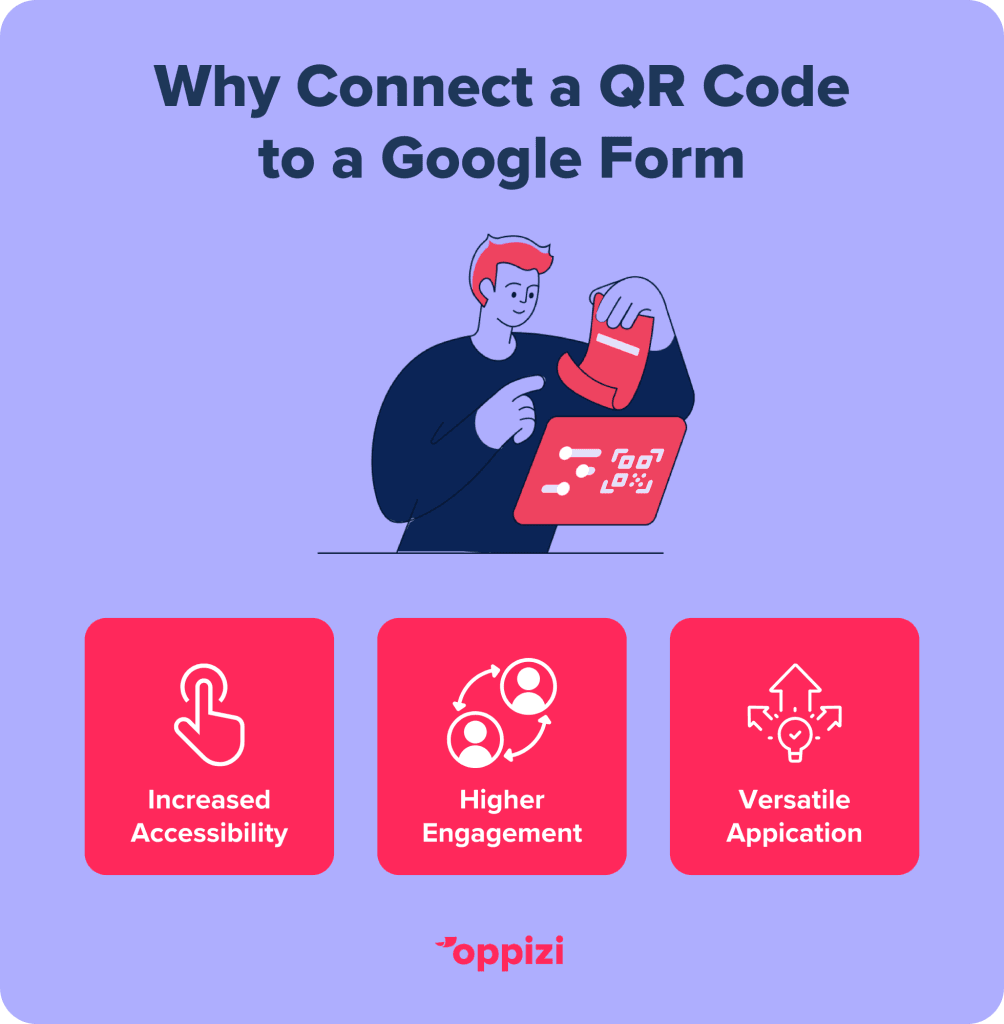
- Increased Accessibility: QR codes make it easy for users to access and engage with your Google Form by scanning a simple image, removing the need to type lengthy URLs.
- Higher Engagement: QR codes can drive more responses to your form since they offer an immediate, convenient way for people to access it.
- Versatile Application: QR codes work well in both digital and physical spaces. You can use them in printed materials or online, making them flexible for almost any situation.
Frequently asked questions
- How do I get a link for a Google Form?
To get a link for a Google Form, open your form in Google Forms and click the "Send" button at the top right. In the pop-up window, select the link icon (a chain symbol) to generate a shareable URL. Copy this link, and you’re ready to share it with others.
- Are QR codes for Google Forms free?
Yes, creating a QR code for a Google Form is usually free. Some platforms charge for advanced features, like customization or analytics, but using a QR code generator like Oppizi’s offers free customization and tracking features.
- What is the best QR code generator for Google Forms?
The best QR code generator for Google Forms depends on your needs. We suggest using Oppizi’s QR code generator, which has a user-friendly interface and makes it easy to create custom trackable QR codes at no cost to businesses and individuals.
By following these steps, you’ll be able to create a QR code for your Google Form, making it easier for respondents to access and complete your form from any location or device. Check out our free QR code generator to see how you can incorporate these resources into your marketing efforts today!