Last updated August 28, 2026
At busy networking events where you could be meeting hundreds of people, efficient and seamless sharing of contact information is paramount. While traditional business cards still offer a range of benefits, they often fall short in facilitating swift and accurate data exchange, and can easily become lost. VCard QR codes make contact sharing seamless, bridging the gap between physical introductions and digital connectivity.
This article delves into the significance of vCard QR codes, their benefits, and how you can create personalized versions using Oppizi's free QR code generator.
Understanding vCard QR codes
A vCard, or Virtual Contact File, is a standard format for electronic business cards. It allows you to share contact information such as name, address, phone number, email, and more in a format that's easily imported into address books or contact management systems. By embedding this information into a QR code, known as a vCard QR code, individuals can share their contact details instantly with a simple scan.
The rise of QR codes in networking
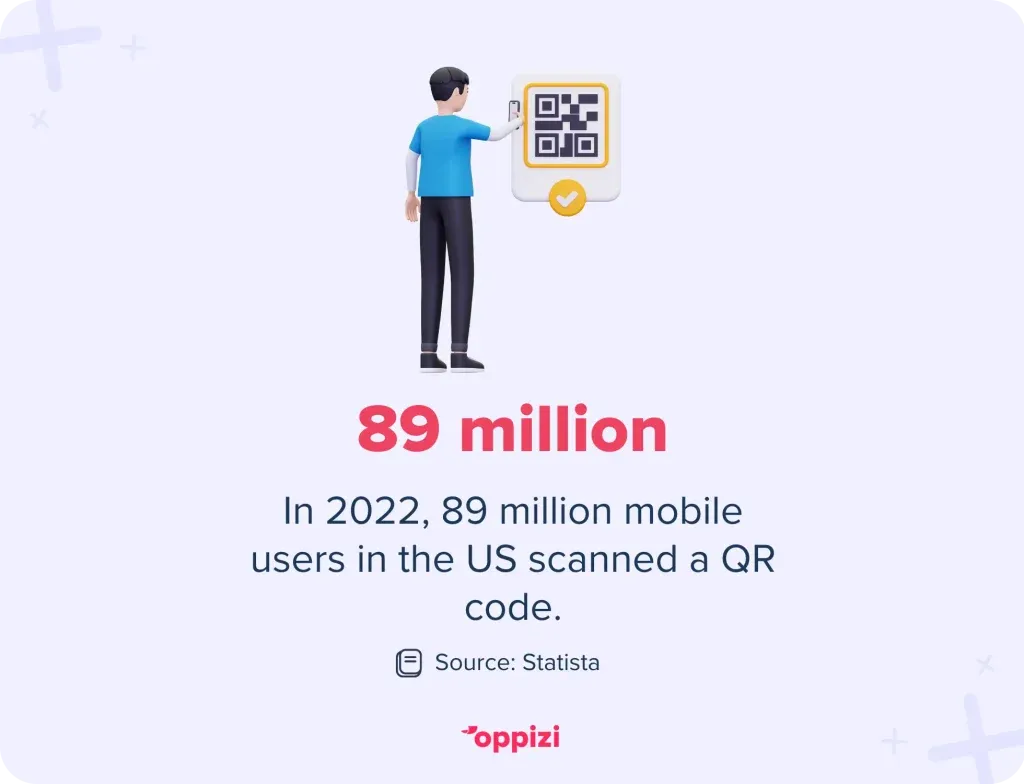
The use of QR codes has seen a significant increase in recent years. In 2022, 89 million mobile device users in the US engaged with QR codes, reflecting their growing popularity and highlighting a shift towards contactless information sharing.
Benefits of using vCard QR codes
1. Instant information transfer
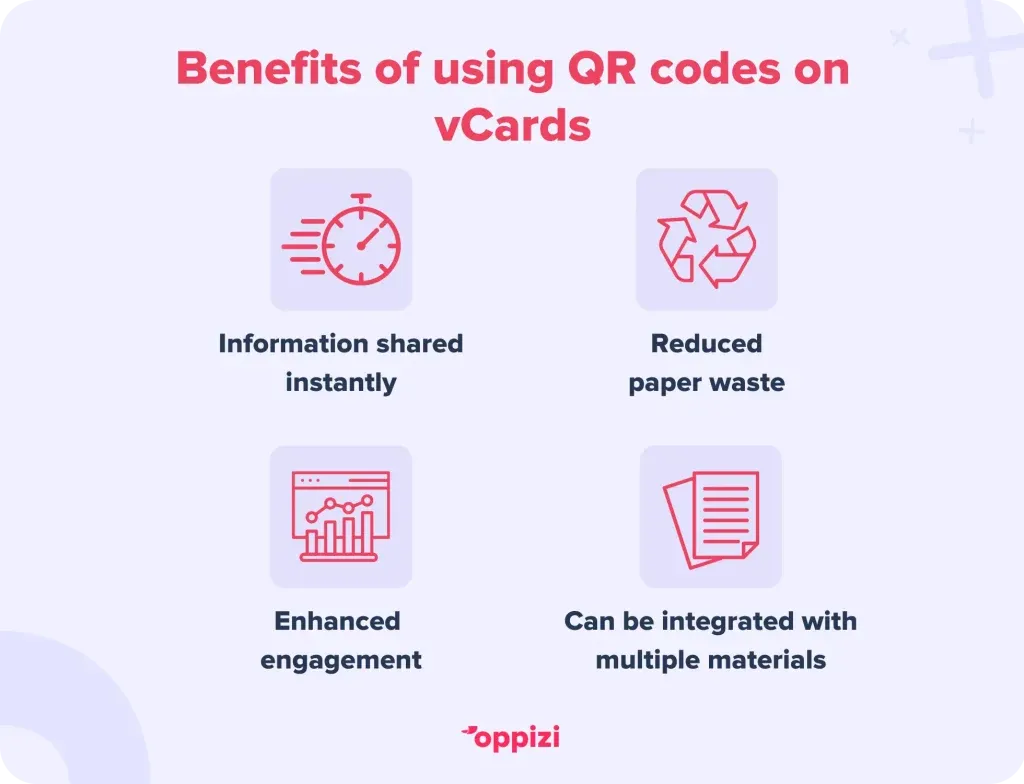
Scanning a vCard QR code allows recipients to save contact details instantly and directly to their device, eliminating manual entry errors and saving time.
2. Eco-friendly networking
VCards reduce the need for paper business cards so can contribute to environmental sustainability.
3. Enhanced engagement
Customized QR codes that include brand logos and colors can be more effective in capturing attention.
4. Versatility
VCard QR codes can be integrated into email signatures, social media profiles, websites, and physical marketing materials, offering multiple touchpoints for sharing contact information.
Creating a customized vCard QR code with Oppizi
Oppizi's free QR code generator offers a user-friendly platform to create personalized vCard QR codes. Here's a step-by-step guide:
- Access the generator: Navigate to Oppizi's QR code generator.
- Select QR code type: Choose the 'vCard' or ‘vCard Plus’ option to input your contact details.
- Enter information: Fill in the required fields such as name, phone number, email, company, and address.
- Customize design: Enhance your QR code by adding your logo, adjusting colors, and selecting patterns that align with your brand identity.
- Generate and download: After personalization, generate your QR code and download it in your preferred format.
Best practices for implementing vCard QR codes
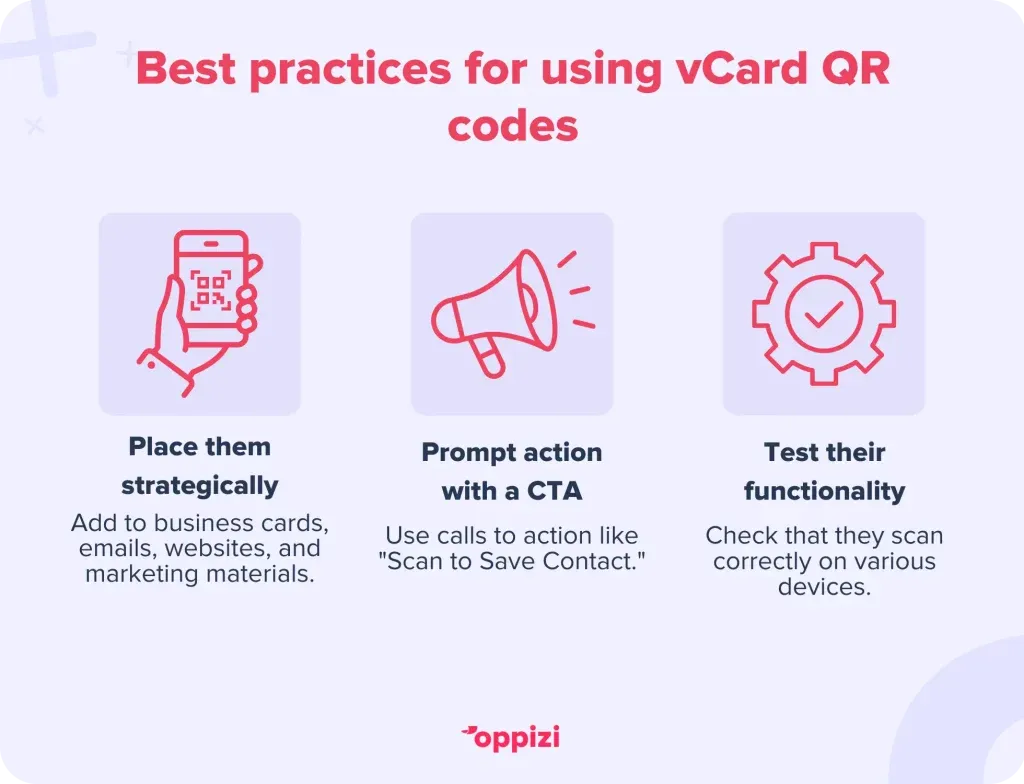
- Strategic placement: Incorporate your QR code on business cards, email signatures, websites, and promotional materials to maximize visibility.
- Clear call-to-action: Encourage engagement by adding prompts like "Scan to Save Contact" near your QR code.
- Test functionality:Ensure your QR code scans correctly across various devices before distributing it.
Conclusion
Embracing vCard QR codes is a forward-thinking approach to modern networking. They offer a seamless, efficient, and eco-friendly means of sharing contact information. By customizing your vCard QR codes with Oppizi's free generator, you not only enhance your brand's visibility but also ensure a memorable and engaging experience for your contacts.
Ready to revolutionize the way you network? Create your personalized vCard QR code today with Oppizi's free and easy-to-use QR code generator.
Frequently asked questions
- Are vCard QR codes compatible with all smartphones?
Yes, most modern smartphones with a camera can scan QR codes and process vCard information directly into their contacts app.
- Can I update the information in my vCard QR code after it's printed?
Traditional (static) QR codes cannot be updated once created. However, dynamic QR codes allow you to change the embedded information without altering the QR code itself.
- Is it possible to track how many times my vCard QR code has been scanned?
Yes, by using Oppizi's QR code generator, you can access detailed scan data and analytics to track engagement.
- Do vCard QR codes expire?
Static vCard QR codes do not expire. However, if you're using a dynamic QR code service, it's essential to check the provider's terms, as some may have expiration policies.