Last updated July 23, 2026
Convenience is key in today’s world, and QR codes are a simple way to make accessing almost anything easier. By generating a QR code to help users connect to your WiFi network, you can offer instant, hassle-free access without needing to share a lengthy password or network name.
In this guide, we’ll explore the advantages of using WiFi QR codes, how they work, and the easy steps to create one on your own using a QR code generator.
Step-by-Step Guide to Generating a WiFi QR Code
Creating a QR code to connect users to your WiFi network is quick and easy with the right tools. Following the guide below, you can use Oppizi’s QR code generator to simplify the process and generate your own customizable code.
Step 1: Go to Oppizi’s QR Code Generator
Start the process by selecting your generator, like our free QR code generator tool. With just a few clicks, you can instantly generate a QR code that’s ready to download or customize.
Step 2: Select “WiFi” as the QR Code Type
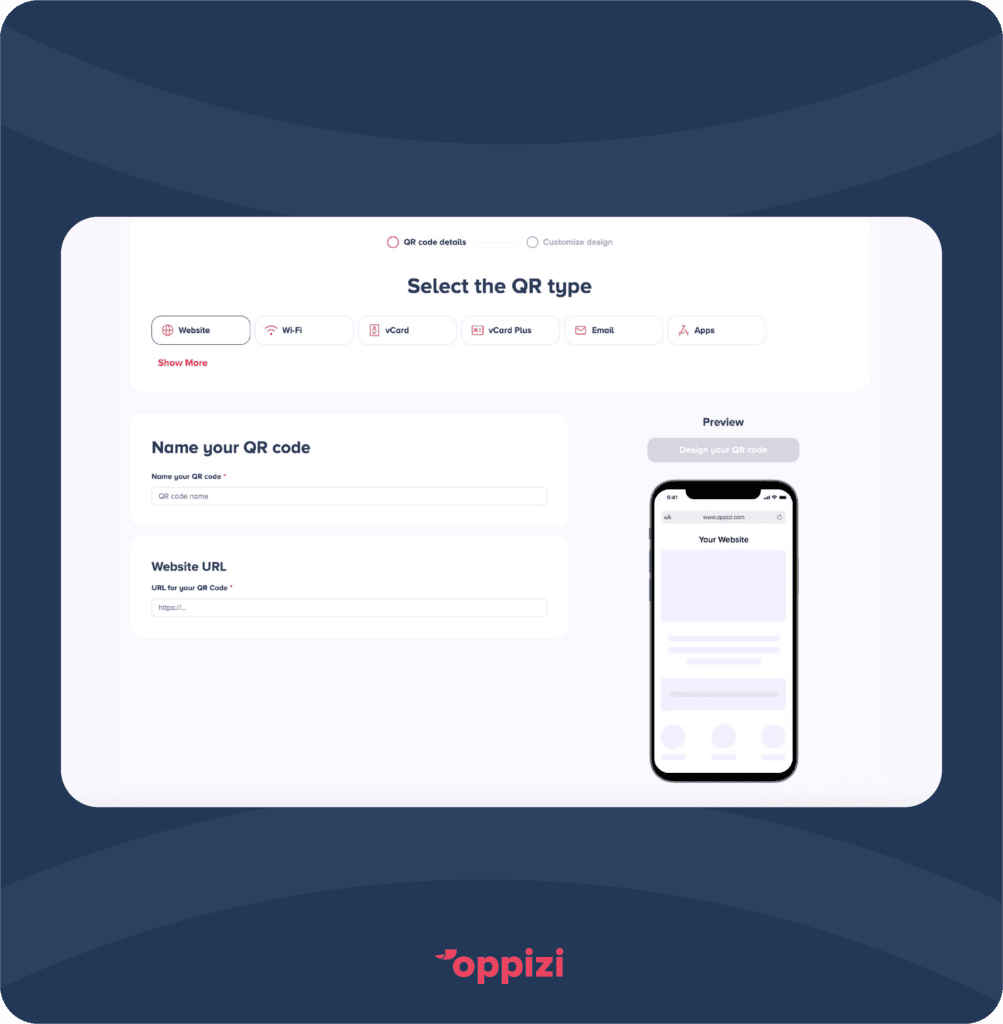
Once you’re on the generator page, you’ll need to choose the type of QR code you want to create. Select the “WiFi” option from the list to ensure that the QR code will be formatted specifically for WiFi connection purposes.
Step 3: Enter Your Information
You’ll see fields to enter your QR code name and WiFi network details. You’ll typically need to provide the following information:
- Network Name: This is the name of your WiFi network.
- Network Password: Enter your WiFi network password here.
- Network Type: You’ll see options to choose between WPA, WPA2, WPA3 and WEP. Most modern networks use WPA2, but choose the option that matches your network.
Step 4: Design Your Code
Oppizi allows you to add personal touches and customize your QR code. You can customize elements such as:
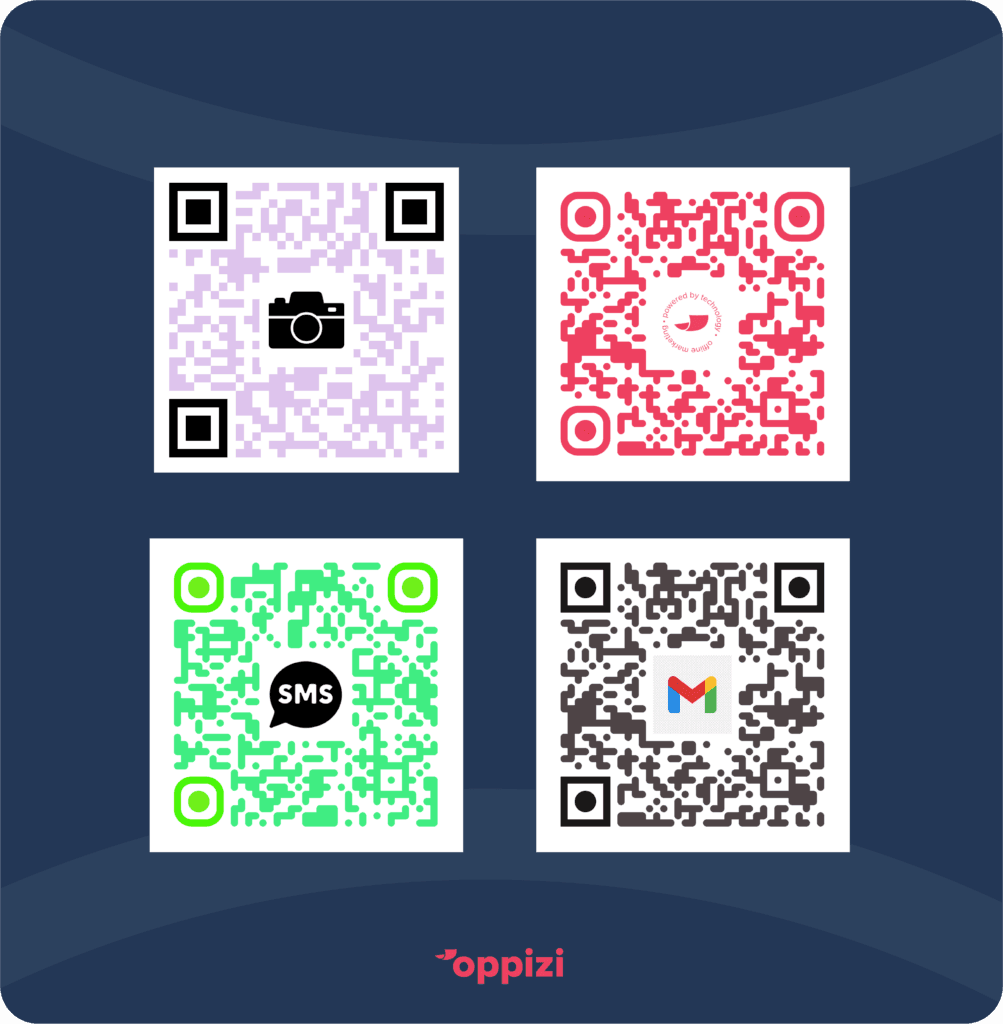
- Color: Change the QR code color to match your brand or personal preferences.
- Logo: Embed a logo, such as your company’s branding, within the QR code.
- Frame or Border: Add a border or frame around the QR code to help it stand out or to give it a more polished look.
Choose between design templates, styles, logos and custom frames to add a polished and unique look to your QR code.
Step 5: Generate and Download Your Code
Once you’ve entered all the details and customized your QR code, generate your final code. After a few moments, you’ll have the option to download the QR code as an image file, typically PNG or JPG format.
Step 6: Print and Display the QR Code
After downloading your QR code, print it out or display it digitally. You can place the QR code in visible areas where people are most likely to look for WiFi, such as:
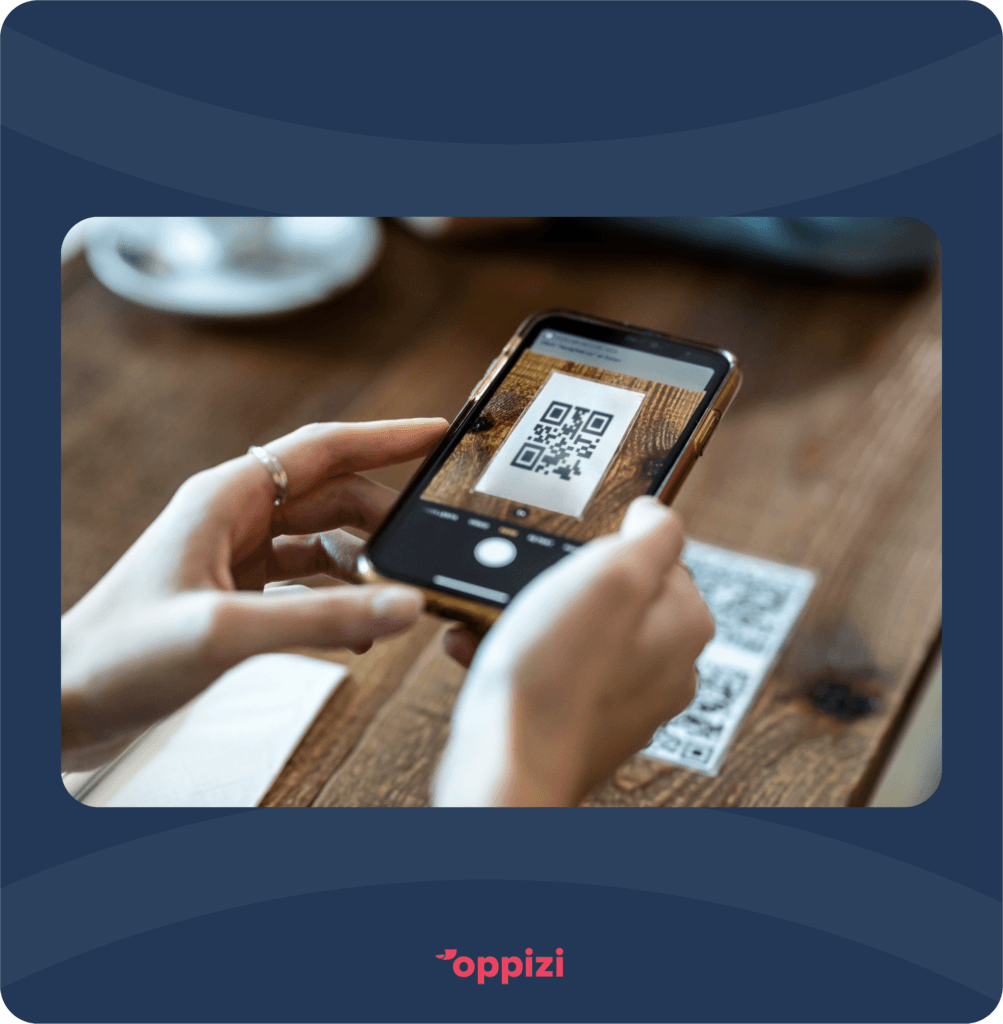
- Reception desks or front counters
- Walls or posters near seating areas
- Menus, brochures, or business cards
For personal use, you can keep the QR code handy on your device or share it with friends and family.
Benefits of Using a QR Code to Connect to WiFi
QR codes are a simple, effective way to encode and share information. Here are some of the key benefits that make QR codes an ideal method for connecting to WiFi:
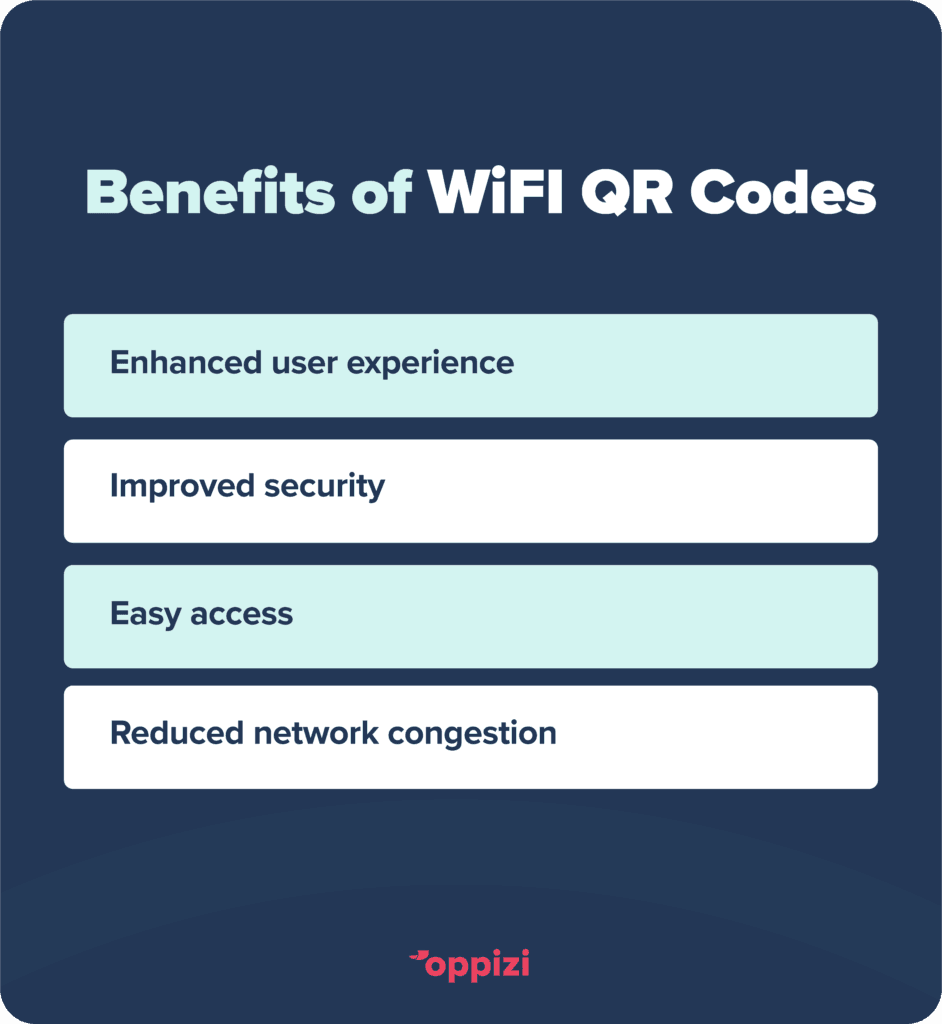
Enhanced User Experience
With a WiFi QR code, users don’t have to manually enter passwords or hunt down network names. They can simply scan the code and their device will automatically connect to the network.
For businesses, this streamlined experience can significantly improve customer satisfaction and boost the likelihood of guests staying connected longer.
Improved Security
A QR code allows you to securely encode your network information without having to display it publicly.
Since passwords are not being typed in directly, there’s less of a risk of unintentional sharing or the password ending up in plain view.
Easy for All Types of Users
Some people may struggle with manually typing passwords, especially if they’re long or complex. With a QR code, even non-tech-savvy individuals can easily connect.
It’s also a huge time-saver for businesses that see frequent visitors, as customers no longer need to ask for WiFi details repeatedly.
Professional Presentation
For businesses, displaying a QR code on tables, counters, or menus not only makes it convenient but also presents a modern, tech-savvy image.
This small touch can enhance a business' professional appearance and show customers that they prioritize ease and accessibility.
Reduced Network Congestion
By using a QR code, you can direct users to specific networks that are designated for guests. This helps maintain separation between business and guest networks, reducing congestion on critical business lines.
Using WiFi QR Codes in Different Environments
The applications of WiFi QR codes extend beyond just personal convenience. Various industries can leverage QR codes for WiFi access in unique ways. Here’s a closer look at how WiFi QR codes can be beneficial in different settings.

1. Retail Stores and Cafes
- Retail stores and cafes benefit by offering QR codes for WiFi access, allowing customers to stay connected as they shop or enjoy a meal.
- Offering quick WiFi access can encourage customers to linger, potentially leading to increased sales or brand engagement.
2. Hotels and Hospitality
- Hotels can place QR codes in guest rooms, lobbies, or even on key cards, offering visitors instant access without the need to request passwords.
- This can make the guest experience smoother and decrease workload for front desk staff.
3. Events and Conferences
- Large events can use QR codes to provide WiFi for attendees without needing to display network details on posters.
- For conferences, QR codes can help direct users to different networks, depending on the type of access needed, such as for speakers, staff, or attendees.
4. Offices and Co-Working Spaces
- In co-working spaces or offices, QR codes make it easy for visiting clients or collaborators to connect to guest networks securely.
- This keeps the main office network secure while still allowing easy access for visitors.
5. Public Spaces
- Public spaces like libraries, parks, or shopping malls can offer free WiFi through QR codes, making it convenient for users to connect and reducing the need for staff to explain the process.
Conclusion
Using a QR code for WiFi connectivity offers immense convenience, security, and a modern touch to any setting. Whether you’re a business owner, event organizer, or just someone who wants to simplify home WiFi sharing, creating your own WiFi QR code is the way to go.
By following the steps outlined above, you can create a QR code that helps users connect with just a scan—no more fumbling with passwords or network names.
Start enhancing your WiFi experience today with Oppizi’s free QR code generator and enjoy the benefits!