Last updated August 28, 2026
The world of education is rapidly evolving, and new technology will only continue to shape the future of learning. QR codes, with their ability to provide instant access to digital resources, have become a popular tool in schools, colleges, and educational institutions.
These scannable codes can simplify processes, enhance student engagement, and make learning more interactive.
In this article, we’ll discuss how to use QR codes in education, give step-by-step instructions to creating them, highlight benefits and tips, and answer some of your frequently asked questions.
How Do QR Codes Impact Education?
In the classroom, different types of QR codes can provide a seamless way to share resources, enhance engagement, and streamline communication. Teachers can use them to link to assignments, videos, or interactive activities, making learning more dynamic. They also facilitate eco-friendly, paperless classrooms by offering digital access to materials.
These codes also support diverse learning styles, from visual to auditory, and enable better communication between educators, students, and parents. By integrating technology in this way, QR codes foster a more connected and innovative educational environment.
Whether you're a teacher, administrator, or student, QR codes can help streamline workflows and make learning more accessible and enjoyable.
Making A QR Code: A Step-by-Step Guide
Making a QR code for education purposes is more simple than you might think. Here’s a quick guide:
1. Find a QR Code Generator
Head to Oppizi’s free QR code generator to get started.
2. Choose the Type of QR Code
Decide what you want the QR code to do. For example:
- Link to a website for additional resources.
- Direct students to a video or online quiz.
- Provide access to a downloadable PDF.
3. Input Your Content
Enter the URL, text, or file you want the QR code to point to. Oppizi’s QR code generator supports multiple formats, such as QR code videos, PDFs, and images, to fit whatever content you’d like.
4. Customize the QR Code
- Modify the design to make it visually appealing.
- Add your school’s logo or specific colors to align with your branding.
- Ensure good contrast for easy scanning.
5. Generate and Test the QR Code
Click "Generate" to create your code. Test it with a smartphone or tablet to confirm it directs to the correct content.
6. Download and Share
Download the QR code in your preferred format, like a PNG, JPEG, or more. Print or integrate it into digital materials for use in your classroom or school.
Benefits of Using QR Codes in Education
QR codes offer significant benefits in education by simplifying access to digital resources, enhancing student engagement, and fostering interactive learning. They can bridge physical and digital materials, providing students with instant access to educational resources.
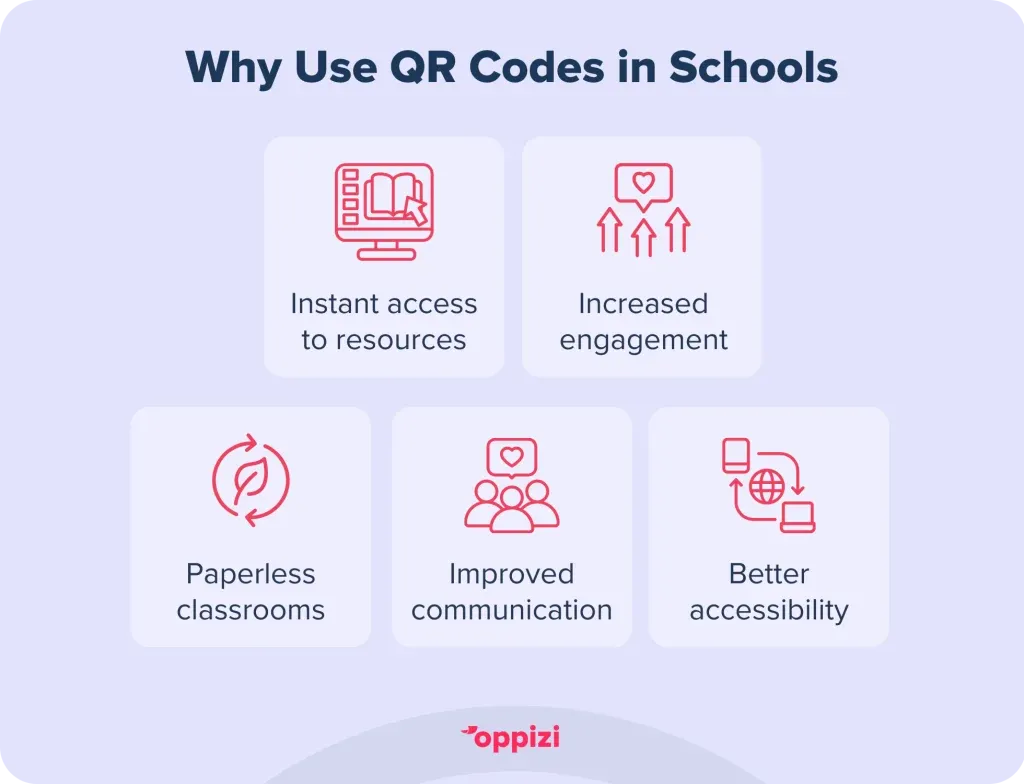
By integrating this versatile technology, educators can create more innovative and efficient teaching methods tailored to diverse learning needs. Some of these benefits can include:
- Instant Access to ResourcesQR codes allow students to access resources like videos, quizzes, and assignments quickly, reducing the need for manual input or searches.
- Increased EngagementInteractive activities linked through QR codes make learning more engaging and fun, capturing students’ interest.
- Paperless ClassroomsUsing QR codes for sharing digital content supports eco-friendly practices by reducing paper usage.
- Improved CommunicationTeachers can use QR codes to share updates, resources, or assignments directly with parents and students.
- AccessibilityQR codes can link to content that supports diverse learning styles, such as audio files for auditory learners or videos for visual learners.
Key Factors to Consider
When implementing QR codes in educational settings, there are several key factors to consider. First, ensure that all students have access to smartphones or tablets capable of scanning QR codes, as technology access is crucial for successful integration.
Next, prioritize the clarity of content by linking to resources that are relevant, easy to navigate, and suitable for the intended audience. Since QR codes often require internet access, it's also important to confirm that your classroom or school has reliable connectivity.
Lastly, be mindful of privacy concerns by avoiding links to sensitive information or unverified sources to protect both student data and privacy.
Tips for QR Code Use in Schools
Here are some key tips for creating effective QR codes to be used in schools or educational settings.
Test Before Use
Before deploying QR codes, test them on a variety of devices and operating systems, including smartphones and tablets. Ensure they work across different screen sizes and apps. Double-check that the linked content is accessible and user-friendly, especially for students with diverse learning needs. Check out our QR code troubleshooting guide if you need assistance.
Use Dynamic QR Codes
Dynamic QR codes are a smart choice because they allow you to update the linked content without changing the code itself. This feature is invaluable for ongoing updates, such as replacing outdated links or modifying assignments, ensuring the code remains relevant over time.
Label Clearly
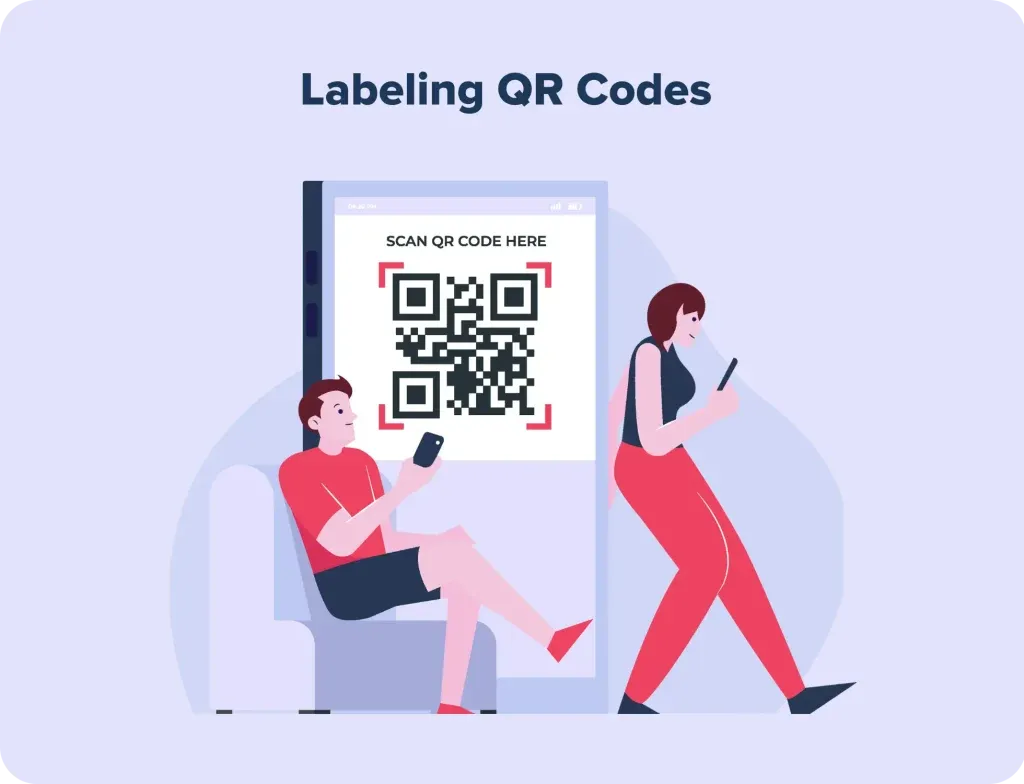
Place a clear and concise description near the QR code to inform users about its purpose. For instance, specify if it links to a homework assignment, video lesson, or event details. Clear labeling not only improves usability but also ensures students and parents trust the code.
Promote Safe Usage
Teach students the importance of scanning QR codes safely. Warn them against scanning codes from unknown or unreliable sources outside the school setting. Emphasize the importance of verifying the source of a QR code to protect against phishing or malicious links.
Integrate Creatively
Incorporate QR codes into fun and interactive activities like scavenger hunts, group projects, or classroom displays. Use them to unlock bonus content, provide hints for assignments, or even as part of reward systems to gamify learning. Creative integration keeps students engaged and motivated while utilizing technology effectively.
Conclusion
Thanks to the use of QR codes, education has seen a transformation making learning more accessible, engaging, and efficient. From sharing resources to fostering creativity, these versatile tools are a must-have for modern classrooms.
Using a platform like Oppizi’s free QR code generator tool, can help educators easily create customized codes to enrich their teaching methods and enhance communication with students and parents. By incorporating QR codes thoughtfully, schools can embrace technology to create a dynamic and interactive learning environment.
Ready to embrace technology and bring your school into the future? Use our free QR code generator to start leveraging the power of QR codes today!
Frequently asked questions
- How Do You Create a QR Code for School?
To create a QR code for school, first identify the resource, like a lesson plan, video, or quiz. Use a QR code generator to Input the link or file, customize the design, and generate the code. Before deploying it to students, test it to make sure it works correctly and distribute via print or digital channels.
- How Do Schools Use QR Codes?
Schools use QR codes in many creative ways to enhance education and communication. Teachers can link lesson plans, resources, assignments, or quizzes, providing students with quick access to essential materials.
Libraries and hallways may also feature QR codes that connect static displays to interactive content, like multimedia resources or additional learning materials, fostering an engaging and connected school environment.
- What Are Some Examples of QR Code Use in School?
- Classroom Activities: Link to videos, quizzes, or games to make learning interactive.
- Homework Assignments: Provide instant access to online assignments or extra practice.
- Parent Communication: Share newsletters, event schedules, or feedback forms.
- Library Resources: Use QR codes on bookshelves to link to related online materials or reviews.
- School Events: Simplify event registrations, share maps, or provide schedules using QR codes.