Last updated August 28, 2026
Your Instagram isn’t just a social media page—it’s a way to connect with customers, show off your products, and grow your business. But getting people to find and follow you can be a hassle. That’s where an Instagram QR code comes in.
Instead of asking people to search for your account, just give them a code to scan. One tap, and they’re on your profile. It’s quick, easy, and perfect for stores, events, or business cards. No extra steps, no confusion—just more followers in less time.
What is an Instagram QR code?
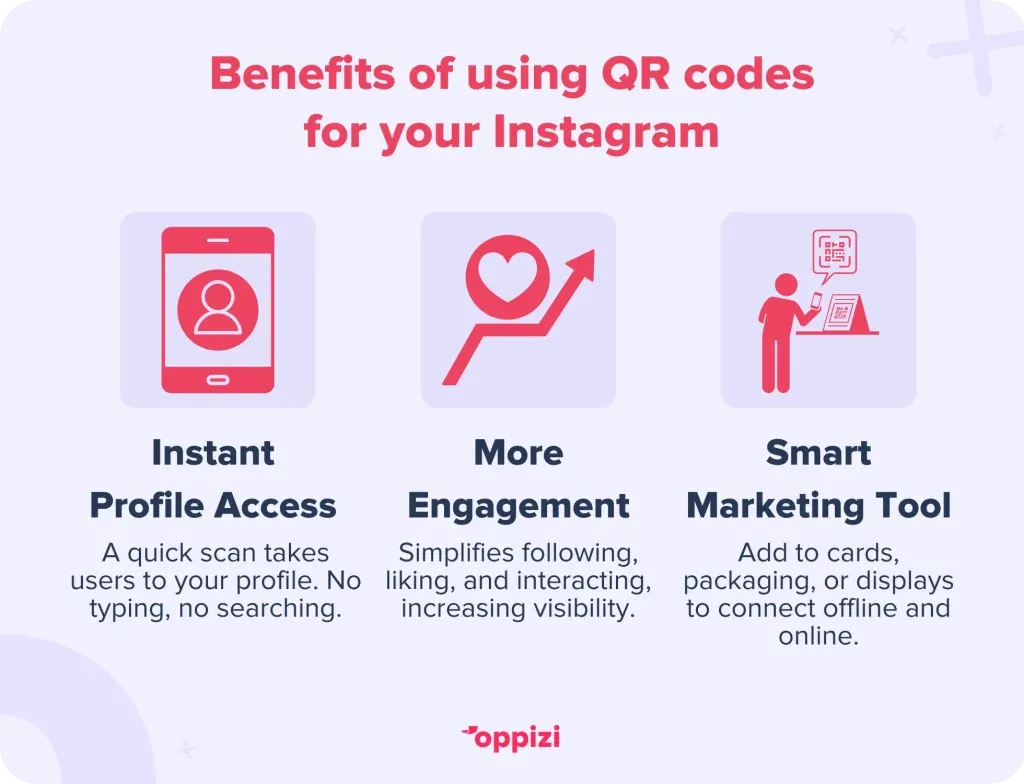
An Instagram QR code is a scannable image that takes people straight to your profile. They just scan it with their phone, and your page opens instantly. No typing, no searching—just one quick scan.
Instagram has a built-in QR code, but it’s pretty basic. If you want a custom look that matches your brand, Oppizi’s free QR code generator lets you design one with your colors, logo, and style. It’s easy and gives you more control over how your QR code looks.
How to get a QR code for Instagram
There are two ways to make a QR code for your Instagram profile. You can use Instagram’s built-in QR code or create a custom one with Oppizi.
How to find your Instagram QR code
- Open the Instagram app.
- Go to your profile.
- Tap the Share Profile button in the menu.
- Your QR code will appear. You can save or share it from there.
How to create a custom Instagram QR code
- Go to Oppizi’s free QR code generator.
- Choose Social Media as the QR type.
- Select Instagram and enter your profile link.
- Customize it with your brand’s colors, logo, and design.
- Download your QR code and start using it anywhere.
Why use Oppizi’s QR code generator?
Instagram’s QR code works, but it’s basic. It only links to Instagram, and you can’t customize how it looks beyond a few emojis and a small number of colors.
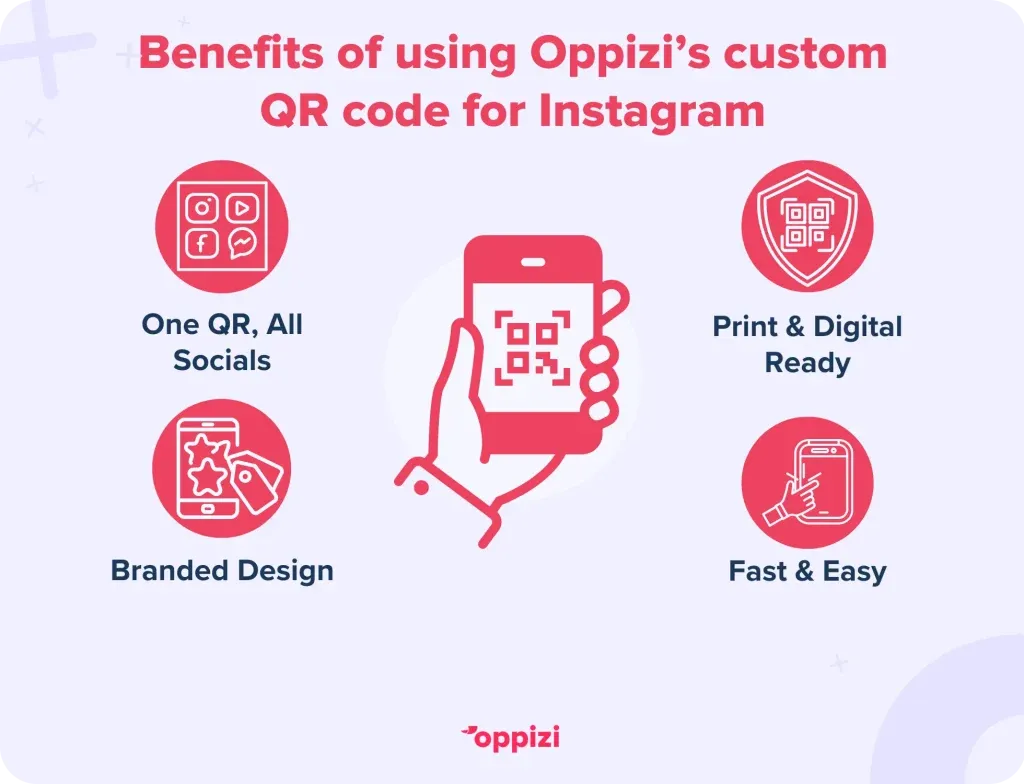
Oppizi’s QR code generator lets you do more:
- Link to multiple social media profiles with one QR code.
- Customize it with your brand’s colors and logo.
- Get a high-resolution file for print and digital use.
- Create and download it in seconds—no tech skills needed.
If you want a QR code that looks professional and matches your brand, Oppizi gives you full control. It’s fast, free, and easy to use.
How to scan an Instagram QR code
Scanning an Instagram QR code is easy. Most smartphones can do it without an app.
- iPhone: Open the Camera app and point it at the QR code. Tap the pop-up to open the Instagram profile.
- Android: Some phones scan directly from the Camera app. If that doesn’t work, use Google Lens or a QR scanner app.
That’s it—quick and simple!
Where to use your Instagram QR code
Your QR code won’t work if no one sees it. Here’s where to put it:
- In your store: Stick it on signs, posters, or the checkout counter.
- On business cards: Make it easy for people to follow you.
- On product packaging: Give customers a reason to stay connected.
- At events: Add it to flyers, banners, or your booth setup.
- In emails: Drop it in your email signature for quick access.
- On social media: Post it to bring in more followers.
Put it where people will notice, and let them scan their way to your profile.
Turn every customer into a follower
Your Instagram QR code isn’t just a link. It’s a way to turn everyday interactions into real connections. Someone visits your store, attends your event, or buys your product—each moment is a chance to grow your audience.
A quick scan can lead to a follow, and a follow can lead to a sale. Maybe a customer scans your code on a receipt, follows you, and later sees a post about a product they love. That one scan keeps them engaged.
Make your QR code work harder:
- Give people a reason to scan. Offer a small discount or exclusive content for new followers.
- Use it in promotions. Add it to holiday flyers, event posters, or product launches.
- Encourage sharing. Ask customers to pass it along so their friends can follow too.
Put your QR code where people will see it. Make it easy to scan. The more connected they feel, the more likely they are to stick with your brand.

Final thoughts
An Instagram QR code makes it easy for people to find and follow you. Whether you use Instagram’s built-in code or a custom one from Oppizi, it’s a simple way to connect with more customers.
Want a QR code that matches your brand? Try Oppizi’s free QR code generator and start growing your audience today.
Most marketing strategies have blind spots. Yours doesn’t have to. Oppizi makes offline marketing effortless. Join for free and get access to simple, powerful tools that guide you step by step.
Frequently asked questions
- How do I share my Instagram QR code?
Save it to your phone, then share it through email, text, or social media. You can also print it on flyers, posters, or business cards so people can scan it in person.
- How do I scan an Instagram QR code?
Most smartphones let you scan QR codes with the Camera app. Just open the camera, point it at the code, and tap the link that pops up. If that doesn’t work, try a QR scanner app or Google Lens.
- How do I find my Instagram link?
To find your Instagram URL, use this format: instagram.com/yourusername (replace “yourusername” with your actual username). Alternatively, visit your Instagram profile in a browser and copy the URL from the address bar.
- How do I find or change the link in my Instagram bio?
- Open Instagram and go to your profile.
- Tap “Edit Profile.”
- Look for the “Website” section to copy, change, or add a link.
- Should I use Oppizi’s QR code generator or Instagram’s built-in QR code?
Instagram’s QR code works, but it’s basic. It only links to your profile and doesn’t let you customize the look. Oppizi’s free QR code generator lets you add more colors, your own logos, and better design options while still linking to your Instagram.