Last updated July 23, 2026
Not sure how to design a flyer that actually works? You’re not the only one. Whether you’re running a local sale or launching a new product, flyers are a great way to get noticed. But making one can feel tough, especially if you’re not a designer.
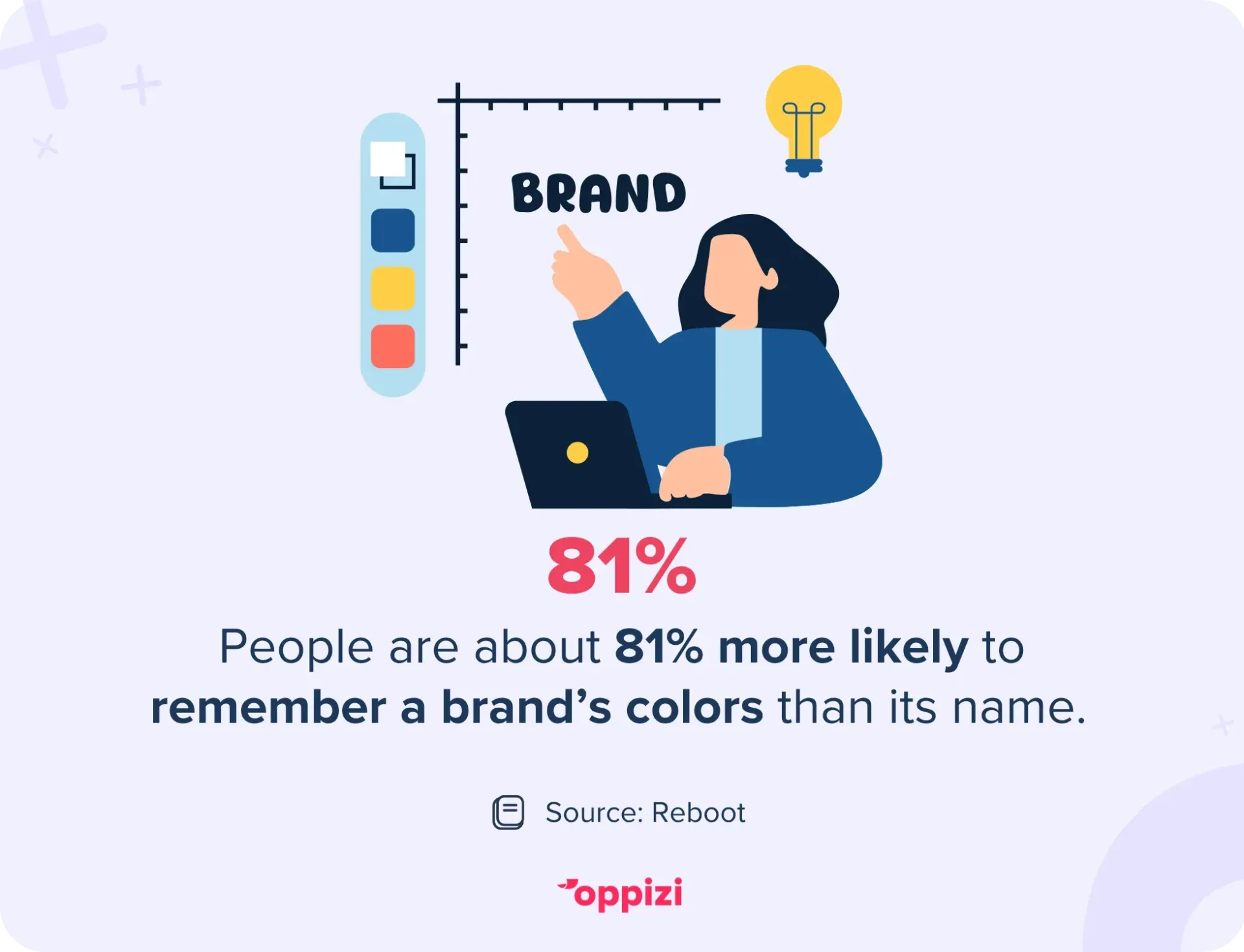
The good news? You don’t need to be a designer. There are tools that make it easy, even if it’s your first try. And since people are 81% more likely to remember a brand’s color than its name, getting the visuals right matters. The key is finding the tool that works best for you.
We tested 11 of the best flyer design tools. We looked at how easy they are to use, what they can do, how much they cost, and how well they work for people without design experience. We’ll start with the best and work our way through the full list.
1. Oppizi
Best for: Businesses that want an all-in-one flyer design and distribution platform
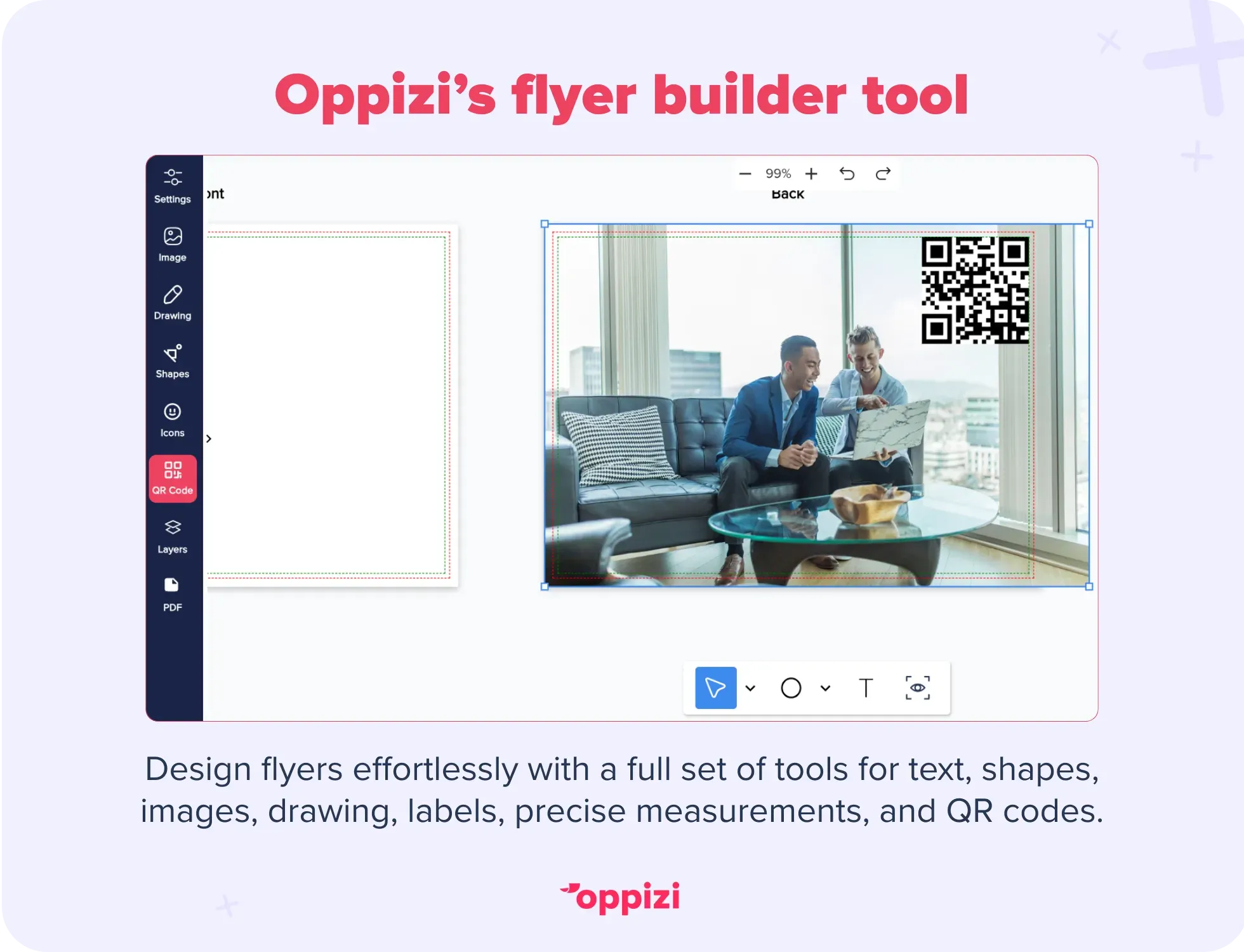
Oppizi’s next-gen flyer builder isn’t just a design tool. It’s a complete creative workspace. You can start from scratch or upload an existing flyer and customize it with text, shapes, images, labels, highlights, and even freehand drawings.
The editor offers precise measurements, QR code tools, and SVG support inside a clean, modern interface with focus mode, zoom controls, and keyboard shortcuts for a smooth design experience.
Once your flyer is done, you can export your flyers with optional bleeds, crop marks, and compression for print-perfect results. And when it’s time to go live, Oppizi handles printing, delivery, and campaign tracking, so you can see exactly how your flyers perform, all from one dashboard.
Pros:
- Full creative control with modern, easy-to-use tools
- Smart auto-save, PDF import, and reliable syncing
- Quick duplication, preview, and design management
- One-click export to high-quality print formats
- End-to-end distribution and performance tracking
Cons:
- Best for businesses ready to run a campaign, not just design flyers
With Oppizi, your flyers don’t just look good. They reach the right people and get results.

2. Adobe Express (formerly Spark)
Best for: Fast, polished designs without the stress
Adobe Express is a simpler version of Adobe’s design tools. It’s made for people who want great-looking flyers without needing design skills.
You get pre-sized templates, smart layout tools, and one-click branding. The designs look sharp, and you can share your flyer right away. It doesn’t give you as much creative freedom as some other tools, but it makes the whole process quick and easy.
Pros:
- Great-looking templates
- Simple tools for layout and branding
- Easy to publish and share
Cons:
- Limited design flexibility
- Not ideal for custom layouts
3. Canva
Best for: Business owners who like doing things themselves
Canva is one of the most popular design tools out there. It’s easy to use, even if you’ve never made a flyer before. You can choose from thousands of templates or build your own with drag-and-drop tools. It’s used for everything from brochure design and flyers to banners and more.
It works on your browser or as an app. The free version gives you a lot, but the paid version unlocks more features. Just make sure to personalize your flyer so it doesn’t look like everyone else’s.
Pros:
- Huge choice of templates
- Easy to use
- Free plan has plenty to offer
Cons:
- Templates can look too familiar if not customized
- Some features cost extra
4. Fotor
Best for: Beginners who want simple, fast designs
Fotor keeps things easy. You don’t need to sign up or install anything. Just pick a flyer template, add your text or photo, and you're done.
The templates are clean and clear. But you won’t get much room to change the design. If you need something more custom, Fotor might feel limited.
Pros:
- Very simple to use
- Has built-in photo editing
- One-click design options
Cons:
- Not many custom design choices
- Some templates look plain
5. Microsoft Designer
Best for: People using Microsoft 365 who want help from AI
Microsoft Designer is a newer tool that uses AI to build flyers for you. You add your text, like an event name or product info, and it quickly creates a layout. It’s helpful if you’re not sure how to start.
It works well with Microsoft apps like Word and PowerPoint. It’s still growing, so it doesn’t have every feature yet. But it’s great if you want something quick and simple.
Pros:
- AI designs your flyer based on your content
- Works well with Microsoft tools
- Easy to use
Cons:
- Not as advanced as some other tools
- Best for Microsoft users
6. Piktochart
Best for: Flyers with data, charts, or educational content
If your flyer includes numbers, charts, or step-by-step info, Piktochart is a solid choice. It’s made for visualizing data clearly. Think flyers for health tips, nonprofits, or classes.
It’s simple to use, even with no design experience. But you won’t find a lot of typical flyer templates, you’ll need to adjust infographic layouts for promotions.
Pros:
- Great for charts and infographics
- Easy drag-and-drop editor
- Clean, modern designs
Cons:
- Not many traditional flyer templates
- Best for info sharing, not selling
7. VistaCreate (formerly Crello)
Best for: Businesses focused on social media
VistaCreate is great for digital flyers. It was made for social media, so everything looks clean and modern. The templates stand out, and there’s a huge library of photos, icons, and fonts. You can even animate parts of your flyer to make it pop online.
It works best for digital use. If you’re printing flyers, you may not need everything it offers.
Pros:
- Beautiful templates
- Big media library
- Works well across different platforms
Cons:
- Some features only in the paid version
- Can run slowly on older computers
8. PosterMyWall
Best for: Flashy flyers with movement and bold visuals
PosterMyWall is full of bright, high-energy designs. It’s a good pick for event flyers, restaurant specials, or retail deals, anything that needs to grab attention fast. You can even add animated text or video backgrounds, which work well for sharing online.
It runs in your browser and is easy to use. Pick a template, change the text, and you’re done. If your brand is more minimal, the designs might feel a bit too much.
Pros:
- Simple to use
- Thousands of templates
- Supports video flyers
Cons:
- Some templates look too busy
- Free version adds watermarks
9. Marq (formerly LucidPress)
Best for: Teams that need to stay on-brand.
Marq (formerly LucidPress) is a web-based tool made for teams. You can lock in your brand colors, fonts, and logos so everything stays consistent.
The editor is clean and simple. You can choose a template, then drag and drop your content. It’s easy to use, but not the best choice if you want to fully customize your design.
Pros:
- Simple to use
- Helps teams stay on-brand
- Templates and cloud storage included
Cons:
- Free version is limited
- Templates can feel a bit rigid
10. Adobe InDesign
Best for: Designers who want full control.
InDesign is powerful. If you know what you’re doing, you can make anything. It’s perfect for print and gives you total control over layout and design.
But it’s not made for beginners. The software is detailed, technical, and takes time to learn. If you just need a quick flyer, it might feel like too much.
Pros:
- Professional design tools
- Very precise
- Works well with other Adobe apps
Cons:
- Hard to learn
- Expensive
- Not beginner-friendly
11. SmartDraw
Best for: Flyers that need charts, maps, or clear instructions.
SmartDraw isn’t the most popular tool, but it’s useful if your flyer needs more than just text and images. You can add maps, diagrams, flowcharts, anything that helps explain something clearly.
It’s great for industries like construction, healthcare, or education. Not flashy, but very practical.
Pros:
- Easy layout tools
- Good for flyers with directions or instructions
- Works in the cloud and lets teams collaborate
Cons:
- Not built with marketing in mind
- Fewer templates than tools like Canva

What to look for in a flyer design tool
Not all flyer tools are the same. The right one depends on what you need. Before you start picking templates, ask yourself a few quick questions:
1. Do you want to design it yourself or get help?
If you like being hands-on, tools like Canva or Adobe Express are easy to use. If you're short on time or want help with more than design, a service like Oppizi can do it for you.
2. Will you print your flyer or share it online?
Some tools are better for digital flyers, like VistaCreate or PosterMyWall. They offer animations and designs for social media. Others, like Fotor or InDesign, are built for printed flyers.
3. Do you need to keep your brand consistent?
If you're working with a team or running more than one campaign, look for tools like Lucidpress. They help you stick to your logo, colors, and fonts without doing it from scratch each time.
4. What’s your budget?
Free tools work for simple flyers. But if you want more features, like better templates, images, or tracking, you might need a paid plan or a full-service option like Oppizi.

What most flyer tools don’t help you with
Making a flyer is just the start. After design, there's still a lot to do:
- Printing: Most tools stop at the digital file. You’ll need to find a printer, check the format, and manage delivery.
- Distribution: Where will your flyers go? Who will hand them out? You’ll have to figure that out yourself.
- Tracking: How do you know if your flyers worked? Unless you add QR codes or count visits by hand, you won’t.
That’s why full-service platforms like Oppizi can help. It doesn’t just help you design. It prints your flyers, delivers them, and shows you how they perform. If you’re busy or don’t have a marketing team, this saves time and gives you real results.
Conclusion
Flyers are a smart, cost-effective way to reach people if you have the right tools. You can design one yourself or choose a platform that takes care of everything.
If you want to go from idea to action without all the extra steps, Oppizi is a solid choice. Want to get your flyers into the right hands without the hassle? Try Oppizi today.