Last updated July 28, 2026
Think offline marketing can’t work with digital tools? It can. And it’s easier than you might think. With Zapier, you can connect your offline campaigns to the apps you already use. No code. No stress. Just smarter workflows that save you time and help you see what’s working.
Whether you’re handing out flyers, doing door drops, or sending direct mail, Zapier helps you link your offline work to your online tools. That means better tracking, faster follow-ups, and more impact from your campaigns.
In this guide, you’ll learn how Zapier works, how it fits into offline marketing, and how Oppizi can help you track and manage everything in one place.
What is Zapier, and why does it matter for offline marketing?
Zapier is an automation tool that connects your apps. When something happens in one app, Zapier can make something else happen in another. For example, when someone fills out a form, Zapier can add their info to your CRM and send them a welcome email.
It’s a tool that works with over 7,000 apps and helps millions of people around the world save time and get more done. As you would guess, it’s used a lot in digital marketing, but it works just as well for offline campaigns.
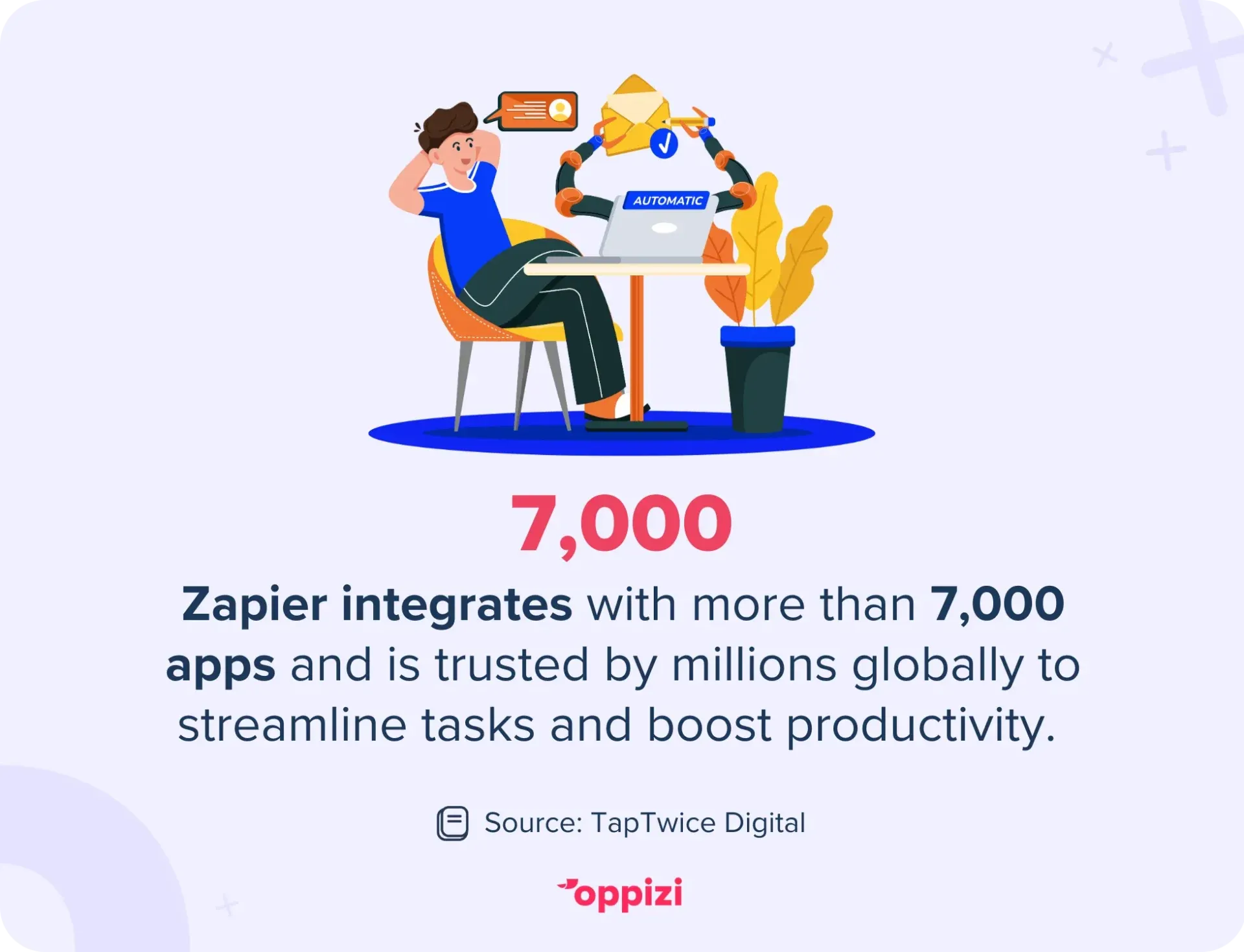
Think about it: most offline marketing involves manual steps. Someone hands out flyers. Someone collects contact info at an event. Someone follows up later. Zapier helps you skip the manual parts by moving data from one place to another automatically.
This saves time, reduces mistakes, and helps you stay organized. It’s a simple way to connect offline actions with digital results.
How Zapier fits into offline marketing campaigns
Offline campaigns aren’t separate from digital tools. In fact, they often overlap. Here’s what that might look like:
- You give out flyers with a QR code or short link.
- A customer scans the code and lands on your form or website.
- They fill out their info.
- You want that info to go straight into your CRM, email tool, or sales platform.
That’s where Zapier comes in. It connects the dots between the apps you already use and the offline data you collect. Here are a few ways it can help:
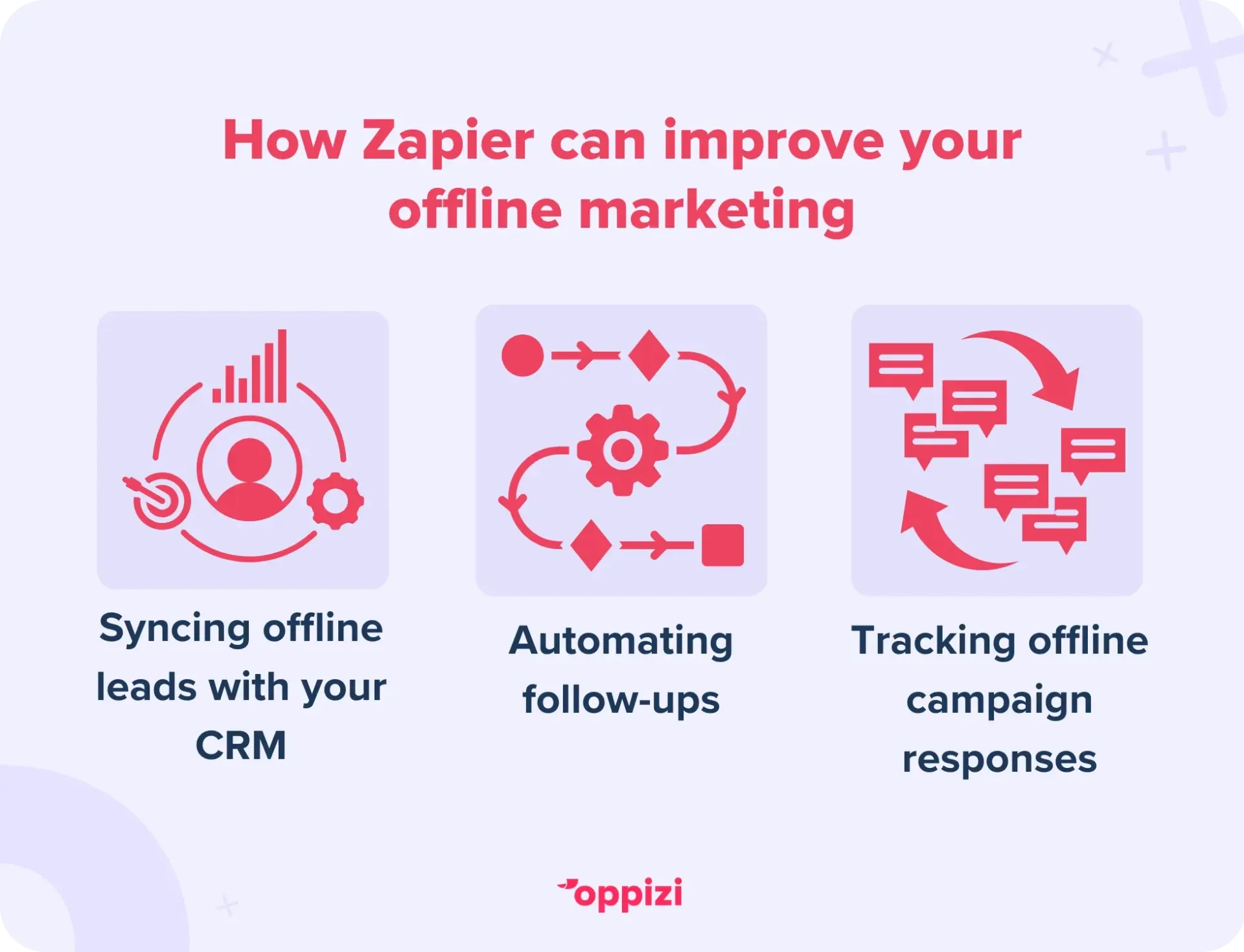
1. Syncing offline leads with your CRM
Offline campaigns bring in leads from forms, events, or even phone calls. But entering that data manually takes time and opens the door to errors. Zapier makes it automatic.
Let’s say you use a Google Form at a local event. Zapier can send each response to your CRM, such as Salesforce, HubSpot, or Pipedrive, right away. No copy-pasting. No missed leads.
2. Automating follow-ups
When someone responds to your campaign, you want to reach out quickly. With Zapier, you don’t have to do it by hand.
If someone fills out a form or scans a QR code, Zapier can send them a welcome email, a discount code, or a text message. It can also create a task for your team to follow up. This way, you stay top of mind while the lead is still warm.
3. Tracking offline campaign responses
It’s not always easy to measure offline results. But with the right setup, you can track everything. Zapier can connect tools like Google Sheets and Airtable to help you organize and analyze your data. You’ll see which flyers, events, or handouts bring in the most responses.
This helps you make better decisions and spend smarter next time.
Practical Zapier integrations for offline campaigns
Here are some easy ways to use Zapier in your offline marketing. You don’t need to be a tech expert. These examples are simple to set up and can save you time.
Google Sheets + CRM integration
If you're collecting leads on paper or using a basic form, Google Sheets is a good place to start. You can enter the leads into a spreadsheet. Zapier will take care of the rest.
Example:
- You gather lead info with a form or at an event.
- You enter it into Google Sheets.
- Zapier sends each row to your CRM as a new lead.
- Your sales team gets the info right away and can follow up quickly.
No more manual data entry. No more delays.
QR code scanning + email marketing
QR codes are great for connecting your flyers to your website or form. When someone scans the code and fills out your form, Zapier can add them to your email list.
Example:
- You print flyers with a QR code linked to a form.
- Someone scans the code and submits the form.
- Zapier adds them to Mailchimp or ActiveCampaign.
- They get a welcome email or a special offer right away.
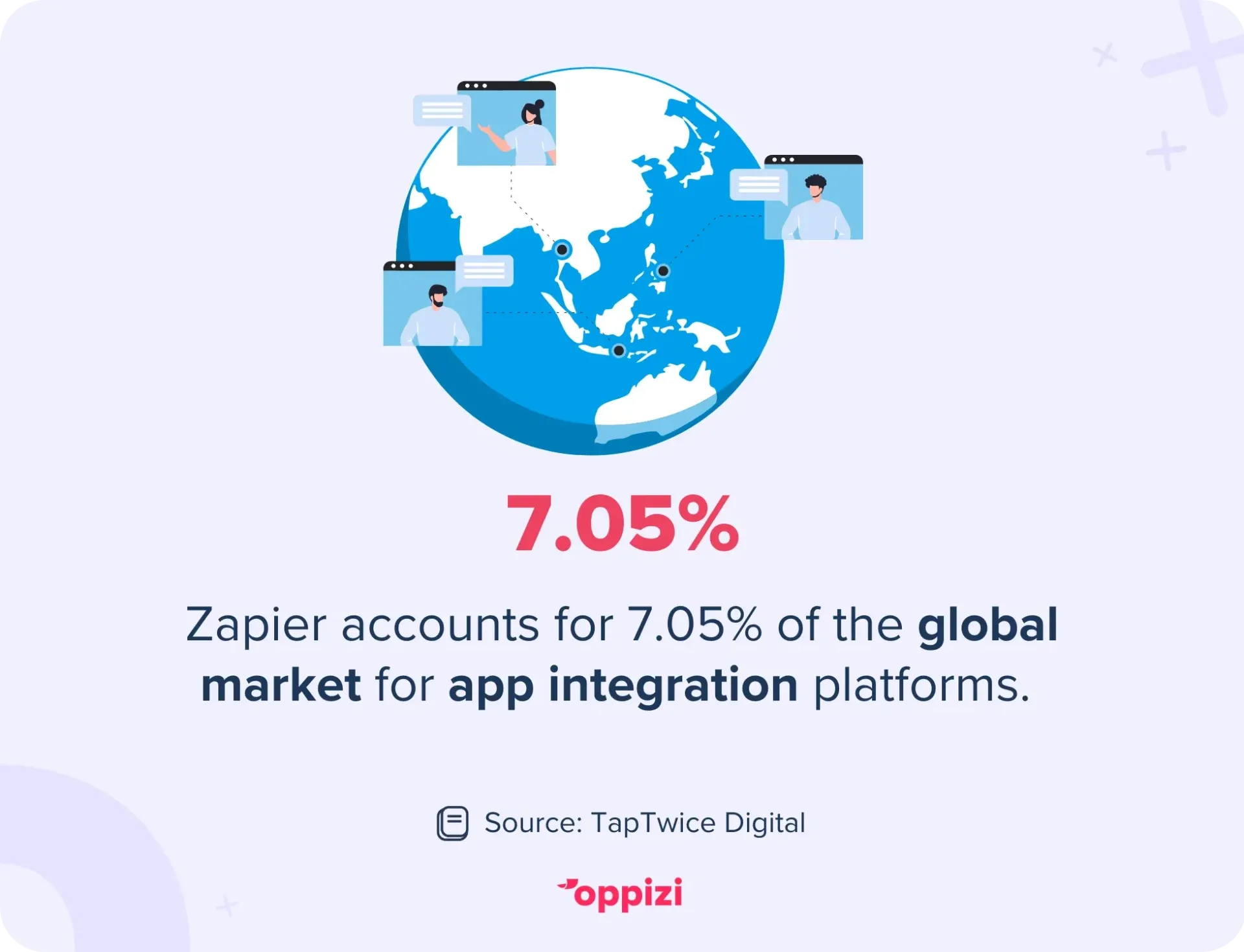
Zapier commands 7.05% of the global market for app integration tools, and for good reason. It makes automating tasks feel effortless, helping marketers turn interest into action faster. Those already using it are ahead of the game, while others are falling behind.
Call tracking + SMS follow-up
If people respond by calling your number, you can use call tracking tools and Zapier to make sure no one gets missed.
Example:
- A customer calls your tracked phone number.
- Zapier logs the call into Google Sheets or your CRM.
- It also sends a thank-you text or confirmation.
- Your team gets a heads-up to follow up with that lead.
You stay organized and follow up fast.
Tips for getting started with Zapier for offline campaigns
New to Zapier? Here’s how to set it up for your offline marketing.
1. Find your offline touchpoints
Look at where you collect info from your campaigns. That could be flyer forms, phone calls, or signups at events.
2. Pick your tools
Choose the apps you already use. That might be your CRM, spreadsheet, or SMS tool.
3. Start small
Create a simple workflow first. For example, send leads from a spreadsheet to your CRM or add contacts to your email list.
4. Test everything
Run a small test or enter dummy data. Make sure your setup works before using it for real leads.
5. Build as you go
Once the basics are in place, add more. Set follow-up tasks, reminders, or auto-track campaign results.
Common Zapier integrations for offline marketing campaigns
These are some apps marketers often connect with Zapier for offline campaigns:
- Google Sheets – Easy way to enter and sort data
- HubSpot, Salesforce, Pipedrive – Manage leads and sales
- Mailchimp, ActiveCampaign – Send email follow-ups
- Twilio – Send texts or alerts
- Slack – Let your team know when a new lead comes in
Measuring offline campaign results with Zapier and Oppizi
It’s hard to measure offline campaigns without the right tools. But when you use Oppizi and Zapier together, it becomes simple. You can:
- See how many flyers were handed out in each location
- Track how many leads came from each campaign
- Follow every lead’s progress in your CRM
- Measure ROI by linking offline efforts to online results
This makes it easier to understand what’s working and what needs to change.
Common challenges when automating offline campaigns, and how to fix them
Getting started with automation can feel overwhelming. Here are a few common problems and simple ways to solve them:
1. Disconnected data
Collecting leads on paper or using different forms can create gaps. Try using Google Forms or QR codes to keep your data clean and easy to track.
2. Too many manual tasks
Typing leads into your CRM or sending emails one by one takes time. Even one Zap can save hours. Start by syncing a spreadsheet with your CRM.
3. No clear campaign results
Offline marketing can feel hard to track. Add QR codes, custom links, or tracking IDs to your materials.
4. Worried it’s too technical
You don’t need to be a developer. Zapier is made for marketers. Use a template, test in small steps, and grow your setup over time.
How to use unique codes and URLs to track offline campaigns
When you run offline campaigns, it's important to know what’s working. Unique codes and URLs help you track results. Here’s how to use them:
- Create a unique URL for each campaignTools like Bitly or Oppizi let you make short, custom links. These are easy to add to flyers or posters.
- Use QR codesQR codes can take people to landing pages. Zapier can track visits, signups, or purchases from those pages.
- Add promo codesUse special discount or referral codes. Track how many people use them through your website or point-of-sale system.
- Connect it all with ZapierWhen someone fills out a form from a unique URL, Zapier can tag the lead by campaign and send follow-up emails automatically.
With this setup, every flyer gives you real data. You’ll know which campaigns bring in leads or sales.
How to keep offline data safe when using digital tools
When collecting data, especially from offline sources, privacy matters. It helps build trust with your customers. Here’s how to stay safe:
- Use secure formsThe tools you use should include encryption and secure links.
- Control accessOnly give access to the people who need it. Use settings in your CRM and email tools to limit who sees sensitive data.
- Be clear with customersLet people know why you're asking for their info and how you’ll use it. If you’re running a contest or promo, explain the rules.
- Follow GDPR rulesIf you’re in the EU or targeting EU users, include opt-in checkboxes and handle data the right way.
- Check your ZapsReview your automations now and then. Make sure you’re only collecting what you need.
Conclusion
Zapier makes it easier to run offline campaigns. You can track leads, save time, and send follow-ups without doing it all by hand. When you use Zapier with Oppizi, you get a simple way to manage and measure offline campaigns.
Want to make offline marketing easier? Try Oppizi and see how simple it can be to track your results.